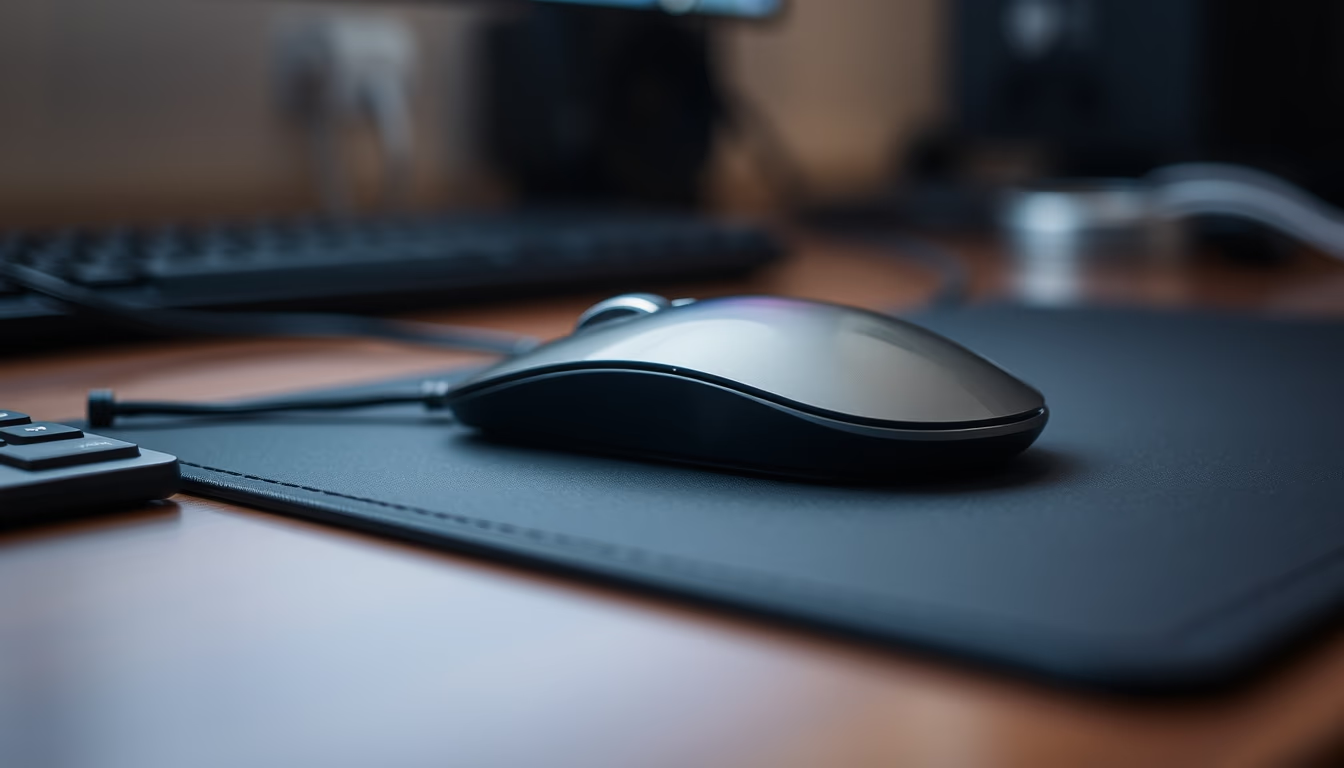
Mousepad with mouse macro
1344×768 · AVIF · CC BY 4.0
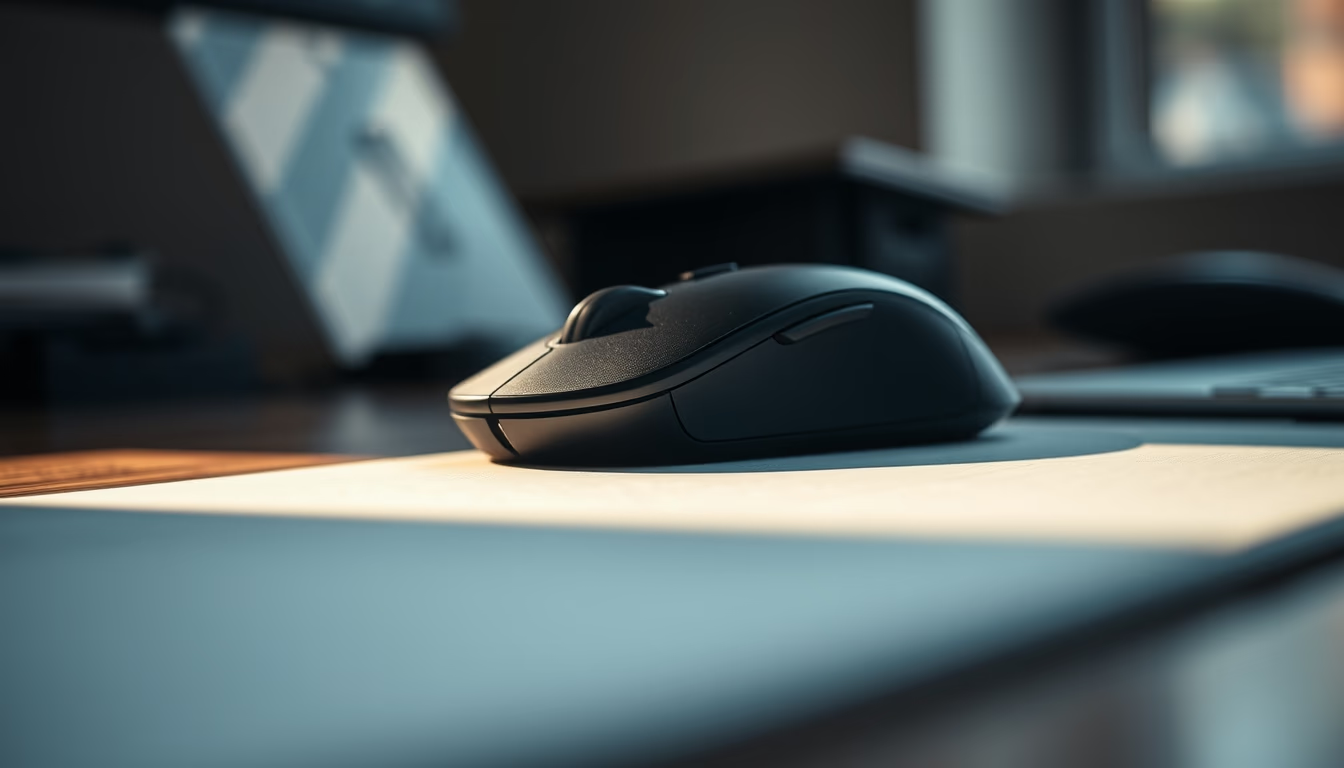
Macro shot of a mouse on a mousepad highlights surface details and ergonomic design of computer peripherals.
About this subject
The mousepad, also known as a mouse mat, has been a companion to the computer mouse since the early ball-based models. Originally, its purpose was to provide a clean and uniform surface for the ball to roll on, preventing dirt accumulation and ensuring tracking accuracy. With the rise of optical and laser mice, the mousepad remained relevant by offering textures and materials that affect grip, speed, and user comfort.
Today, mousepads are made from various materials such as cloth, plastic, glass, and aluminum. Each provides different levels of friction and durability. Cloth mousepads are the most common, favored by gamers for balancing control and glide. Hard plastic mousepads offer less resistance, ideal for fast movements in competitive gaming. Models with non-slip rubber bases prevent the mat from shifting during use.
Beyond functionality, mousepads have become personal expression items. Many users opt for custom designs, game or character prints, and even desk-sized pads that accommodate both keyboard and mouse. Ergonomics has also gained prominence, with mousepads featuring wrist rests to prevent repetitive strain injuries (RSI). These models are especially recommended for professionals who spend hours at the computer.
The mouse itself has evolved from early wired ball mice (invented by Douglas Engelbart in the 1960s) to wireless versions with high-precision optical sensors, multiple buttons, and RGB lighting. Combining a good mouse with an appropriate mousepad can significantly enhance productivity and gaming experience. The macro image captures this partnership, revealing surface details of the mousepad and mouse design that often go unnoticed in everyday use.
Frequently Asked Questions
What is the difference between cloth and plastic mousepads?
Cloth mousepads offer more control and are quieter, while plastic ones provide faster glide and are easier to clean. The choice depends on user preference.
Do mousepads with wrist rests really help?
Yes, especially for those who spend long hours at the computer. The rest keeps the wrist in a neutral position, reducing strain and preventing pain.
Why use a mousepad with an optical mouse?
Optical mice work on almost any surface, but a mousepad improves accuracy and prevents sensor wear, while providing a consistent surface.
Direct URL
https://pub-c7d6a6ea828543ac903a74a341ccb2e1.r2.dev/imagens/mousepad-with-mouse-macro-documentary-photography-p2.avifHow to credit
Include a visible link back to UtilizAí. Copy one of the snippets below:
<a href="https://xn--utiliza-eza.com/en/midia/imagens/mousepad-with-mouse-macro-documentary-photography-p2">Mousepad with mouse macro</a> by <a href="https://xn--utiliza-eza.com">UtilizAí</a>, licensed under <a href="https://creativecommons.org/licenses/by/4.0/">CC BY 4.0</a>.
[Mousepad with mouse macro](https://xn--utiliza-eza.com/en/midia/imagens/mousepad-with-mouse-macro-documentary-photography-p2) by [UtilizAí](https://xn--utiliza-eza.com), CC BY 4.0
License: CC-BY-4.0