Mousepad with mouse macro
1344×768 · AVIF · CC BY 4.0
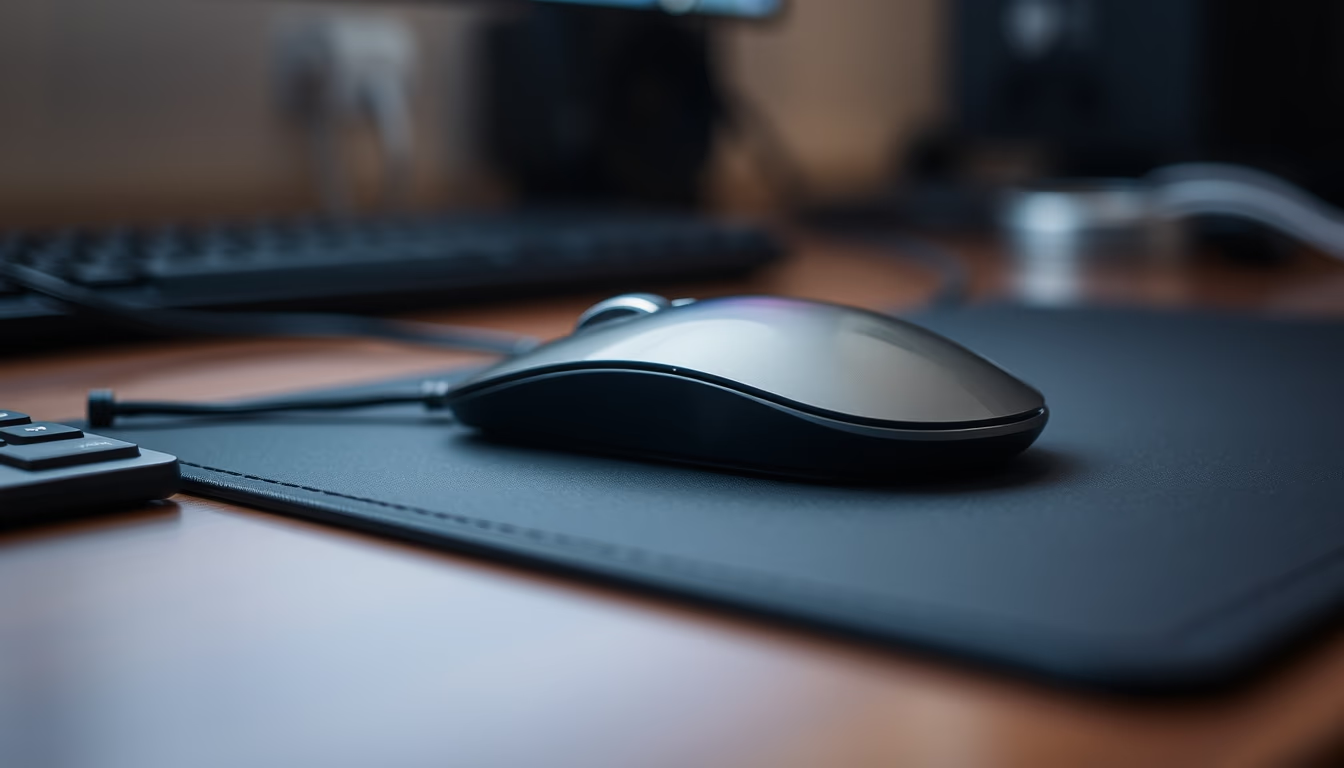
Macro close-up of a mousepad with a mouse, highlighting the fabric texture and input device details.
About this subject
Mousepads are surfaces designed to improve precision and comfort when using a computer mouse. Traditionally made of cloth, rubber, or plastic, they offer different levels of friction and grip. Cloth models, like the one in the image, are popular for their soft surface that enables smooth movements, while hard plastic versions favor higher speed. Thickness ranges from 2 to 5 mm, and many have a non-slip rubber base.
The mouse itself has evolved from mechanical ball devices to high-precision optical and laser sensors. Modern mice feature multiple programmable buttons, adjustable DPI (up to 20,000 or more), and RGB lighting. Ergonomics are crucial: ambidextrous or right-handed designs with palm support reduce fatigue during long sessions. Combining a good mousepad with a suitable mouse can significantly boost productivity and gaming performance.
In the Brazilian context, the peripherals market is growing with the rise of home office and e-sports. Brands like Multilaser, Logitech, and Razer dominate shelves. The mousepad in the image, with its textured surface, exemplifies a mid-range model suitable for both work and leisure. Material choice depends on usage style: cloth for control, plastic for speed. Interestingly, many professional gamers prefer large mousepads covering the entire desk for wide, unrestricted movements.
Frequently Asked Questions
What is the difference between cloth and plastic mousepads?
Cloth mousepads offer more friction and control, ideal for games requiring precision. Plastic ones have a smooth surface, providing less resistance and faster movement, preferred for quick glides.
How to clean a cloth mousepad?
Use warm water and mild soap, gently scrubbing with a soft brush. Avoid harsh chemicals. Let it air dry in the shade to prevent warping.
What does DPI mean on a mouse?
DPI (dots per inch) indicates mouse sensitivity: higher DPI moves the cursor faster. Common gaming settings range from 400 to 1600 DPI, while values above 3000 are used for high-resolution monitors.
Direct URL
https://pub-c7d6a6ea828543ac903a74a341ccb2e1.r2.dev/imagens/mousepad-with-mouse-macro-macro-closeup-p6.avifHow to credit
Include a visible link back to UtilizAí. Copy one of the snippets below:
<a href="https://xn--utiliza-eza.com/en/midia/imagens/mousepad-with-mouse-macro-macro-closeup-p6">Mousepad with mouse macro</a> by <a href="https://xn--utiliza-eza.com">UtilizAí</a>, licensed under <a href="https://creativecommons.org/licenses/by/4.0/">CC BY 4.0</a>.
[Mousepad with mouse macro](https://xn--utiliza-eza.com/en/midia/imagens/mousepad-with-mouse-macro-macro-closeup-p6) by [UtilizAí](https://xn--utiliza-eza.com), CC BY 4.0
License: CC-BY-4.0