Pliers macro detail
1344×768 · AVIF · CC BY 4.0
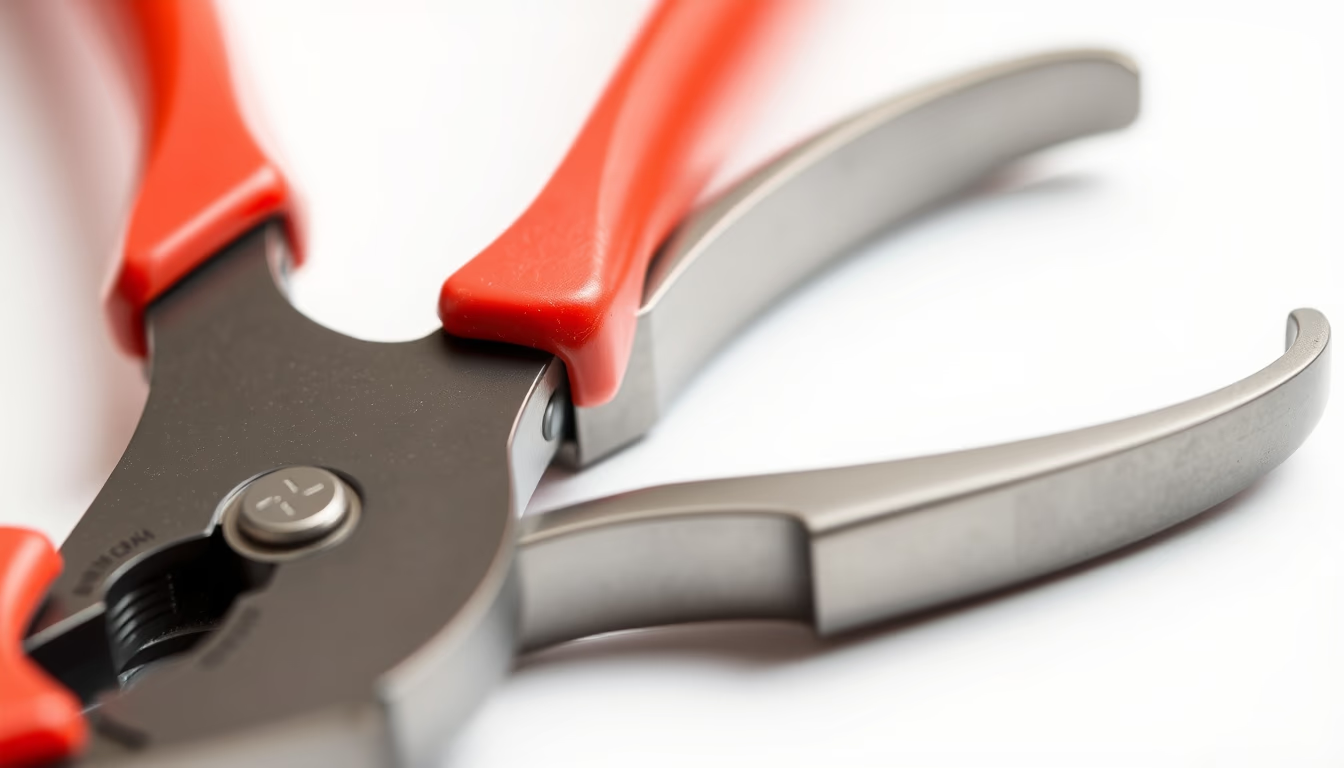
Macroscopic detail of a handsaw tooth, highlighting sharpness and tooth geometry for wood cutting.
About this subject
Handsaws are cutting tools consisting of a steel blade with sharp teeth. Each tooth acts as a small wedge that removes material chips. Tooth geometry varies by application: rip teeth for longitudinal cuts, crosscut teeth for transverse cuts, and double-bevel (fleam) teeth for green or hardwood. The rake angle and pitch determine cut aggressiveness and finish. In macro images, details such as manual or machine sharpening, file marks, and tempering traces become visible. Saw blades are typically made of carbon steel or alloy steel with heat treatment for hardness and elasticity. The tooth set prevents binding by creating a kerf wider than the blade thickness. Tools like triangular files or specialized sharpeners maintain the edge. Today, woodworkers and metalworkers still value well-maintained handsaws, although power saws have dominated since the mid-20th century.
Frequently Asked Questions
What is the difference between rip and crosscut saw teeth?
Rip teeth have straight edges and an aggressive rake angle, cutting wood fibers like chisels. Crosscut teeth have beveled edges acting like knives, severing fibers transversely. This yields cleaner cuts perpendicular to the grain.
How is a handsaw sharpened manually?
Sharpening uses a triangular saw file, matching the original tooth angle. Only the tooth side is filed in the correct direction (usually pushing). After multiple sharpenings, jointing (leveling tooth height) may be needed to maintain uniform pitch.
Why do saw teeth need to be set to alternate sides?
The set (alternate tooth bending left and right) creates a kerf wider than the blade thickness. This reduces friction, prevents binding, and eases sawdust removal. Different saw types require specific set patterns.
Direct URL
https://pub-c7d6a6ea828543ac903a74a341ccb2e1.r2.dev/imagens/pliers-macro-detail-commercial-product-photography-p2.avifHow to credit
Include a visible link back to UtilizAí. Copy one of the snippets below:
<a href="https://xn--utiliza-eza.com/en/midia/imagens/pliers-macro-detail-commercial-product-photography-p2">Pliers macro detail</a> by <a href="https://xn--utiliza-eza.com">UtilizAí</a>, licensed under <a href="https://creativecommons.org/licenses/by/4.0/">CC BY 4.0</a>.
[Pliers macro detail](https://xn--utiliza-eza.com/en/midia/imagens/pliers-macro-detail-commercial-product-photography-p2) by [UtilizAí](https://xn--utiliza-eza.com), CC BY 4.0
License: CC-BY-4.0