Kanban board app screen
1344×768 · AVIF · CC BY 4.0

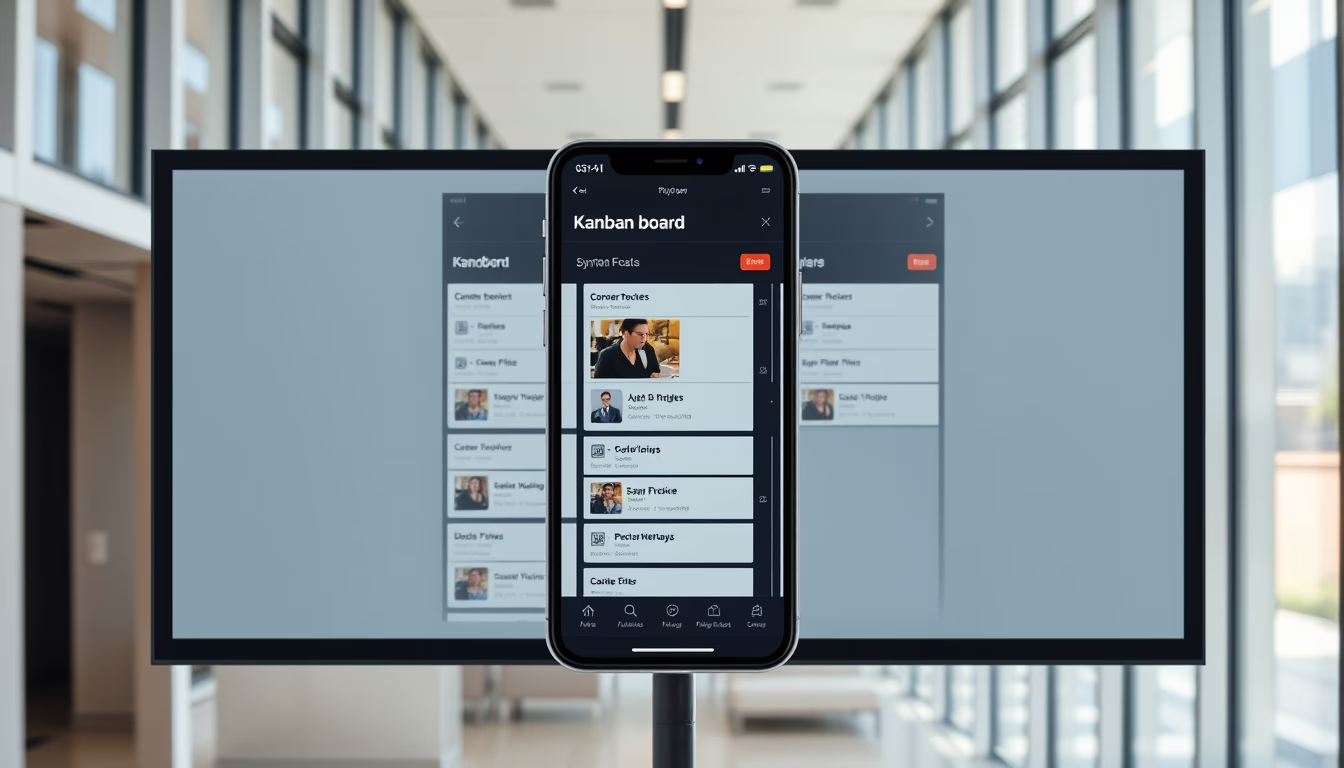
Kanban board app screen illustrates the visual task management method used by agile teams to organize workflows efficiently.
About this subject
The Kanban board is a visual project management tool originating from Toyota's production system in the 1940s. It was adapted for software development and is now widely used in agile methodologies such as Scrum and Kanban itself. The board consists of columns representing workflow stages, like "To Do", "In Progress", and "Done". Cards represent individual tasks, moving across columns as they progress.
In digital apps, the Kanban board offers drag-and-drop functionality, labels, deadlines, and integration with other tools. Popular examples include Trello, Jira Software, and Asana. The methodology emphasizes limiting work in progress (WIP) to avoid bottlenecks and improve continuous flow. Companies across various sectors, beyond tech, adopt Kanban to manage processes, from marketing to manufacturing.
A curiosity: the name "Kanban" comes from Japanese and means "card" or "visual signal". The method values transparency, as all team members can see the status of each task in real time. Studies show that implementing Kanban can increase productivity by up to 40% in agile teams, reducing cycle time and improving delivery predictability.
Frequently Asked Questions
What is a Kanban board?
A Kanban board is a visual tool for managing tasks, organized into columns representing workflow stages. Each task is a card that moves across columns as it progresses.
How does the Kanban method work?
The Kanban method works by visualizing work, limiting work in progress (WIP), managing flow, and continuously improving. It promotes transparency and efficiency by highlighting bottlenecks and prioritizing tasks.
What are the benefits of using a digital Kanban board?
Benefits include increased transparency, reduced bottlenecks, improved productivity, easier remote collaboration, and integration with other management tools.
Direct URL
https://pub-c7d6a6ea828543ac903a74a341ccb2e1.r2.dev/imagens/kanban-board-app-screen-high-fashion-editorial-p4.avifHow to credit
Include a visible link back to UtilizAí. Copy one of the snippets below:
<a href="https://xn--utiliza-eza.com/en/midia/imagens/kanban-board-app-screen-high-fashion-editorial-p4">Kanban board app screen</a> by <a href="https://xn--utiliza-eza.com">UtilizAí</a>, licensed under <a href="https://creativecommons.org/licenses/by/4.0/">CC BY 4.0</a>.
[Kanban board app screen](https://xn--utiliza-eza.com/en/midia/imagens/kanban-board-app-screen-high-fashion-editorial-p4) by [UtilizAí](https://xn--utiliza-eza.com), CC BY 4.0
License: CC-BY-4.0