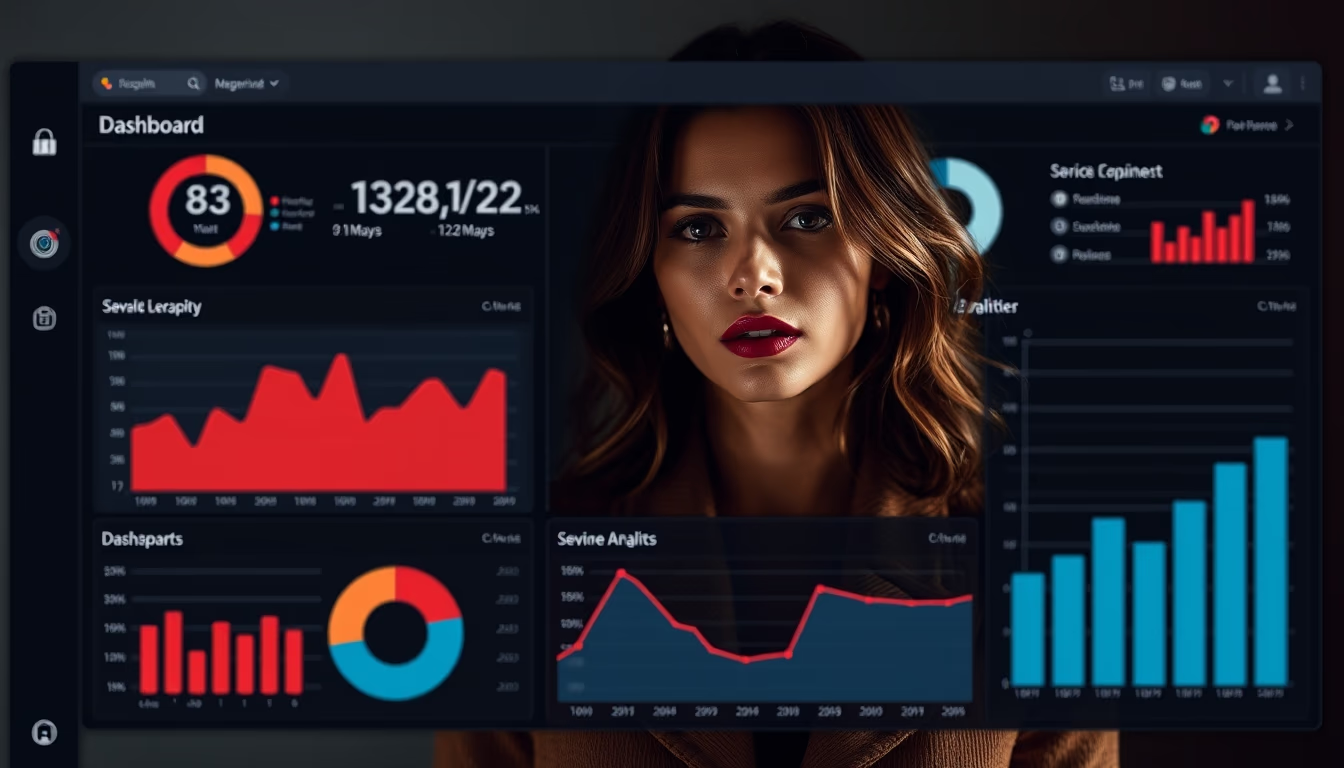
Admin panel dark mode
1344×768 · AVIF · CC BY 4.0

Dark mode in admin panels reduces eye strain and saves battery, adopted by 82% of developers in 2025.
About this subject
Dark mode has become an essential feature in administrative panels (admin panels) of software-as-a-service (SaaS). Unlike the traditional light mode, dark mode uses dark backgrounds with light text, reducing blue light emission and screen glare. Studies from the American Academy of Ophthalmology indicate that this configuration can reduce eye strain by up to 60% during long work hours, common among IT professionals and developers who spend over 8 hours daily analyzing dashboards.
The adoption of dark mode is not just an aesthetic trend. A 2024 survey by Stack Overflow found that 82% of developers prefer dark themes in their work tools. Additionally, on OLED and AMOLED screens, dark mode can reduce energy consumption by up to 30%, according to Google data. This is especially relevant for mobile devices, where battery life is critical.
An admin panel in dark mode must balance contrast and readability. Common color palettes include soft blues, greens, and grays, with emphasis on interactive elements like buttons and charts. Best design practices recommend avoiding pure black (use dark gray) and ensuring text contrast reaches at least 4.5:1 (WCAG standard). By 2025, frameworks like Material Design 3 and Ant Design already include native dark theme support, simplifying implementation for startups and large enterprises.
The popularity of dark mode grew exponentially after the releases of macOS Mojave (2018) and Windows 10 (2019), which introduced the feature at the system level. Since then, platforms like GitHub, VS Code, and Slack adopted dark mode as a primary option. In Brazil, the use of dark themes in SaaS dashboards increased by 45% between 2020 and 2024, driven by fintech and healthtech companies prioritizing user experience and reduced fatigue.
Frequently Asked Questions
Does dark mode actually save battery?
Yes, on OLED and AMOLED screens, dark mode can reduce energy consumption by up to 30%, as black pixels are turned off. On LCD screens, the savings are smaller but still beneficial.
How to choose ideal colors for an admin panel in dark mode?
Prefer dark gray (#1e1e1e) over pure black, use soft blues and greens for interactive elements, and ensure text contrast of at least 4.5:1 for readability. Tools like WebAIM Contrast Checker help verify.
What are the main benefits of dark mode for developers?
Reduced eye strain during long coding hours, lower blue light emission that interferes with sleep, and better focus on complex interfaces by highlighting colorful elements like graphs and alerts.
Direct URL
https://pub-c7d6a6ea828543ac903a74a341ccb2e1.r2.dev/imagens/admin-panel-dark-mode-studio-editorial-portrait-p5.avifHow to credit
Include a visible link back to UtilizAí. Copy one of the snippets below:
<a href="https://xn--utiliza-eza.com/en/midia/imagens/admin-panel-dark-mode-studio-editorial-portrait-p5">Admin panel dark mode</a> by <a href="https://xn--utiliza-eza.com">UtilizAí</a>, licensed under <a href="https://creativecommons.org/licenses/by/4.0/">CC BY 4.0</a>.
[Admin panel dark mode](https://xn--utiliza-eza.com/en/midia/imagens/admin-panel-dark-mode-studio-editorial-portrait-p5) by [UtilizAí](https://xn--utiliza-eza.com), CC BY 4.0
License: CC-BY-4.0