Gaming setup with rgb lights
1344×768 · AVIF · CC BY 4.0
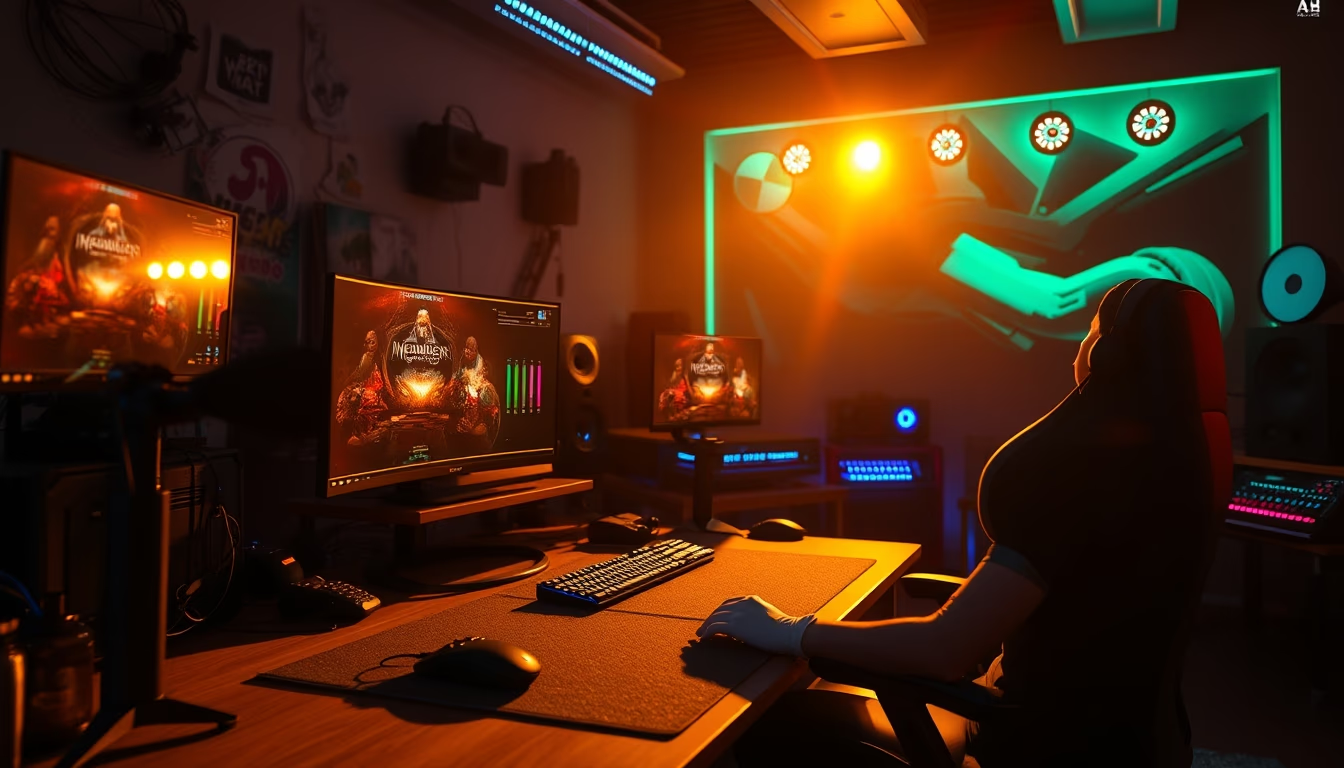
Gaming setup with RGB lighting: how visual customization transforms the gaming experience and reflects modern gamer culture.
About this subject
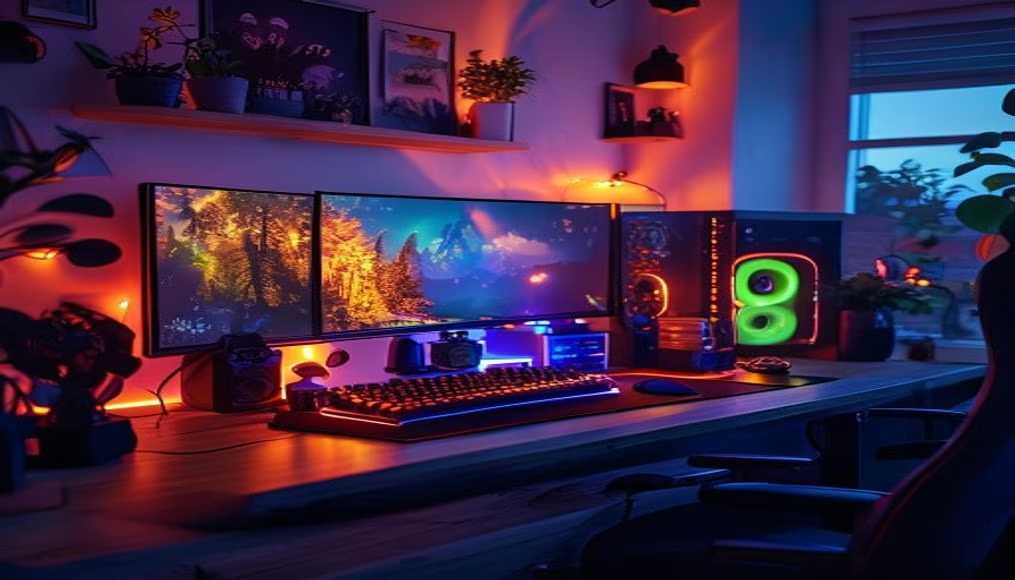
RGB lighting has become a central element in gaming setups, going beyond aesthetics to offer features like in-game event synchronization, visual alerts, and environment personalization. This trend started with keyboards and mice but quickly expanded to monitors, cases, desks, and even chairs. Brands like Corsair, Razer, and Logitech popularized lighting ecosystems that allow individual LED control, creating effects such as waves, breathing, or reactions to in-game events.
In Brazil, the RGB peripherals market has grown exponentially, with options ranging from entry-level components to professional setups. Lighting is not merely decorative: studies suggest that personalized environments can increase focus and immersion during gaming sessions. Moreover, many gamers use RGB as a form of expression, combining colors that represent their favorite teams, characters, or moods.
The gaming setup culture has also boosted online communities where enthusiasts share photos and videos of their builds. Platforms like Reddit and Instagram feature thousands of posts under the hashtag #setupwars, showcasing everything from minimalist builds to true works of art with organized cables and diffused lighting. Cable management, in fact, is a technical challenge many face to ensure RGB light stands out without distractions.
From a technical standpoint, modern RGB uses addressable LEDs capable of displaying up to 16.8 million colors. Connectivity is via USB or dedicated controllers, and software like iCUE and Synapse allows programming complex effects. Advanced setups may include temperature and sound sensors to sync lighting with music or CPU heat. This integration turns the computer into a functional piece of art, blending technology and design.
Frequently Asked Questions
What are the main components that can have RGB lighting in a gaming setup?
Almost all peripherals and components: keyboard, mouse, headset, monitor, case, cooler, graphics card, RAM, desk, and even chairs. Many also include ambient LED strips.
How can RGB lighting improve the gaming experience?
It can increase immersion by reacting to in-game actions like explosions or damage. It also helps with key finding in dark environments and allows visual customization that reflects the player's style.
Is it possible to sync RGB lighting from different brands?
Yes, through software like SignalRGB or OpenRGB, which integrate devices from various brands into a single control. However, not all peripherals are compatible, so it's best to check before purchasing.
Direct URL
https://pub-c7d6a6ea828543ac903a74a341ccb2e1.r2.dev/imagens/gaming-setup-with-rgb-lights-cinematic-wide-shot-v2.avifHow to credit
Include a visible link back to UtilizAí. Copy one of the snippets below:
<a href="https://xn--utiliza-eza.com/en/midia/imagens/gaming-setup-with-rgb-lights-cinematic-wide-shot-v2">Gaming setup with rgb lights</a> by <a href="https://xn--utiliza-eza.com">UtilizAí</a>, licensed under <a href="https://creativecommons.org/licenses/by/4.0/">CC BY 4.0</a>.
[Gaming setup with rgb lights](https://xn--utiliza-eza.com/en/midia/imagens/gaming-setup-with-rgb-lights-cinematic-wide-shot-v2) by [UtilizAí](https://xn--utiliza-eza.com), CC BY 4.0
License: CC-BY-4.0