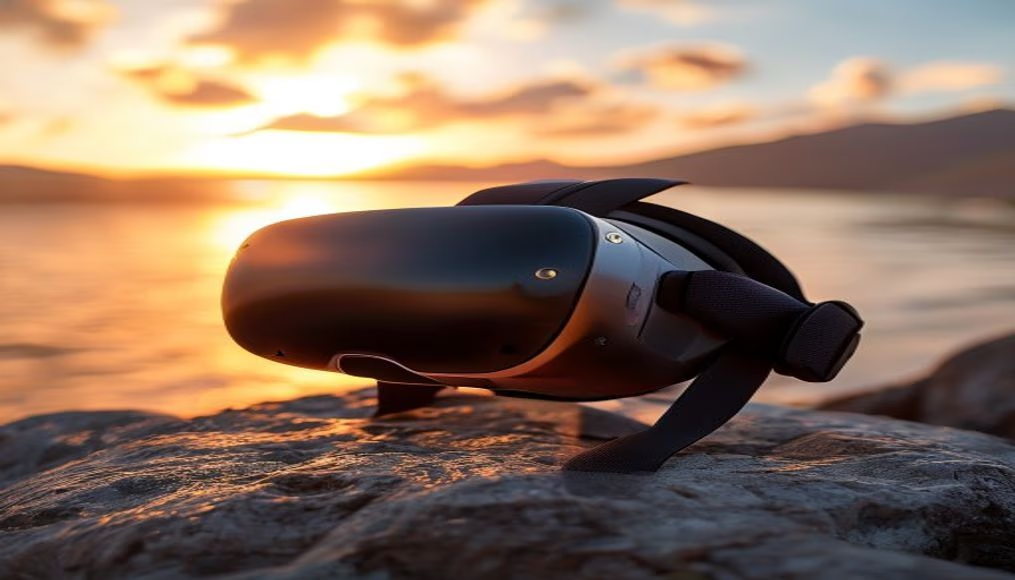
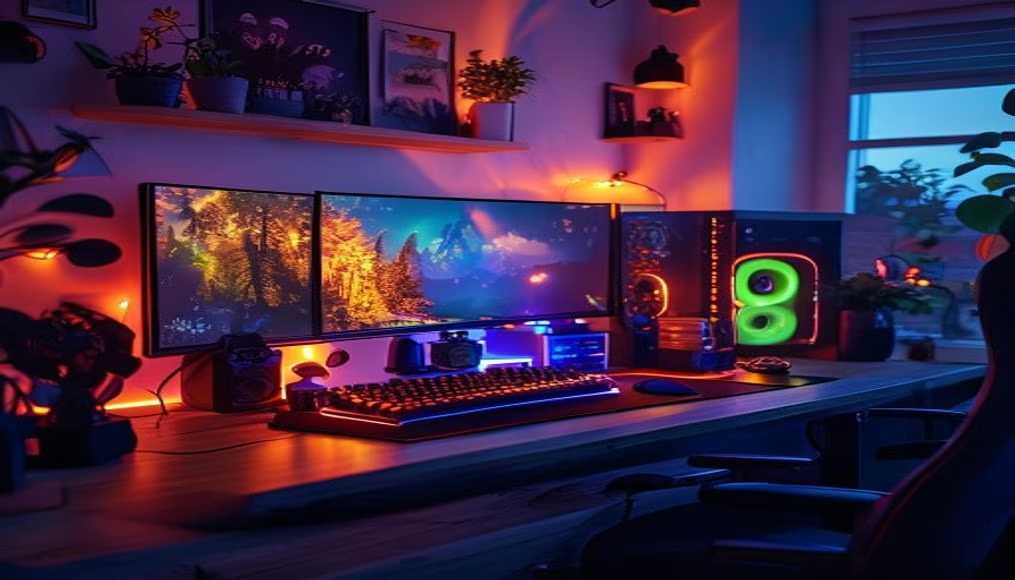
Gaming setup with rgb lights
1344×768 · AVIF · CC BY 4.0
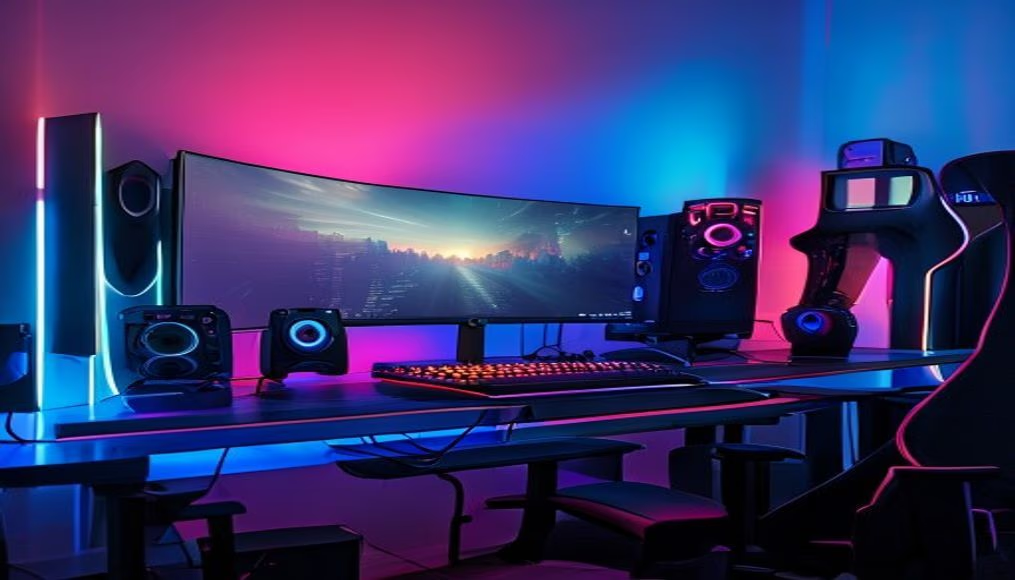
Discover how a gaming setup with RGB lights transforms the gaming experience, combining technical performance and visual customization.
About this subject
A gaming setup comprises all the equipment in a player's gaming station: a PC or console, monitor, keyboard, mouse, headset, and often a microphone and webcam. RGB (Red, Green, Blue) lighting has become a standard in gaming culture, going beyond pure aesthetics. LED strips, colorful fans, and illuminated peripherals allow users to create visual themes that reflect their personality or match specific games.
Major manufacturers such as Corsair, Razer, and ASUS have developed synchronizable lighting ecosystems like iCUE, Chroma, and Aura Sync. With these software suites, users can coordinate the colors of all compatible devices in real time, reacting to in-game events such as taking damage, killstreaks, or scene changes. This creates deeper immersion, as the physical environment responds to the digital world.
For streamers and content creators, RGB also serves as a branding and engagement tool. Well-placed lighting highlights the streamer's face on camera and can be used to indicate chat notifications or donations via plugins like Streamlabs. Additionally, adjustable color temperature (from cool to warm tones) aids professional video lighting.
The popularity of RGB extends beyond expensive peripherals: affordable LED strips and controllers allow anyone to transform an ordinary space into an immersive environment. However, it is important to balance the lighting to avoid eye strain. Many modern setups adopt indirect lighting, with strips behind the monitor or under the desk, creating an ambient light effect that reduces eye fatigue during long gaming sessions.
Frequently Asked Questions
Is it difficult to set up RGB lights in a gaming setup?
No. Most RGB peripherals and components come with proprietary or compatible software, such as Corsair iCUE or Razer Synapse. Simply install the program, connect the devices, and choose from pre-made profiles or create your own color scheme.
Do RGB lights actually improve gaming performance?
They improve it indirectly: in-game synchronized lighting can provide visual feedback, such as indicating remaining health or alerting to threats. Additionally, a pleasant environment reduces stress and may enhance concentration.
Can RGB lights from different brands be synchronized?
Yes, with limitations. Some software like SignalRGB or OpenRGB can control devices from multiple brands simultaneously. Otherwise, you need to use proprietary software and accept that each ecosystem operates independently.
Direct URL
https://pub-c7d6a6ea828543ac903a74a341ccb2e1.r2.dev/imagens/gaming-setup-with-rgb-lights-commercial-product-photography-v9.avifHow to credit
Include a visible link back to UtilizAí. Copy one of the snippets below:
<a href="https://xn--utiliza-eza.com/en/midia/imagens/gaming-setup-with-rgb-lights-commercial-product-photography-v9">Gaming setup with rgb lights</a> by <a href="https://xn--utiliza-eza.com">UtilizAí</a>, licensed under <a href="https://creativecommons.org/licenses/by/4.0/">CC BY 4.0</a>.
[Gaming setup with rgb lights](https://xn--utiliza-eza.com/en/midia/imagens/gaming-setup-with-rgb-lights-commercial-product-photography-v9) by [UtilizAí](https://xn--utiliza-eza.com), CC BY 4.0
License: CC-BY-4.0