Admin panel dark mode
1344×768 · AVIF · CC BY 4.0

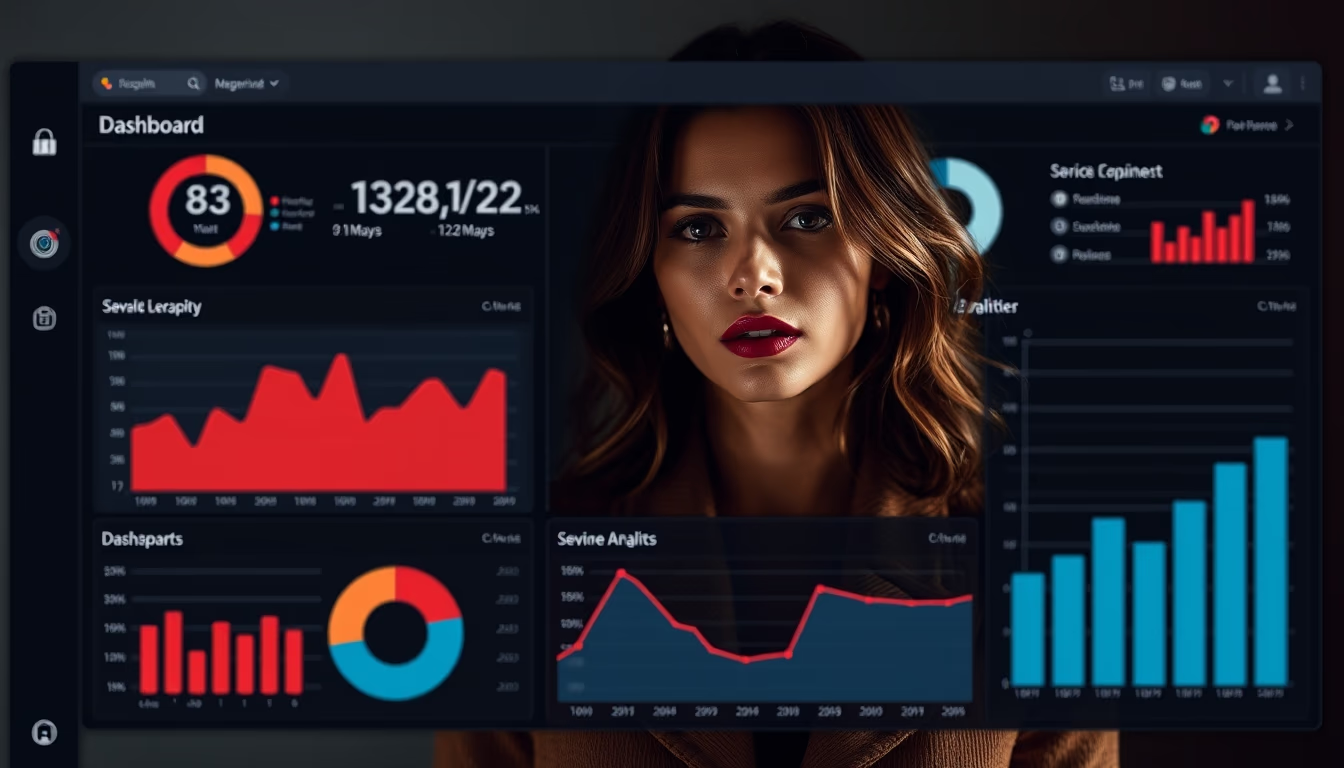
Dark mode admin panels provide visual comfort and focus for SaaS professionals, reducing eye strain during long work sessions.
About this subject
Dark mode has become a standard in SaaS administration interfaces. Its adoption is not merely aesthetic but functional: it reduces screen glare, improves readability in low-light environments, and decreases power consumption on OLED displays. Companies like Slack, GitHub, and Twitter pioneered this feature, establishing dark mode as an accessibility preference.
In admin panels, dark mode helps emphasize critical elements such as charts, notifications, and alerts. The combination with subtle textures like film grain adds depth and reduces uniformity, making the interface more pleasant. This trend, identified for 2026, reflects a search for authenticity and psychological comfort in digital interfaces.
Implementing dark mode requires attention to contrast and visual hierarchy. Highly pure colors can cause vibration; desaturated tones are recommended to avoid fatigue. Using subtle shadows and gradients instead of hard edges also improves the experience. Well designed panels in this style can boost productivity and reduce errors from fatigue.
Studies indicate that dark mode can help users with light sensitivity, such as migraines, but it is not universally better for everyone. The choice between light and dark should be user preference, and modern interfaces often provide a toggle option.
Frequently Asked Questions
What is dark mode in admin panels?
Dark mode is a UI setting that replaces light backgrounds with dark ones while maintaining readable text and elements. In admin panels, it helps reduce eye strain during extended work sessions.
What are the benefits of dark mode for SaaS users?
Key benefits include reduced eye fatigue, better visibility in low-light conditions, energy savings on OLED screens, and enhanced emphasis on critical elements like notifications and charts.
How is film grain texture applied in dark interfaces?
Film grain texture adds a subtle granular noise over the dark background, creating depth and avoiding a flat look. It is applied at low opacity to not affect readability, making the interface more authentic and pleasing.
Direct URL
https://pub-c7d6a6ea828543ac903a74a341ccb2e1.r2.dev/imagens/admin-panel-dark-mode-film-grain-authentic-p1.avifHow to credit
Include a visible link back to UtilizAí. Copy one of the snippets below:
<a href="https://xn--utiliza-eza.com/en/midia/imagens/admin-panel-dark-mode-film-grain-authentic-p1">Admin panel dark mode</a> by <a href="https://xn--utiliza-eza.com">UtilizAí</a>, licensed under <a href="https://creativecommons.org/licenses/by/4.0/">CC BY 4.0</a>.
[Admin panel dark mode](https://xn--utiliza-eza.com/en/midia/imagens/admin-panel-dark-mode-film-grain-authentic-p1) by [UtilizAí](https://xn--utiliza-eza.com), CC BY 4.0
License: CC-BY-4.0