Subscription billing screen
1344×768 · AVIF · CC BY 4.0
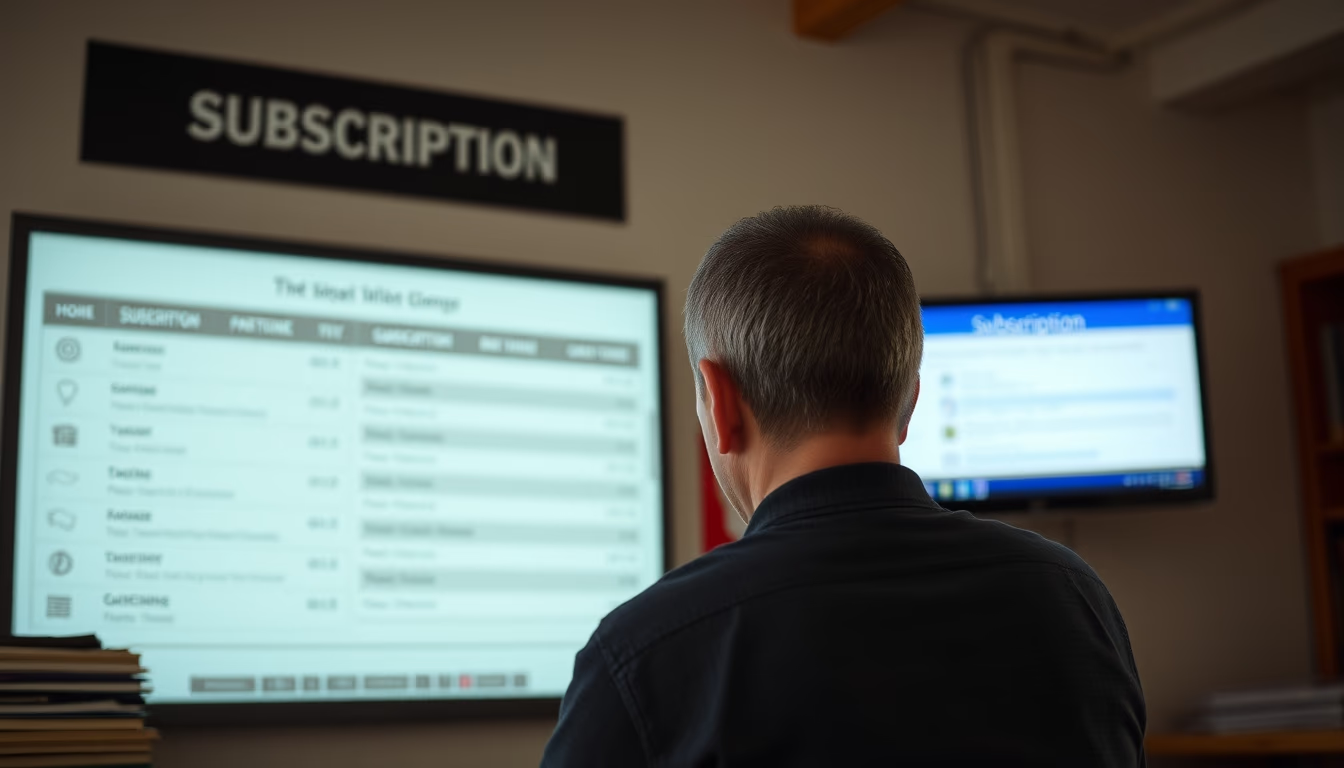
Subscription billing screen displays a summary of recurring charges, payment methods, and transaction history in SaaS platforms.
About this subject
The subscription billing screen is a critical component of any SaaS platform, serving as the user's financial control center. It consolidates key information such as the current plan, next billing amount, renewal date, and saved payment methods. A clear and intuitive layout is essential to reduce friction in the payment cycle and prevent involuntary churn, which occurs when cards expire or are declined.
Beyond the current summary, the screen typically provides access to invoice history, allowing users to download receipts and review past charges. Common features include plan upgrades/downgrades, payment method updates, and cancellation options, all of which should be easy to find. Transparency in fees and service descriptions is a competitive advantage, especially in regulated markets.
Best practices include highlighting the next due date, sending pre-billing reminders, and offering multiple payment options (credit card, boleto, PIX). Industry data shows that well-designed billing screens can reduce churn by up to 30% by simplifying financial management and building trust. Recent trends incorporate usage-based billing and hybrid plans, requiring interfaces that adapt display based on consumption patterns.
Frequently Asked Questions
What is a subscription billing screen?
It is the interface where users view and manage recurring charges for a SaaS service, including plan details, payment history, and payment methods.
What essential information should appear on this screen?
Current plan, next billing amount, renewal date, primary payment method, and invoice history.
How to prevent involuntary churn on the billing screen?
By prominently displaying the next due date, sending pre-billing reminders via email, and allowing easy credit card updates.
Direct URL
https://pub-c7d6a6ea828543ac903a74a341ccb2e1.r2.dev/imagens/subscription-billing-screen-film-grain-authentic-p3.avifHow to credit
Include a visible link back to UtilizAí. Copy one of the snippets below:
<a href="https://xn--utiliza-eza.com/en/midia/imagens/subscription-billing-screen-film-grain-authentic-p3">Subscription billing screen</a> by <a href="https://xn--utiliza-eza.com">UtilizAí</a>, licensed under <a href="https://creativecommons.org/licenses/by/4.0/">CC BY 4.0</a>.
[Subscription billing screen](https://xn--utiliza-eza.com/en/midia/imagens/subscription-billing-screen-film-grain-authentic-p3) by [UtilizAí](https://xn--utiliza-eza.com), CC BY 4.0
License: CC-BY-4.0