Kanban board app screen
1344×768 · AVIF · CC BY 4.0
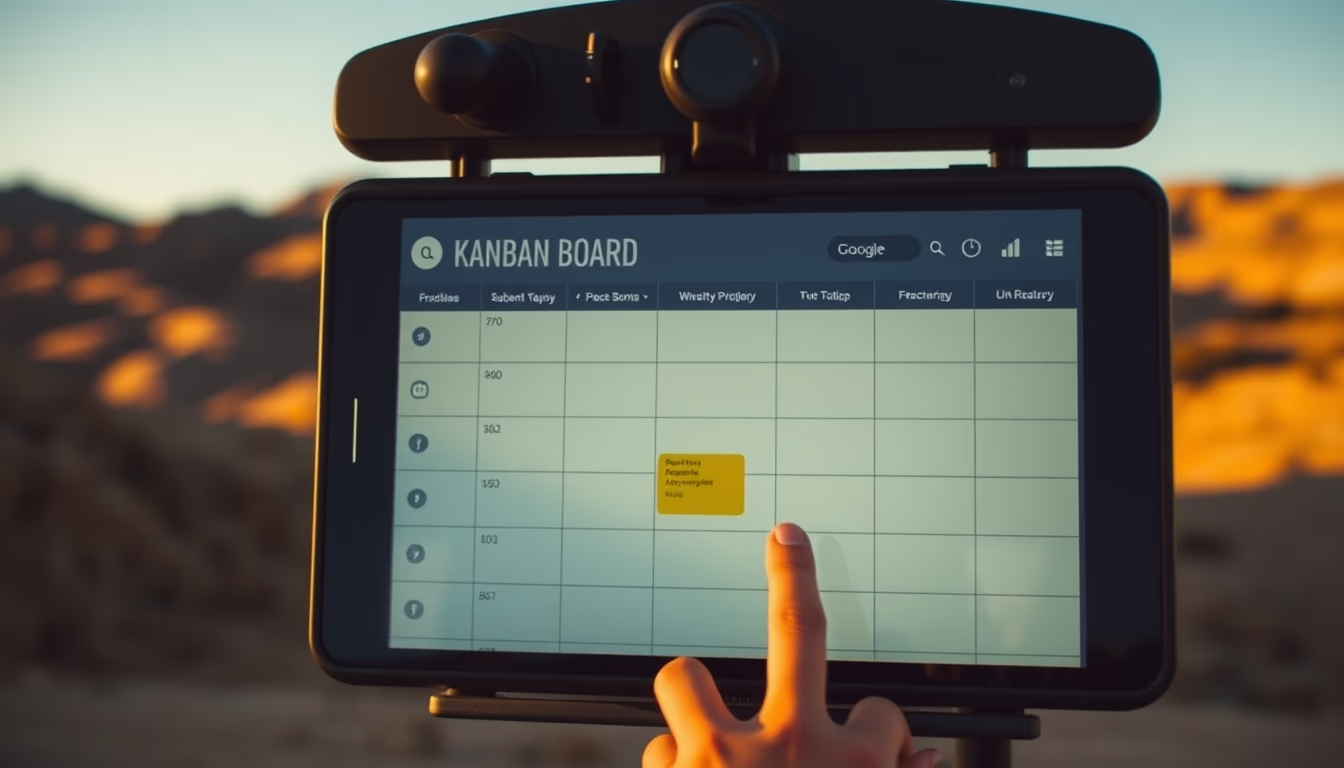
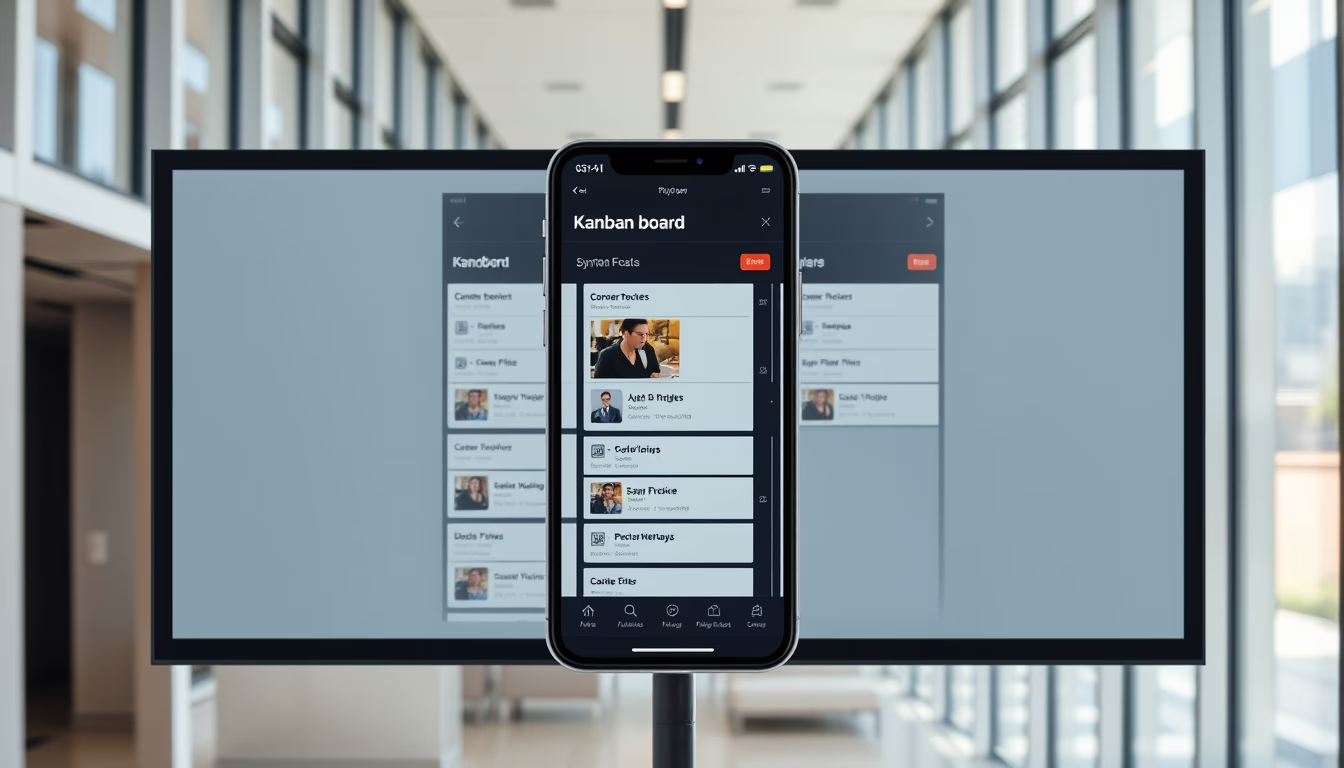
Kanban board app: a visual task management system originating from the Toyota Production System, widely used in development and logistics projects.
About this subject
Kanban is a visual workflow management method created in the 1940s by Toyota to optimize industrial production. The Japanese word 'kanban' means 'card' or 'signal', and the system relies on physical or digital cards representing tasks moving through columns such as 'To Do', 'In Progress', and 'Done'. This concept was adapted for software development by David J. Anderson in the 2000s, becoming a popular agile approach.
In a Kanban app, each card contains details like description, assignee, deadline, and attachments. Columns represent process stages, and work-in-progress (WIP) limits prevent team overload. The visual transparency helps quickly identify bottlenecks. For example, in travel photography, a Kanban board can manage everything from destination planning to photo editing and album delivery to clients.
The method is applicable to fields like marketing, HR, and logistics. Digital tools such as Trello, Jira, and Notion have popularized Kanban, offering automation, integrations, and remote collaboration. Studies show that teams using Kanban reduce lead time by up to 30% and increase delivery predictability. Its visual simplicity makes the system accessible even to non-specialists, favoring adoption in small businesses and personal projects.
Frequently Asked Questions
What does the word Kanban mean?
Kanban is a Japanese word meaning 'card' or 'signal'. In management, it refers to visual cards representing work items in a flow.
What are the core principles of Kanban?
The principles include visualizing workflow, limiting work in progress, managing flow, making policies explicit, implementing feedback loops, and improving collaboratively.
How can I use a Kanban board to organize a travel photography trip?
Create columns like 'Destinations', 'Research', 'Gear', 'Itinerary', 'Photos to Edit', and 'Delivered'. Each card can hold checklists, links, and deadlines. This helps track progress and avoid oversights.
Direct URL
https://pub-c7d6a6ea828543ac903a74a341ccb2e1.r2.dev/imagens/kanban-board-app-screen-travel-photography-p2.avifHow to credit
Include a visible link back to UtilizAí. Copy one of the snippets below:
<a href="https://xn--utiliza-eza.com/en/midia/imagens/kanban-board-app-screen-travel-photography-p2">Kanban board app screen</a> by <a href="https://xn--utiliza-eza.com">UtilizAí</a>, licensed under <a href="https://creativecommons.org/licenses/by/4.0/">CC BY 4.0</a>.
[Kanban board app screen](https://xn--utiliza-eza.com/en/midia/imagens/kanban-board-app-screen-travel-photography-p2) by [UtilizAí](https://xn--utiliza-eza.com), CC BY 4.0
License: CC-BY-4.0