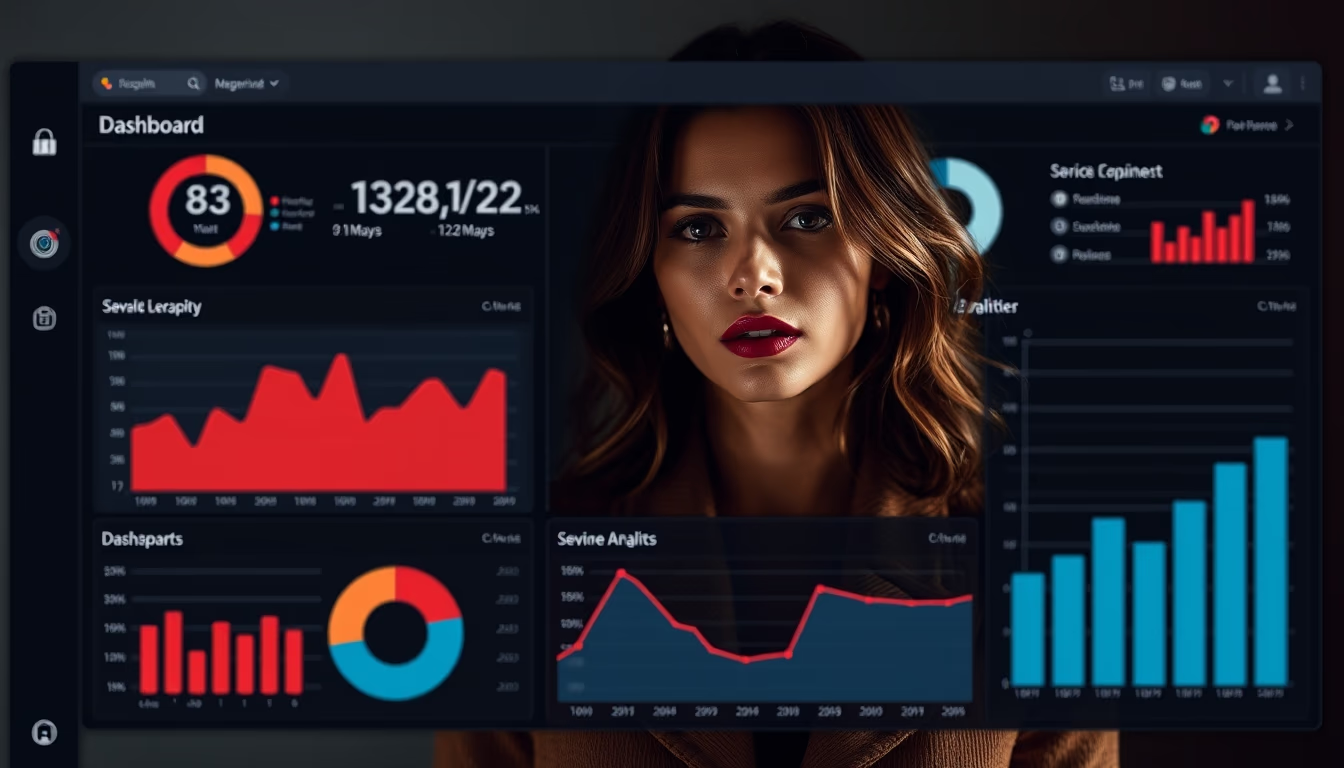
Admin panel dark mode
1344×768 · AVIF · CC BY 4.0

Dark mode admin panels reduce eye strain and save energy, becoming a standard in modern SaaS interfaces.
About this subject
Dark mode in admin panels evolved from an aesthetic preference to an essential feature in SaaS platforms. Originally popularized by code editors and terminals, dark mode gained traction with the adoption of OLED screens, where black pixels consume less power. Major companies like GitHub, Slack, and Google Workspace began offering this option around 2019, driving its acceptance in the corporate market.
Implementing dark mode requires careful attention to contrast and accessibility. WCAG guidelines recommend a minimum contrast ratio of 4.5:1 for normal text, which can be challenging in dark interfaces. Colors like blue and purple need adjustments to avoid eye strain, while elements like shadows and borders must be rethought to maintain visual hierarchy. Tools like design tokens and neutral gray palettes help standardize the experience.
Usability studies show that 80% of developers prefer dark mode, and its adoption in admin panels can reduce eye strain by up to 30% in low-light environments. The trend for 2026 includes integration with ambient light sensors for automatic switching, as well as dynamic themes that adapt to time of day. Dark mode has shifted from a differentiator to a basic expectation in global SaaS products.
Frequently Asked Questions
Why is dark mode popular in admin panels?
It reduces eye strain in low-light environments, saves energy on OLED screens, and offers a modern aesthetic that many users prefer.
How to ensure accessibility in dark mode?
Use adequate contrast ratios (minimum 4.5:1 for normal text), avoid low-contrast color combinations, and follow WCAG guidelines. Contrast checking tools can help.
Does dark mode affect productivity?
Studies suggest it can improve focus and reduce eye strain during extended tasks, especially in dark environments. However, preference is subjective and varies among users.
Direct URL
https://pub-c7d6a6ea828543ac903a74a341ccb2e1.r2.dev/imagens/admin-panel-dark-mode-documentary-photography-p3.avifHow to credit
Include a visible link back to UtilizAí. Copy one of the snippets below:
<a href="https://xn--utiliza-eza.com/en/midia/imagens/admin-panel-dark-mode-documentary-photography-p3">Admin panel dark mode</a> by <a href="https://xn--utiliza-eza.com">UtilizAí</a>, licensed under <a href="https://creativecommons.org/licenses/by/4.0/">CC BY 4.0</a>.
[Admin panel dark mode](https://xn--utiliza-eza.com/en/midia/imagens/admin-panel-dark-mode-documentary-photography-p3) by [UtilizAí](https://xn--utiliza-eza.com), CC BY 4.0
License: CC-BY-4.0