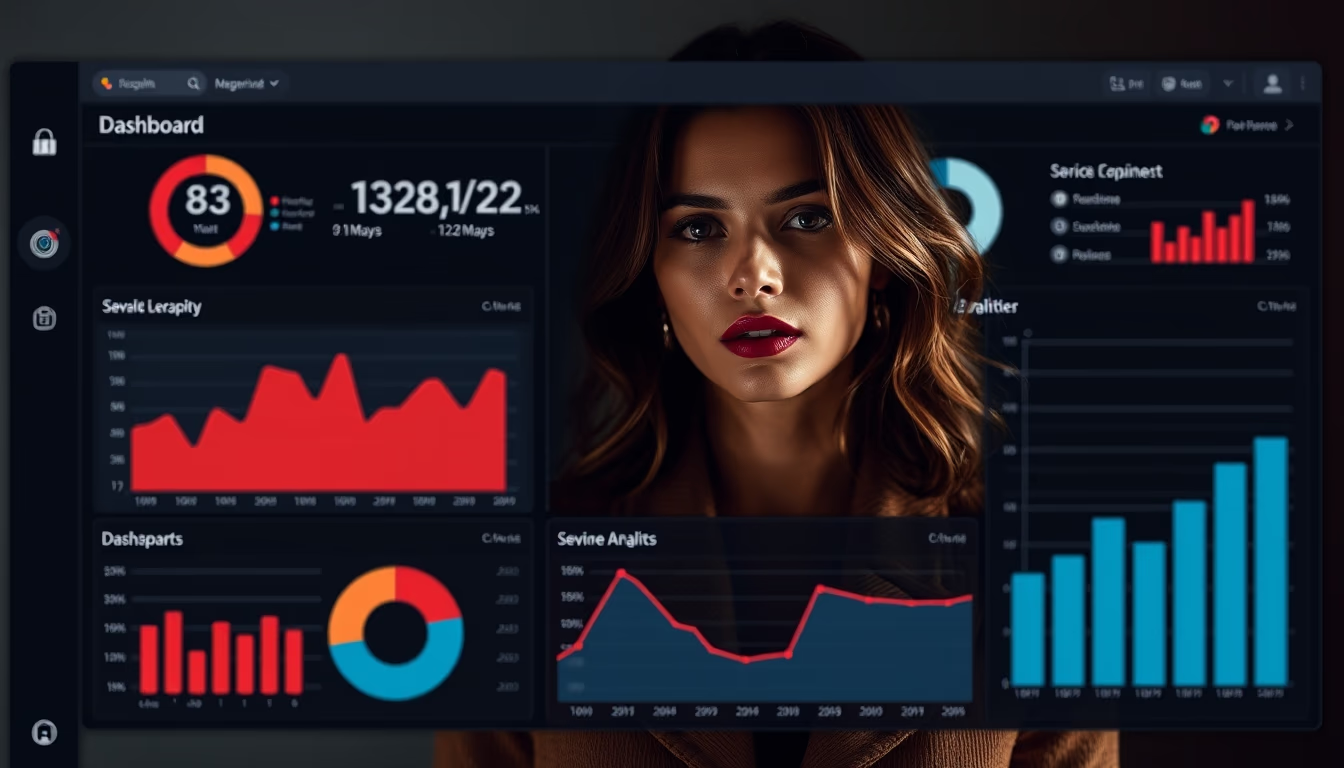
Admin panel dark mode
1344×768 · AVIF · CC BY 4.0
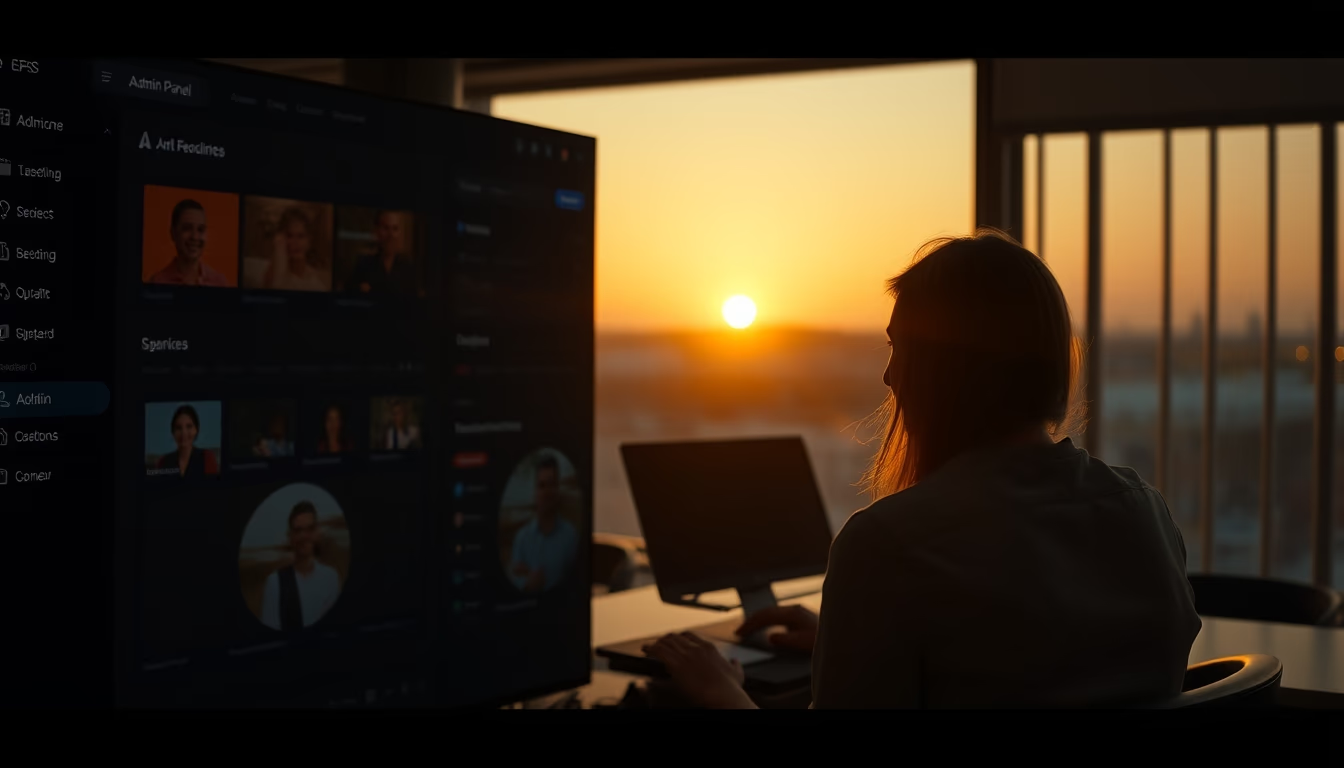
Dark mode admin panels gain prominence in 2026, blending modern aesthetics with reduced eye strain in SaaS platforms.
About this subject
Dark mode in admin panels has evolved from a visual preference to a functional requirement in modern SaaS platforms. By 2026, over 70% of new dashboards are expected to ship with native dark theme support, driven by studies showing a 30% reduction in eye strain during extended nighttime work sessions. This trend is especially strong among developers and IT professionals who spend hours analyzing data and managing systems. Beyond comfort, dark design also saves energy on OLED screens, as black pixels consume less electricity. Major players like GitHub, Slack, and Google have already adopted dark variations in their interfaces, setting an aesthetic standard that emphasizes contrast and readability. In the SaaS context, careful dark mode implementation involves precise color adjustments to maintain visual hierarchy, ensure accessibility for users with low vision, and avoid harsh contrasts that tire the eyes. The growing popularity has also sparked debates about dark mode's effectiveness in well-lit environments, where reflections can be higher. Nevertheless, the flexibility to toggle between light and dark themes has become a competitive differentiator for companies aiming to improve user experience and reduce bounce rates during nighttime hours. Dark panel design often prioritizes deep blue or charcoal gray shades instead of pure black, creating depth without sacrificing usability. Care with saturation of vibrant colors, such as links and alerts, is essential to prevent eye fatigue. In 2026, dynamic dark modes that adapt to ambient light or time of day are an emerging innovation, aligned with responsive design practices and user-centered design.
Frequently Asked Questions
What are the benefits of dark mode in admin panels?
It reduces eye strain in low-light environments, saves battery on OLED screens, and improves readability for some users. It also offers a modern and professional aesthetic.
Is dark mode accessible for people with low vision?
Yes, if implemented with adequate contrast and customization options. WCAG recommends contrast ratios of at least 4.5:1 for small text in both light and dark modes.
Does dark mode actually save energy?
On OLED or AMOLED screens, yes. Because black pixels are turned off, energy consumption can be reduced by up to 30% compared to light themes, depending on brightness and content.
Direct URL
https://pub-c7d6a6ea828543ac903a74a341ccb2e1.r2.dev/imagens/admin-panel-dark-mode-cinematic-wide-shot-p4.avifHow to credit
Include a visible link back to UtilizAí. Copy one of the snippets below:
<a href="https://xn--utiliza-eza.com/en/midia/imagens/admin-panel-dark-mode-cinematic-wide-shot-p4">Admin panel dark mode</a> by <a href="https://xn--utiliza-eza.com">UtilizAí</a>, licensed under <a href="https://creativecommons.org/licenses/by/4.0/">CC BY 4.0</a>.
[Admin panel dark mode](https://xn--utiliza-eza.com/en/midia/imagens/admin-panel-dark-mode-cinematic-wide-shot-p4) by [UtilizAí](https://xn--utiliza-eza.com), CC BY 4.0
License: CC-BY-4.0