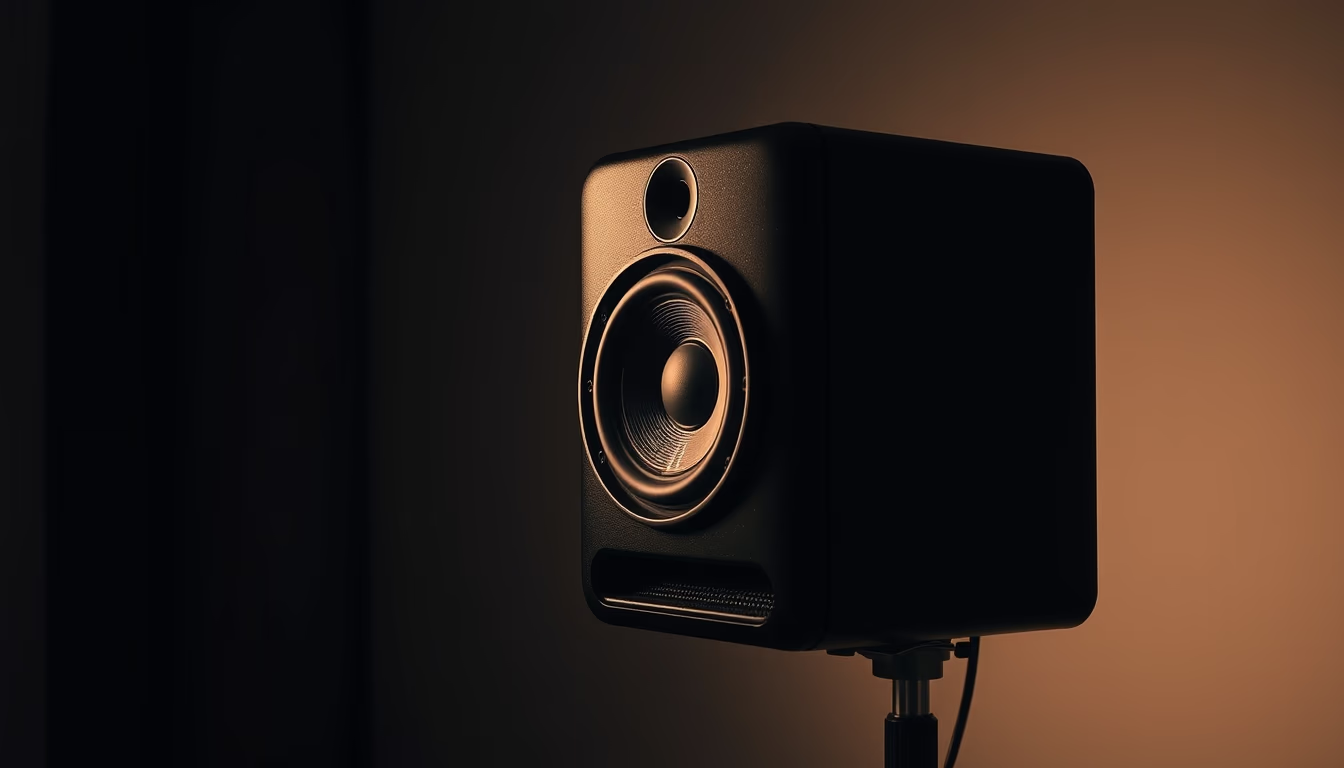
Studio monitor speaker
1344×768 · AVIF · CC BY 4.0
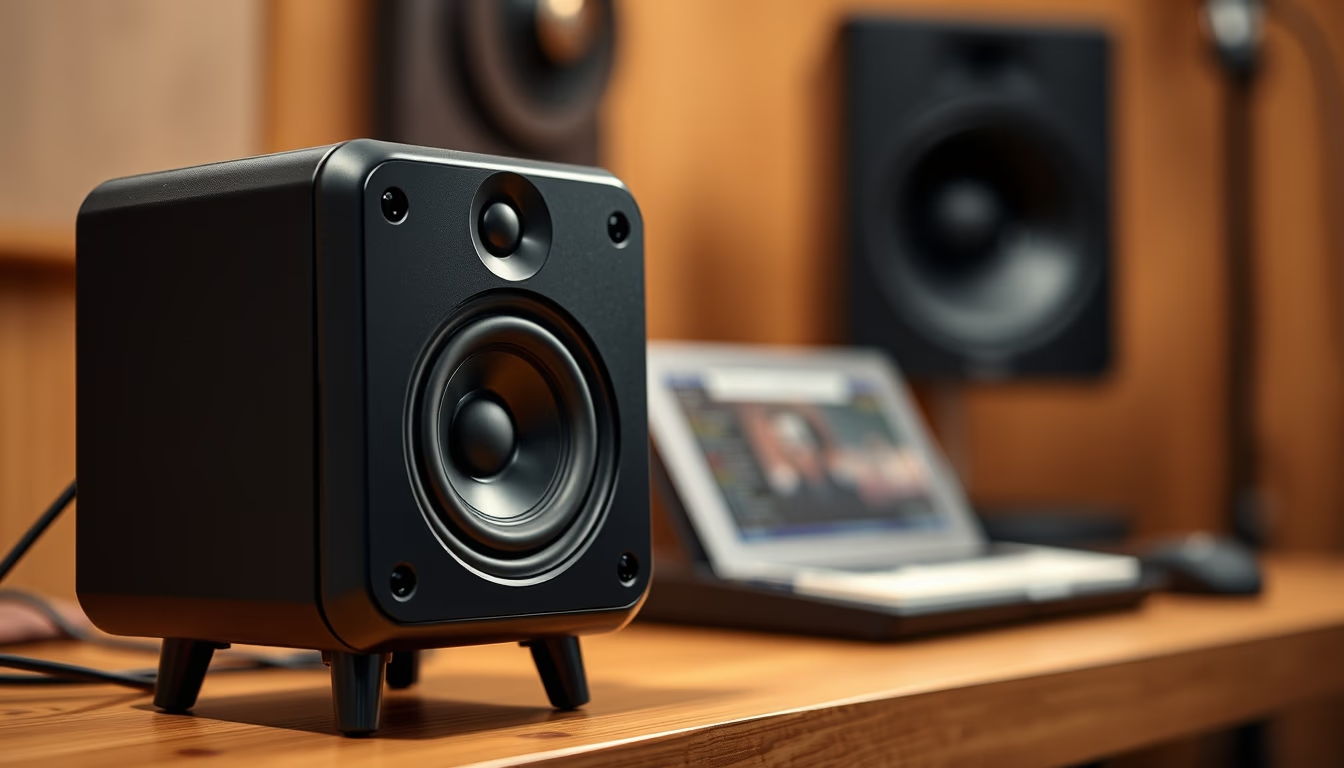
Studio monitors are loudspeakers designed for accurate, uncolored sound reproduction, essential in professional music production.
About this subject
Studio monitors, also known as reference monitors, are loudspeakers designed to reproduce audio with maximum fidelity, without emphasizing or attenuating frequencies. Unlike consumer speakers that often boost bass or treble to please listeners, monitors aim for a flat frequency response, ensuring sound engineers hear exactly what was recorded. This is crucial in tasks like mixing and mastering, where subtle decisions can dramatically affect the final result.
There are two main types: active monitors, with built-in amplification, and passive monitors, which require external amplifiers. Active ones are more common in home studios for convenience and optimized pairing. Configurations range from two-way systems (woofer and tweeter) to three-way, adding a midrange driver. Listening distance also classifies them: nearfield (up to about 1.5 meters from the listener) and midfield for larger rooms.
Brands like Yamaha, with the classic NS10, KRK, Adam Audio, and Genelec are industry standards. Each has distinct sonic signatures: Adam monitors use ribbon tweeters (AMT) for detailed highs, while Genelec employs coaxial designs for better time alignment. Proper monitor positioning in the studio, forming an equilateral triangle with the listener and tweeters at ear level, is essential to avoid phase cancellations and achieve accurate stereo imaging.
Fun fact: the Yamaha NS10 was originally designed for home use but became a studio standard due to its ability to reveal flaws in a mix. Modern monitors with digital room correction, like the Neumann KH series, allow precise adjustments to compensate for room acoustics.
Frequently Asked Questions
What is the main difference between a studio monitor and a regular speaker?
Studio monitors have a flat frequency response, meaning they do not emphasize any frequency range. Regular speakers have a colored curve to please listeners, often boosting bass and treble.
What do active and passive monitors mean?
Active monitors have a built-in amplifier, making them more convenient and optimized. Passive monitors require an external amplifier, offering more configuration flexibility.
How should I position studio monitors properly?
Place them to form an equilateral triangle with your head, with tweeters at ear level. Keep them away from walls to reduce reflections and use stands or isolation pads to minimize vibrations.
Direct URL
https://pub-c7d6a6ea828543ac903a74a341ccb2e1.r2.dev/imagens/studio-monitor-speaker-tilt-shift-miniature-fresh17.avifHow to credit
Include a visible link back to UtilizAí. Copy one of the snippets below:
<a href="https://xn--utiliza-eza.com/en/midia/imagens/studio-monitor-speaker-tilt-shift-miniature-fresh17">Studio monitor speaker</a> by <a href="https://xn--utiliza-eza.com">UtilizAí</a>, licensed under <a href="https://creativecommons.org/licenses/by/4.0/">CC BY 4.0</a>.
[Studio monitor speaker](https://xn--utiliza-eza.com/en/midia/imagens/studio-monitor-speaker-tilt-shift-miniature-fresh17) by [UtilizAí](https://xn--utiliza-eza.com), CC BY 4.0
License: CC-BY-4.0