Audio interface knobs
1344×768 · AVIF · CC BY 4.0

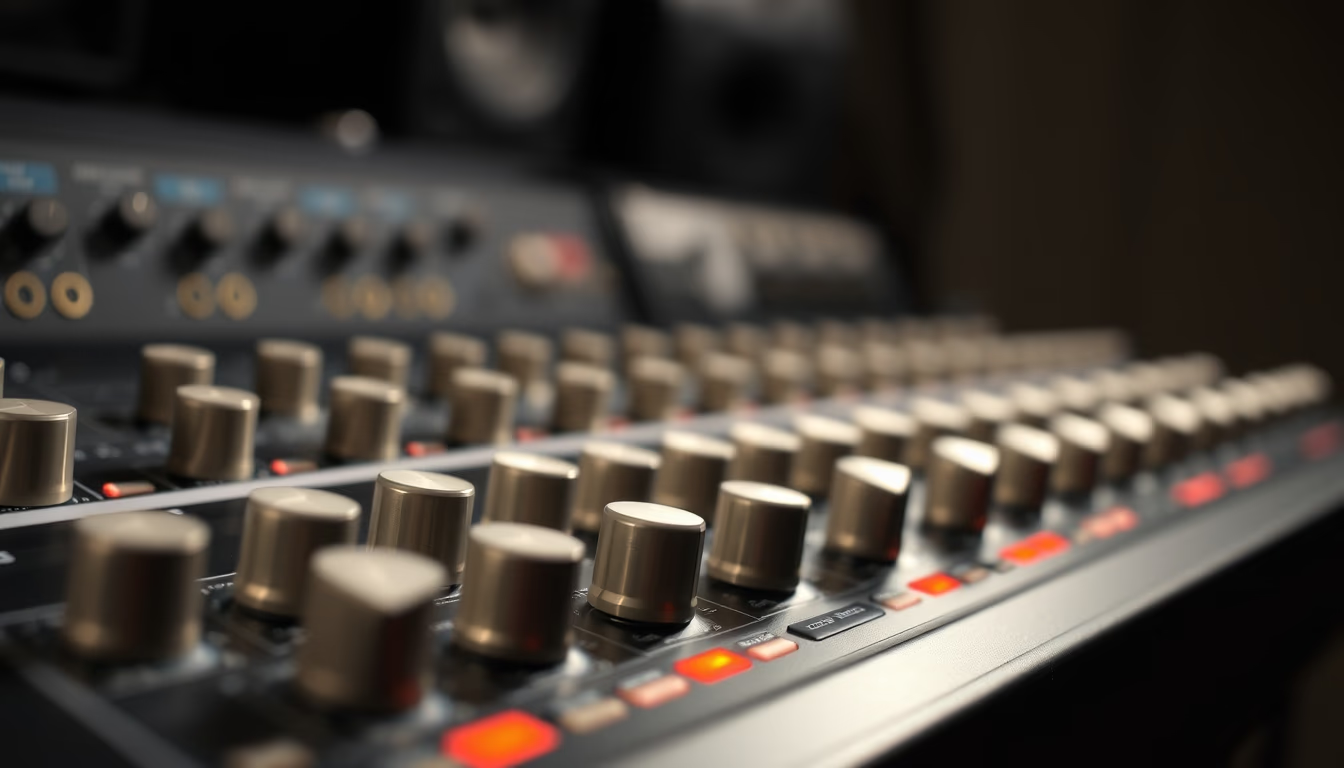
Audio interface knobs control volume, gain, and equalization, essential for professional recording and mixing.
About this subject
The knobs on an audio interface are rotary components that adjust parameters such as input level, gain, equalization, and output volume. Made of plastic or metal with rubberized or knurled finishes, they provide tactile precision and durability. Brands like Focusrite, Universal Audio, and Behringer use high-quality potentiometers beneath the knobs, ensuring linear or logarithmic response according to the purpose.
In home and professional studios, knob layout follows ergonomic standards: gain knobs are near inputs, while monitoring knobs control headphones and speakers. Knobs with illuminated rings indicate clipping or overload, helping prevent digital distortion. Torque feel (rotation resistance) varies between models; stiffer knobs avoid accidental adjustments, while lighter ones favor quick changes during live performances.
Knob maintenance is crucial: dust and debris can cause crackling noises. Cleaning with compressed air or isopropyl alcohol on a cotton swab solves most issues. Removable knobs allow replacement with customized models, such as anodized aluminum or color-coded ones, popular among musicians needing fast visual identification on dark stages. Some gear uses detented knobs (with clicks) for discrete equalization adjustments.
Knob choice directly impacts workflow: in home studios, large knobs with clear numbering facilitate precise adjustments; on mixing consoles, smaller knobs save space without sacrificing functionality. Recent trends include knobs with capacitive or touch-sensitive surfaces, integrated into digital interfaces that allow automated control via DAW.
Frequently Asked Questions
How do I clean audio interface knobs without damaging them?
Use compressed air to remove surface dust or a cotton swab lightly moistened with isopropyl alcohol for stubborn dirt. Avoid excess liquid and never pour directly onto the knob.
What does a knob with an illuminated ring that changes color mean?
It typically indicates signal status: green for proper level, yellow for near clipping, and red for overload. Helps prevent distortion in real time.
Can I replace the original knobs on my interface with other models?
Yes, as long as the potentiometer shaft is compatible (usually 6 mm or 6.35 mm) and the height allows fitting. Aftermarket aluminum or silicone knobs are common.
Direct URL
https://pub-c7d6a6ea828543ac903a74a341ccb2e1.r2.dev/imagens/audio-interface-knobs-aerial-drone-shot-fresh18.avifHow to credit
Include a visible link back to UtilizAí. Copy one of the snippets below:
<a href="https://xn--utiliza-eza.com/en/midia/imagens/audio-interface-knobs-aerial-drone-shot-fresh18">Audio interface knobs</a> by <a href="https://xn--utiliza-eza.com">UtilizAí</a>, licensed under <a href="https://creativecommons.org/licenses/by/4.0/">CC BY 4.0</a>.
[Audio interface knobs](https://xn--utiliza-eza.com/en/midia/imagens/audio-interface-knobs-aerial-drone-shot-fresh18) by [UtilizAí](https://xn--utiliza-eza.com), CC BY 4.0
License: CC-BY-4.0