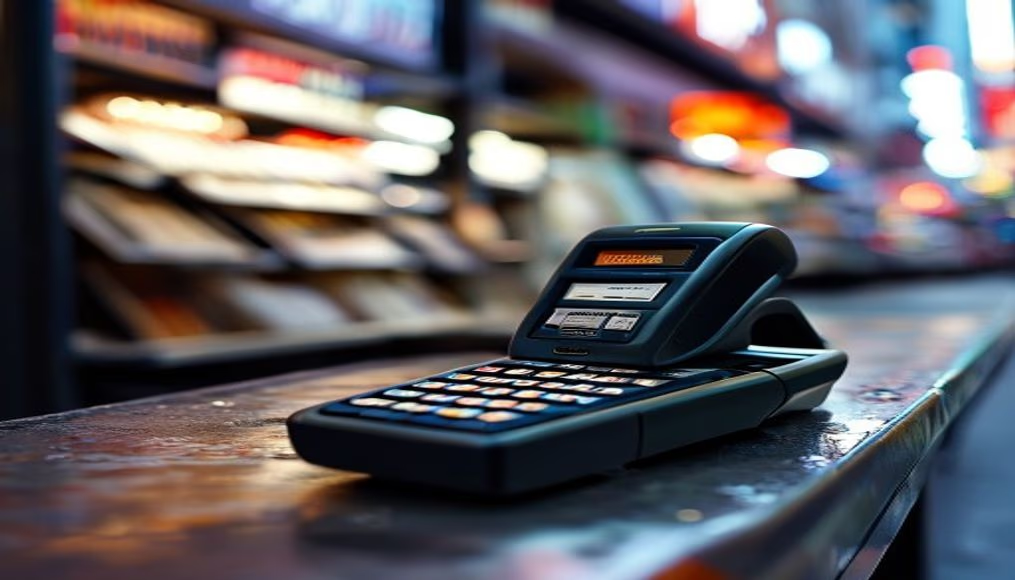
Card terminal showing approved transaction on small screen
1344×768 · AVIF · CC BY 4.0
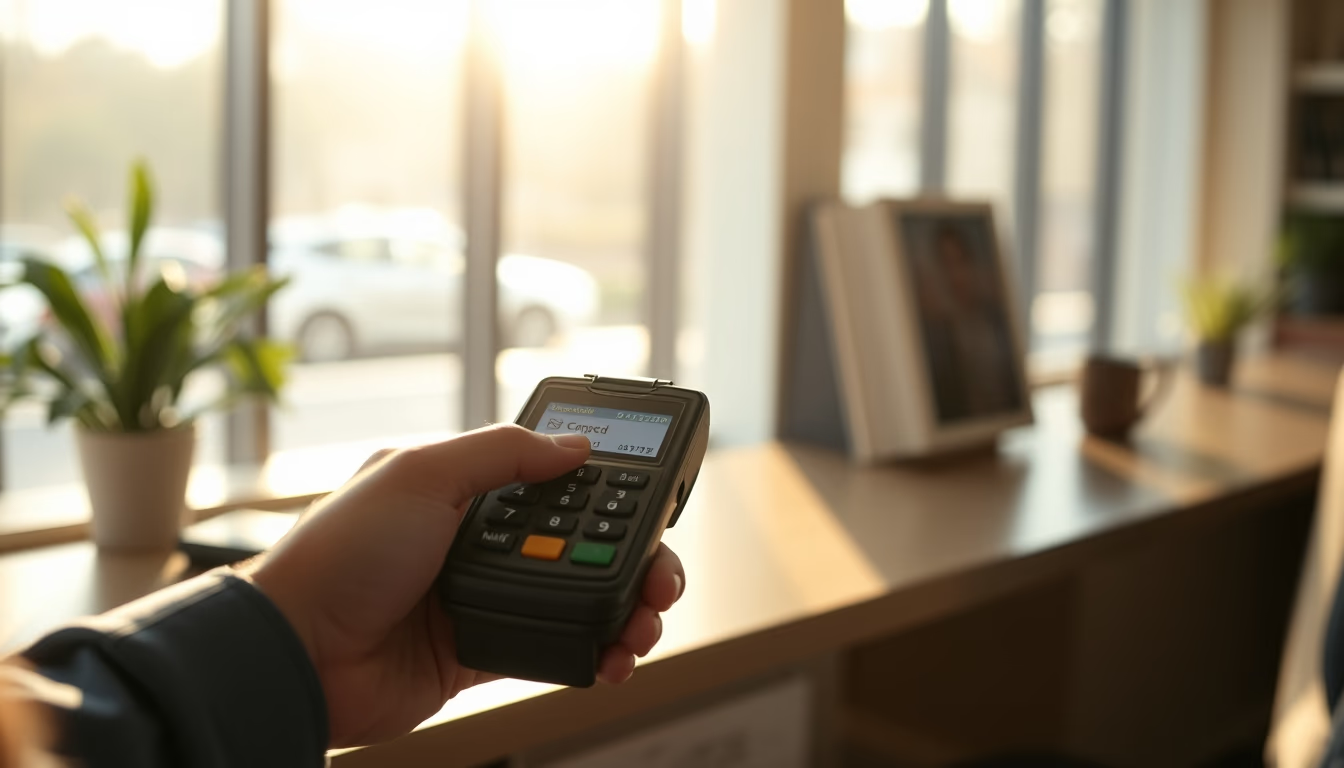
Card terminal showing approved transaction on small screen, indicating successful payment completion.
About this subject
Card terminals are electronic devices that enable debit or credit payments, processing transactions in seconds. In Brazil, their use became widespread from the 2000s onward, driven by credit expansion and the adoption of machines from companies like Cielo and Rede. The small screen displays messages such as "Approved" or "Transaction authorized," confirming that the payment has been accepted by the issuing bank.
These terminals use encryption to protect card and customer data. According to the Brazilian Association of Credit Card and Services Companies (Abecs), in 2023 the volume of card transactions in Brazil exceeded R$ 3 trillion. Immediate approval is crucial for commercial fluidity, avoiding queues and dissatisfaction.
Interestingly, the first card terminal in Brazil was installed in 1980, but it was analog and required a telephone connection. Modern models use chip, NFC, and 4G connectivity. The small screen, although limited, is sufficient to display essential information: amount, payment method, and transaction status.
Frequently Asked Questions
What does it mean when the terminal displays "Approved"?
It indicates that the transaction has been authorized by the card issuing bank, and the payment will be processed. The amount is reserved and later charged to the invoice or account.
How long does it take for a transaction to be approved on the terminal?
Usually 2 to 5 seconds, depending on the speed of the connection with the operator and the issuing bank.
Is it safe to use card terminals with a small screen?
Yes, because data is encrypted and communication follows security standards such as PCI DSS. The small screen does not compromise security.
Direct URL
https://pub-c7d6a6ea828543ac903a74a341ccb2e1.r2.dev/imagens/card-terminal-showing-approved-transaction-on-small-screen-documentary-morning-4.avifHow to credit
Include a visible link back to UtilizAí. Copy one of the snippets below:
<a href="https://xn--utiliza-eza.com/en/midia/imagens/card-terminal-showing-approved-transaction-on-small-screen-documentary-morning-4">Card terminal showing approved transaction on small screen</a> by <a href="https://xn--utiliza-eza.com">UtilizAí</a>, licensed under <a href="https://creativecommons.org/licenses/by/4.0/">CC BY 4.0</a>.
[Card terminal showing approved transaction on small screen](https://xn--utiliza-eza.com/en/midia/imagens/card-terminal-showing-approved-transaction-on-small-screen-documentary-morning-4) by [UtilizAí](https://xn--utiliza-eza.com), CC BY 4.0
License: CC-BY-4.0