Audio interface knobs
1344×768 · AVIF · CC BY 4.0
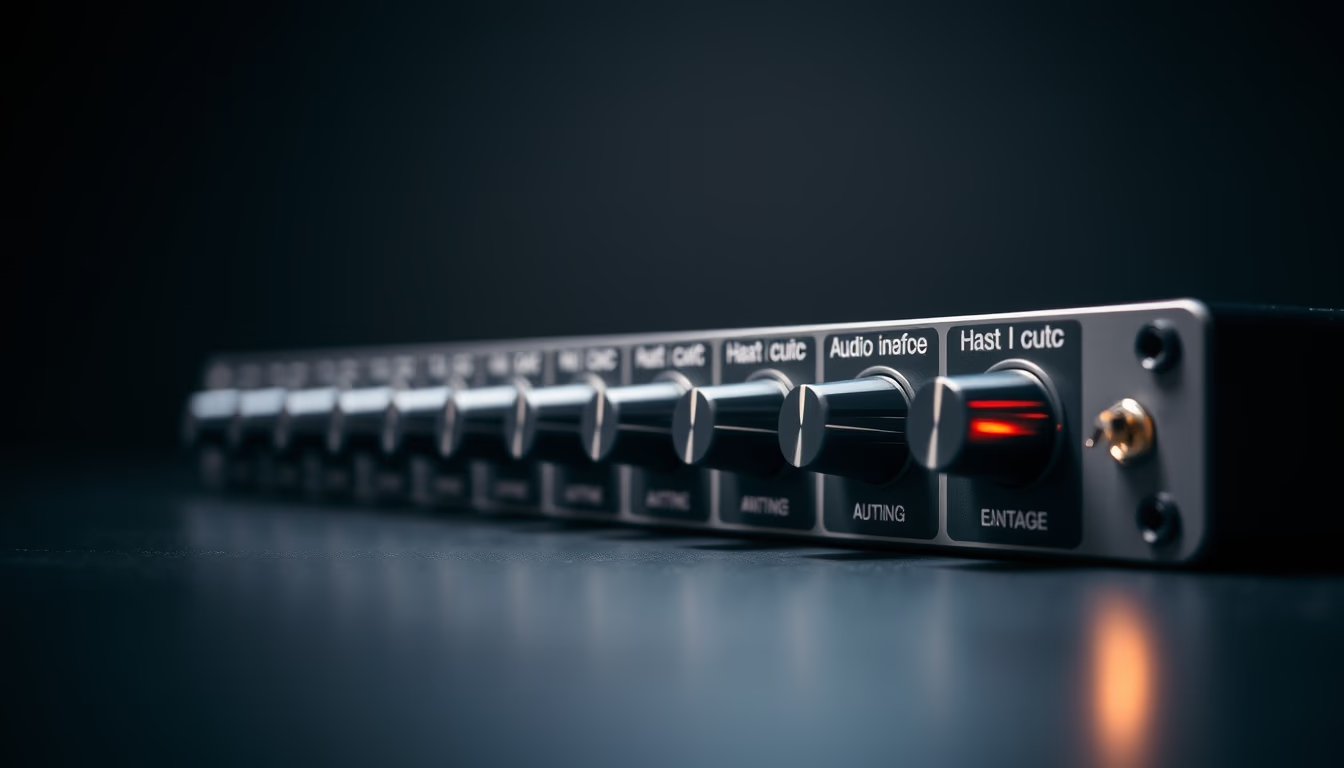
The knobs on an audio interface are essential for tactile control of gain, volume, and parameters during recording and mixing.
About this subject
Audio interface knobs, also known as potentiometers or rotary encoders, are the primary physical interaction points between the user and the equipment. They allow precise adjustments of input gain, output level, channel balancing, and other functions like direct monitoring or phantom power control. In modern interfaces, it is common to find knobs with detents (clicks) for stepped control, especially for gain, or smooth knobs for continuous adjustments on EQs and filters.
Knob quality directly impacts user experience. Metal knobs or those with a robust base offer greater durability and a sense of precision, while plastic knobs may be more susceptible to wear and wobble over time. Many manufacturers use potentiometers from Alps or Bourns, known for their reliability. In professional studios, regular maintenance, such as cleaning with contact cleaner or compressed air, is essential to prevent noise and crackles when turning the knobs.
Beyond functionality, knobs are part of an interface's ergonomic design. Their layout, spacing, and shape (rounded, textured, with LED lighting) influence how quickly a sound engineer can make adjustments during a session. Interfaces aimed at live sound often have larger, more widely spaced knobs, while home studio models prioritize compactness without sacrificing accessibility. Illuminated rings around knobs aid visibility in low-light environments.
Interestingly, audio interface knobs are often confused with those on mixers and MIDI controllers. However, while on the latter knobs can control virtual parameters via MIDI, on interfaces they act directly on the analog or digital hardware circuit, providing real-time response without perceptible latency. This difference is crucial for reliable monitoring in the studio.
Frequently Asked Questions
What is the main function of knobs on an audio interface?
Knobs control essential analog or digital adjustments such as input gain, output volume, headphone level, and monitoring parameters. They provide immediate tactile control without relying on software.
How do I clean audio interface knobs without damaging them?
Turn off the device and use compressed air to remove dust. For stubborn dirt, apply a little isopropyl alcohol on a soft cloth and turn the knob gently. Avoid lubricants or contact sprays unless you have technical knowledge.
Are detented knobs better than smooth knobs?
It depends on the application. Detents offer repeatable, precise adjustments for gain or EQ, ideal for recording. Smooth knobs allow continuous variation, preferred for modulated effects or panning. Both have specific advantages.
Direct URL
https://pub-c7d6a6ea828543ac903a74a341ccb2e1.r2.dev/imagens/audio-interface-knobs-studio-still-life-fresh9.avifHow to credit
Include a visible link back to UtilizAí. Copy one of the snippets below:
<a href="https://xn--utiliza-eza.com/en/midia/imagens/audio-interface-knobs-studio-still-life-fresh9">Audio interface knobs</a> by <a href="https://xn--utiliza-eza.com">UtilizAí</a>, licensed under <a href="https://creativecommons.org/licenses/by/4.0/">CC BY 4.0</a>.
[Audio interface knobs](https://xn--utiliza-eza.com/en/midia/imagens/audio-interface-knobs-studio-still-life-fresh9) by [UtilizAí](https://xn--utiliza-eza.com), CC BY 4.0
License: CC-BY-4.0