Audio interface knobs
1344×768 · AVIF · CC BY 4.0
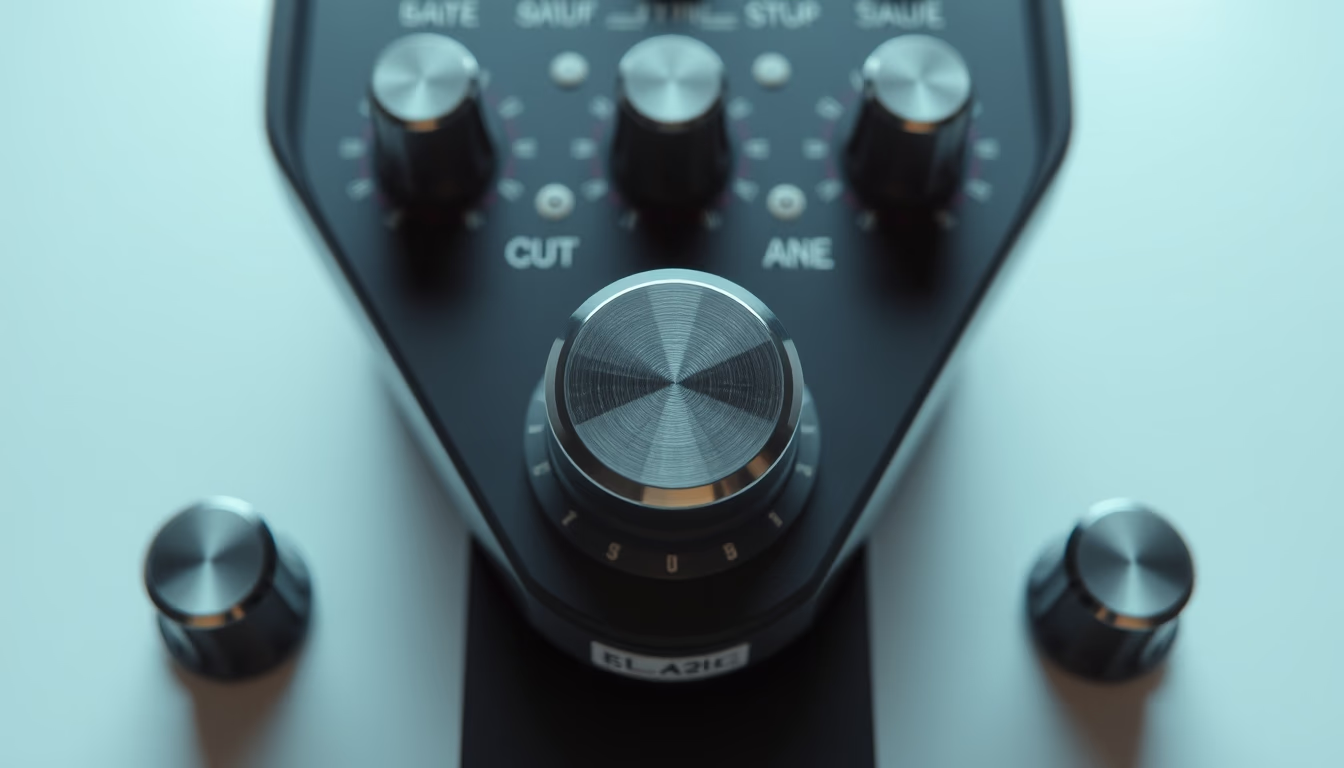
Audio interface knobs are rotary controls that adjust gain, volume, and mixing parameters, essential in recording studios.
About this subject
Audio interface knobs are physical controls that allow precise adjustments of gain, volume, and monitoring. They are connected to potentiometers, which vary electrical resistance to control signal level. In recording studios, these controls are essential to ensure the input signal does not clip, avoiding unwanted distortion. The tactile feedback offered by knobs is preferred by many sound engineers because it enables quick and intuitive adjustments without needing to look at a screen.
Different types of potentiometers are used, such as logarithmic (for volume) and linear (for panning). Modern interfaces may feature knob lighting with colored LEDs to indicate signal level or overload. Brands like Focusrite, Universal Audio, and Behringer incorporate specific designs that combine durability and ergonomics. Historically, knobs were large and metallic on vintage analog consoles; today, many are made of plastic with rubber grips for better traction.
Despite advances in digital controls, physical knobs remain popular for providing immediate feedback with no latency. In live or fast recording situations, a knob twist is more efficient than navigating digital menus. Additionally, natural wear of potentiometers can cause crackling noises, requiring periodic cleaning or replacement. This maintenance is part of the routine for audio technicians.
Culturally, knobs have become icons of audio equipment design, inspiring virtual plugins that mimic their appearance and functionality. The minimalist aesthetic of interfaces with aligned knobs is associated with professionalism and tradition. Some manufacturers use color-coded knobs to group functions, such as preamplification, equalization, and mastering, aiding visual identification.
Frequently Asked Questions
What does the gain knob control?
The gain adjusts the preamplifier sensitivity, amplifying the input signal from microphone or instrument. Proper setting avoids distortion and background noise.
Can audio knobs be replaced by digital controls?
Yes, but many professionals prefer physical knobs for tactile feedback and intuitive adjustments with no latency. Digital controls offer automation but can be less direct.
How to clean knobs on an audio interface?
Use compressed air or a soft brush to remove dust. Avoid liquids that could seep into the potentiometer. If crackling occurs, a specialized contact cleaner spray may be needed.
Direct URL
https://pub-c7d6a6ea828543ac903a74a341ccb2e1.r2.dev/imagens/audio-interface-knobs-minimalist-composition-fresh0.avifHow to credit
Include a visible link back to UtilizAí. Copy one of the snippets below:
<a href="https://xn--utiliza-eza.com/en/midia/imagens/audio-interface-knobs-minimalist-composition-fresh0">Audio interface knobs</a> by <a href="https://xn--utiliza-eza.com">UtilizAí</a>, licensed under <a href="https://creativecommons.org/licenses/by/4.0/">CC BY 4.0</a>.
[Audio interface knobs](https://xn--utiliza-eza.com/en/midia/imagens/audio-interface-knobs-minimalist-composition-fresh0) by [UtilizAí](https://xn--utiliza-eza.com), CC BY 4.0
License: CC-BY-4.0