Audio interface knobs
1344×768 · AVIF · CC BY 4.0
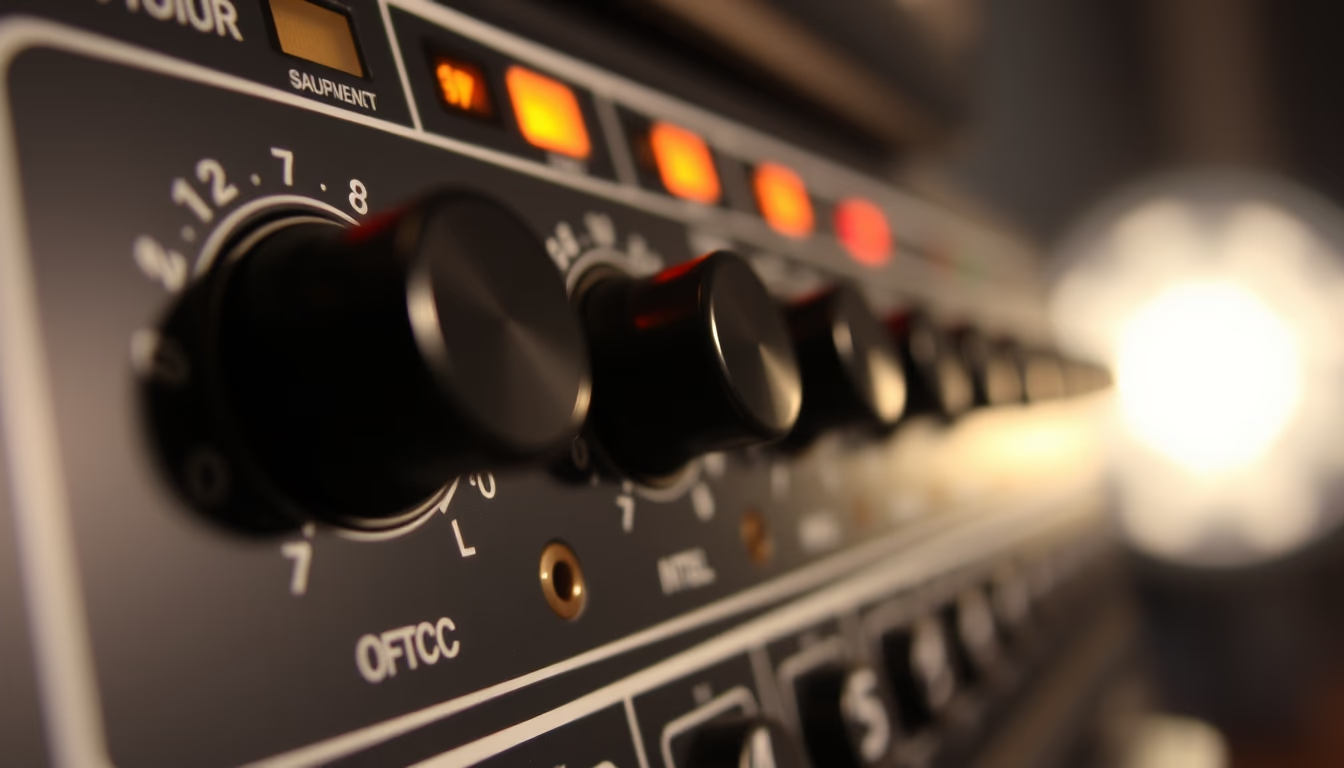
Rotary controls on audio interfaces for adjusting gain, volume, and monitoring, essential for recording and music production.
About this subject
Audio interface knobs are essential controls in both home and professional recording setups. They manage parameters such as preamplifier gain, which amplifies microphone and instrument signals to an appropriate level for analog-to-digital conversion. Proper gain staging prevents distortion and minimizes noise. Master volume and headphone knobs enable latency-free monitoring. Modern interfaces feature either endless rotary encoders for digital control or traditional analog potentiometers with precise tactile feedback. Brands like Focusrite with their iconic red knobs, Universal Audio with rugged build, and Behringer with affordable options have popularized different designs. Knob layouts follow ergonomic standards, often with LED rings to indicate signal levels. Potentiometer quality affects durability and adjustment accuracy. Detented knobs are common on gain controls for repeatability. Maintenance involves using contact cleaner to prevent crackling noises. Overall, knobs provide the tactile interface between the sound engineer and the electronic circuitry, enabling fine and immediate control over audio.
Frequently Asked Questions
What do the numbers on gain knobs mean?
They usually indicate the amount of amplification in decibels (dB). For instance, a knob marked from 0 to 60 dB allows gain adjustment in steps, but the exact value depends on the manufacturer's calibration.
What is the difference between a potentiometer and a rotary encoder?
A potentiometer is analog and provides a continuous variation in resistance. A rotary encoder is digital and emits pulses interpreted as increments. Encoders can be endless (rotate indefinitely) and often have detents.
How can I prevent noise when turning a knob?
Crackling noises usually indicate dirt inside the potentiometer. Apply contact cleaner spray to the knob shaft and turn it several times. If the problem persists, it may be mechanical wear and require replacement.
Direct URL
https://pub-c7d6a6ea828543ac903a74a341ccb2e1.r2.dev/imagens/audio-interface-knobs-lo-fi-disposable-camera-fresh8.avifHow to credit
Include a visible link back to UtilizAí. Copy one of the snippets below:
<a href="https://xn--utiliza-eza.com/en/midia/imagens/audio-interface-knobs-lo-fi-disposable-camera-fresh8">Audio interface knobs</a> by <a href="https://xn--utiliza-eza.com">UtilizAí</a>, licensed under <a href="https://creativecommons.org/licenses/by/4.0/">CC BY 4.0</a>.
[Audio interface knobs](https://xn--utiliza-eza.com/en/midia/imagens/audio-interface-knobs-lo-fi-disposable-camera-fresh8) by [UtilizAí](https://xn--utiliza-eza.com), CC BY 4.0
License: CC-BY-4.0