Audio interface knobs
1344×768 · AVIF · CC BY 4.0
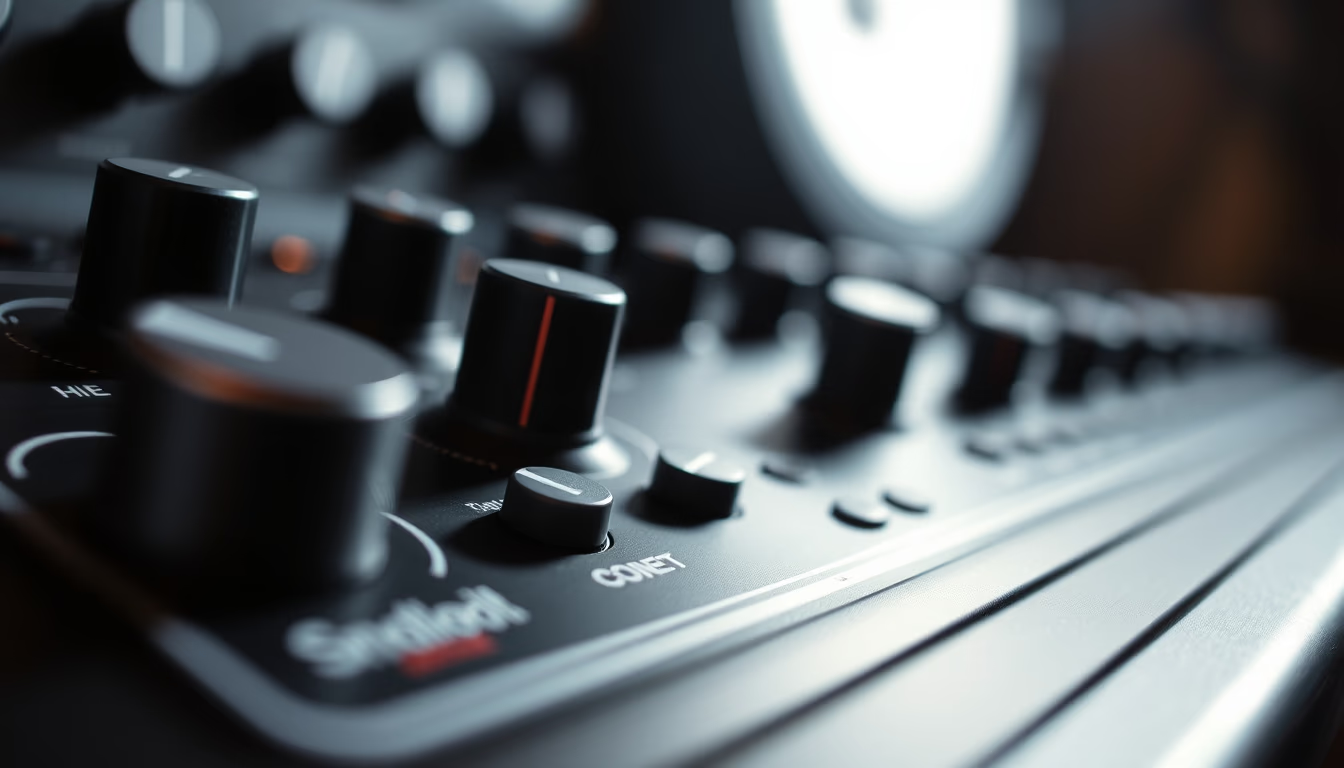
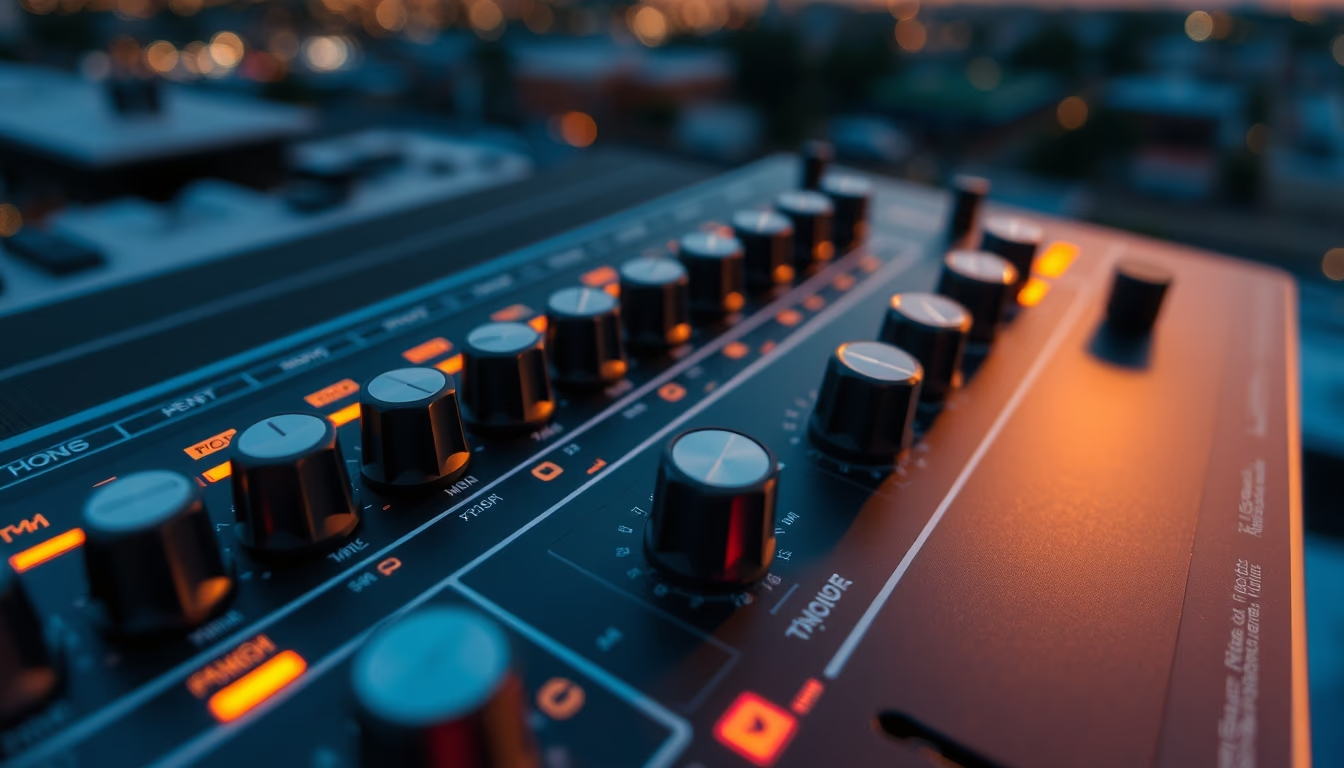
Audio interface knobs control gain, volume, and essential parameters for professional sound capture and mixing.
About this subject
The knobs on an audio interface are critical components for fine control of sound signals. They adjust parameters such as input gain, output level, channel panning, and, in more advanced models, functions like equalization, direct monitoring, and source selection. Each knob is connected to a potentiometer or rotary encoder that translates rotation into electrical or digital variation.
In professional studios and home studios alike, knob quality influences adjustment precision and equipment durability. Metal knobs with a defined tactile feel are preferred for their resistance to wear and sharper feedback. Plastic knobs, common on entry-level interfaces, may develop play over time. The physical layout of knobs on the panel follows ergonomics: gain knobs are near the inputs, while monitoring knobs are grouped on the right.
Historically, knobs evolved from analog rotary potentiometers to endless digital encoders found in DAW controllers. This change enabled features like automatic reset to default values and remote control via MIDI. Still, many audio engineers prefer analog knobs for their immediate, latency-free response.
Interesting fact: stepped knobs (with discrete clicks) are common on graphic equalizers, while continuous knobs dominate gain and volume controls. Maintenance includes periodic cleaning with contact cleaner to avoid crackling noises when turning.
Frequently Asked Questions
What is the main function of gain knobs on an audio interface?
Gain knobs adjust the input level of a microphone or instrument signal. They are essential to capture a clean signal without distortion and to match the equipment's sensitivity to the sound source.
Are analog knobs better than digital ones?
It depends on the application. Analog knobs offer immediate, latency-free response, ideal for live adjustments. Digital encoders allow features like reset to default values and software integration, but may have slight delay.
How can I prevent noise when turning audio interface knobs?
Crackling noises usually indicate dirt or oxidation on the potentiometer. Cleaning with electrical contact cleaner and gentle knob rotation may resolve it. In severe cases, component replacement is recommended.
Direct URL
https://pub-c7d6a6ea828543ac903a74a341ccb2e1.r2.dev/imagens/audio-interface-knobs-fine-art-photography-fresh1.avifHow to credit
Include a visible link back to UtilizAí. Copy one of the snippets below:
<a href="https://xn--utiliza-eza.com/en/midia/imagens/audio-interface-knobs-fine-art-photography-fresh1">Audio interface knobs</a> by <a href="https://xn--utiliza-eza.com">UtilizAí</a>, licensed under <a href="https://creativecommons.org/licenses/by/4.0/">CC BY 4.0</a>.
[Audio interface knobs](https://xn--utiliza-eza.com/en/midia/imagens/audio-interface-knobs-fine-art-photography-fresh1) by [UtilizAí](https://xn--utiliza-eza.com), CC BY 4.0
License: CC-BY-4.0