Card terminal showing approved transaction on small screen
1344×768 · AVIF · CC BY 4.0
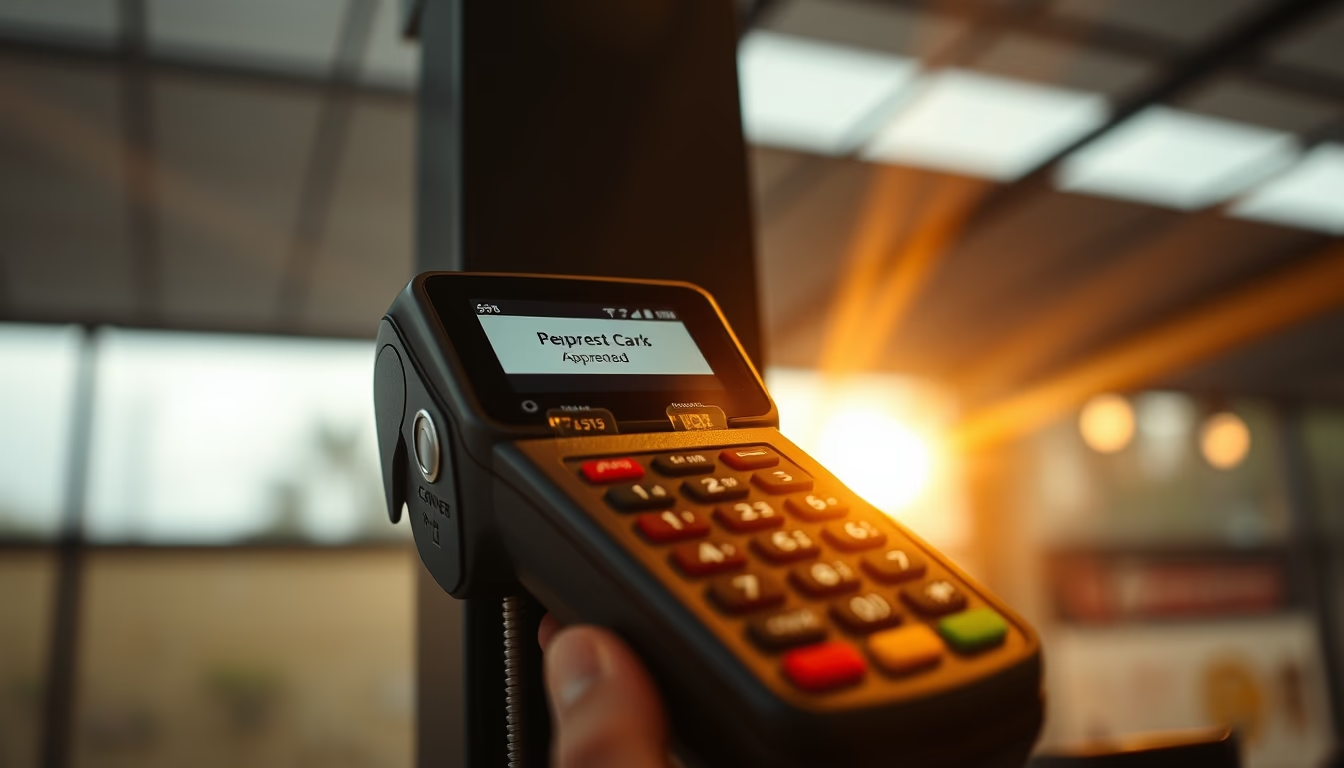
Card terminal displays approved transaction on small screen, a common device in Brazilian stores processing contactless or chip payments.
About this subject
Card terminals, also known as POS (Point of Sale) devices, are electronic gadgets used to process credit, debit, or voucher card payments. In Brazil, models like the one in the image are ubiquitous in stores, restaurants, and street markets, especially after the popularization of portable terminals from 2010 onwards. The small screen displays information such as amount, payment method, and transaction status. The "Approved" message is the green light for the merchant to release the product or service. These terminals connect via mobile network carrier or Wi-Fi to banking networks like Cielo, Rede, Stone, or GetNet. NFC (near-field communication) technology has become standard, reducing queue times. On overcast days, screen visibility may be affected by reflections, but modern models have high brightness. Security is ensured by encryption and tokenization of card data. Brazil is one of the world leaders in electronic payments, with over 10 million active terminals, according to ABECS.
Frequently Asked Questions
What does the 'Approved' message mean on the card terminal?
It means the transaction was authorized by the card issuer and the payment will be completed. The merchant can release the product or service.
How does security work on card terminals?
Card data is encrypted and tokenized, meaning replaced by a unique code. This prevents sensitive information from being stored or intercepted.
Why does Brazil have so many card terminals?
Due to high adoption of electronic payments, competition among acquirers, and the ease of obtaining portable terminals even for small merchants.
Direct URL
https://pub-c7d6a6ea828543ac903a74a341ccb2e1.r2.dev/imagens/card-terminal-showing-approved-transaction-on-small-screen-editorial-overcast-daytime-5.avifHow to credit
Include a visible link back to UtilizAí. Copy one of the snippets below:
<a href="https://xn--utiliza-eza.com/en/midia/imagens/card-terminal-showing-approved-transaction-on-small-screen-editorial-overcast-daytime-5">Card terminal showing approved transaction on small screen</a> by <a href="https://xn--utiliza-eza.com">UtilizAí</a>, licensed under <a href="https://creativecommons.org/licenses/by/4.0/">CC BY 4.0</a>.
[Card terminal showing approved transaction on small screen](https://xn--utiliza-eza.com/en/midia/imagens/card-terminal-showing-approved-transaction-on-small-screen-editorial-overcast-daytime-5) by [UtilizAí](https://xn--utiliza-eza.com), CC BY 4.0
License: CC-BY-4.0