Audio interface knobs
1344×768 · AVIF · CC BY 4.0
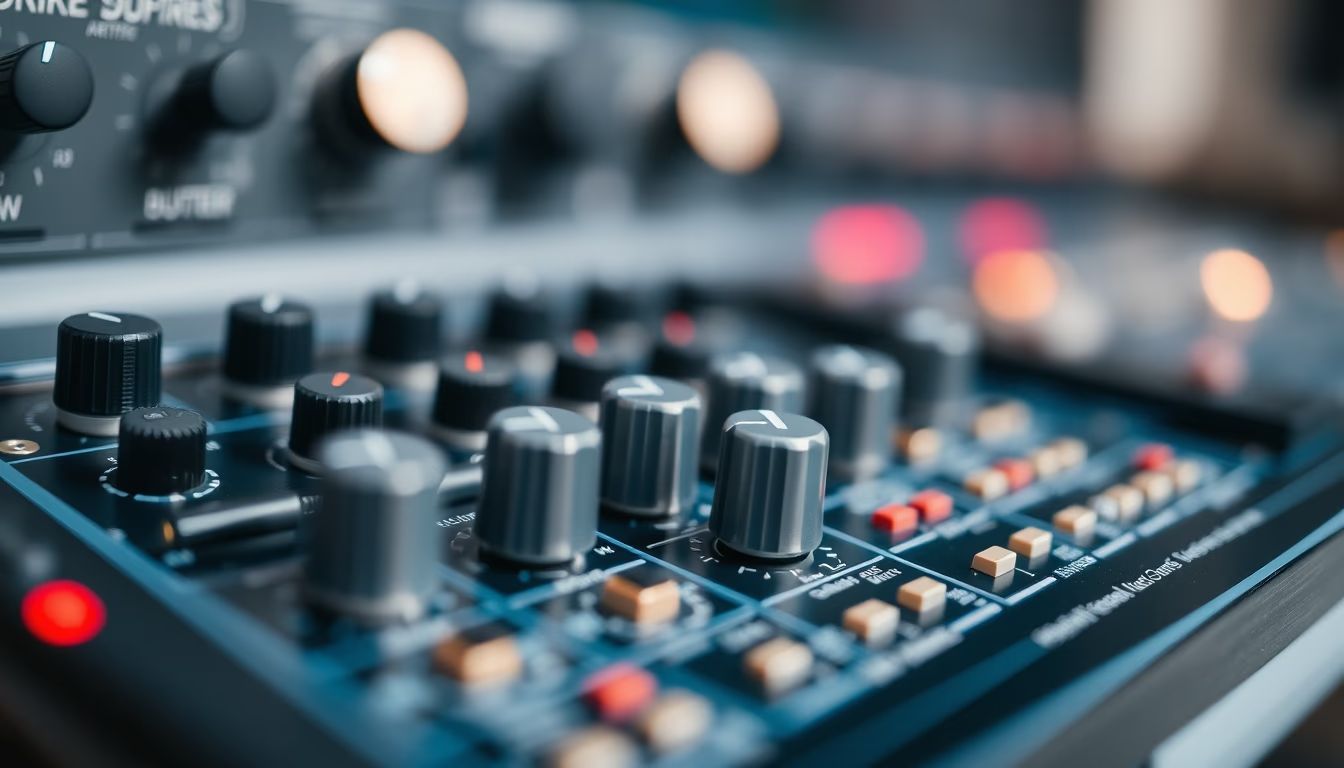
Audio interface knobs are rotary controls that adjust gain, volume and essential parameters for sound capture and mixing.
About this subject
Audio interfaces are essential in home and professional recording studios, and their knobs (rotary controls) form the primary physical user interface. Each knob serves a specific function: gain knobs adjust the sensitivity of the microphone or instrument preamplifier, allowing signals to be captured at appropriate levels without distortion. Volume knobs control headphone or monitor output, and some models feature knobs for direct monitoring mix adjustment or phantom power control.
Knobs can be continuous (potentiometers that rotate freely) or stepped (with clicks indicating discrete positions). Continuous knobs are common for fine gain adjustments, while stepped knobs are used for input selection. Knob quality affects comfort and precision: metal knobs with non-slip textures are preferred in professional gear from brands like Focusrite, Universal Audio and RME.
In the context of the tilt-shift miniature effect applied to this image, the knobs are visually emphasized, but their function remains the same. The tilt-shift technique simulates a shallow depth of field, making the knobs appear miniature, which can highlight the design and ergonomics of the equipment. This approach is popular in studio photography to draw attention to details.
Notably, knob layout follows usability patterns: gain on the left, monitoring on the right, and output knobs in the center. Many modern interfaces feature LED-lit knobs to indicate status such as clipping or active phantom power. Knob materials range from ABS plastic to machined aluminum, affecting durability and aesthetics.
Frequently Asked Questions
What is the main purpose of gain knobs on an audio interface?
Gain knobs control the input level of a microphone or instrument signal, adjusting the preamplifier sensitivity to obtain a clean, undistorted signal.
Continuous vs stepped knobs: what is the difference?
Continuous knobs rotate freely, allowing infinitesimal adjustments, ideal for gain. Stepped knobs click into fixed positions, used for channel selection or volume control with precise detents.
Why are some audio interface knobs illuminated?
LED-lit knobs indicate functional states, such as phantom power activation or clipping presence, aiding visual monitoring in dimly lit studio environments.
Direct URL
https://pub-c7d6a6ea828543ac903a74a341ccb2e1.r2.dev/imagens/audio-interface-knobs-tilt-shift-miniature-fresh13.avifHow to credit
Include a visible link back to UtilizAí. Copy one of the snippets below:
<a href="https://xn--utiliza-eza.com/en/midia/imagens/audio-interface-knobs-tilt-shift-miniature-fresh13">Audio interface knobs</a> by <a href="https://xn--utiliza-eza.com">UtilizAí</a>, licensed under <a href="https://creativecommons.org/licenses/by/4.0/">CC BY 4.0</a>.
[Audio interface knobs](https://xn--utiliza-eza.com/en/midia/imagens/audio-interface-knobs-tilt-shift-miniature-fresh13) by [UtilizAí](https://xn--utiliza-eza.com), CC BY 4.0
License: CC-BY-4.0