Audio interface knobs
1344×768 · AVIF · CC BY 4.0
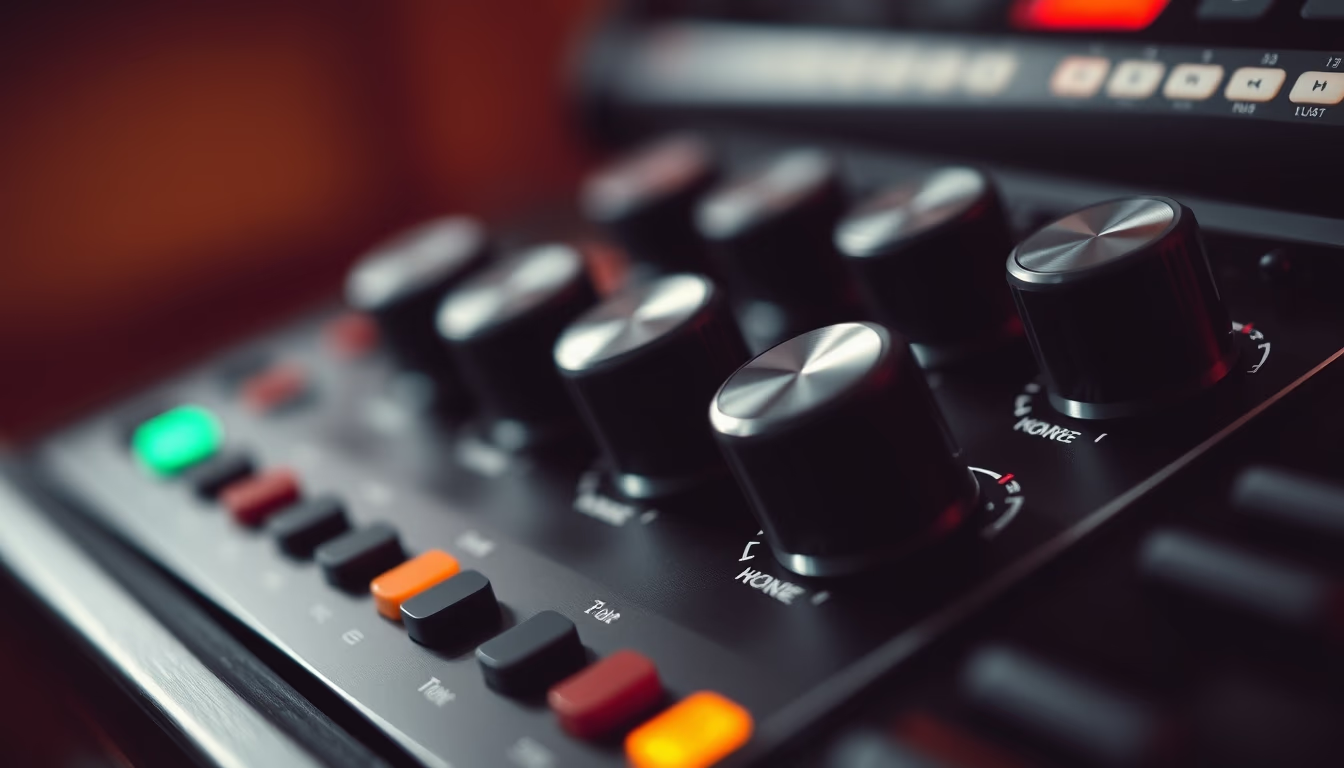
Audio interface knobs control gain, volume, and mixing, essential for home and professional studios.
About this subject
Audio interfaces are devices that convert analog signals to digital and vice versa, enabling professional-quality sound recording and playback. The knobs, or potentiometers, are physical components that adjust parameters like input gain, output level, and channel balance. They offer immediate tactile control, favored by many sound engineers for precise adjustments without looking at a screen. In modern interfaces, rotary knobs replace faders in many models, saving space and improving durability. Typical rotation ranges from 270 to 300 degrees, and some have detents to indicate center positions. The touch resistance, or torque, is designed to prevent accidental movement. Brands like Focusrite, Universal Audio, and Behringer use knobs with different colors and textures for quick identification. Proper maintenance includes cleaning with isopropyl alcohol to avoid crackling noises caused by dirt on internal contacts.
Frequently Asked Questions
What do the knobs on an audio interface do?
They control input gain (microphone/instrument level), output volume for headphones or monitors, and on some models, channel balance or effects like direct monitoring.
How to clean audio interface knobs?
Turn off the device, apply isopropyl alcohol to a cloth or cotton swab, and gently rotate the knob. Avoid spraying directly onto the component to prevent damage to internal electronics.
Why are knobs preferred over digital controls?
Knobs provide tactile feedback and continuous analog adjustment without latency. Musicians and engineers can make quick changes without looking away, crucial during live performances or recording sessions.
Direct URL
https://pub-c7d6a6ea828543ac903a74a341ccb2e1.r2.dev/imagens/audio-interface-knobs-rembrandt-lighting-dramatic-shadows-fresh14.avifHow to credit
Include a visible link back to UtilizAí. Copy one of the snippets below:
<a href="https://xn--utiliza-eza.com/en/midia/imagens/audio-interface-knobs-rembrandt-lighting-dramatic-shadows-fresh14">Audio interface knobs</a> by <a href="https://xn--utiliza-eza.com">UtilizAí</a>, licensed under <a href="https://creativecommons.org/licenses/by/4.0/">CC BY 4.0</a>.
[Audio interface knobs](https://xn--utiliza-eza.com/en/midia/imagens/audio-interface-knobs-rembrandt-lighting-dramatic-shadows-fresh14) by [UtilizAí](https://xn--utiliza-eza.com), CC BY 4.0
License: CC-BY-4.0