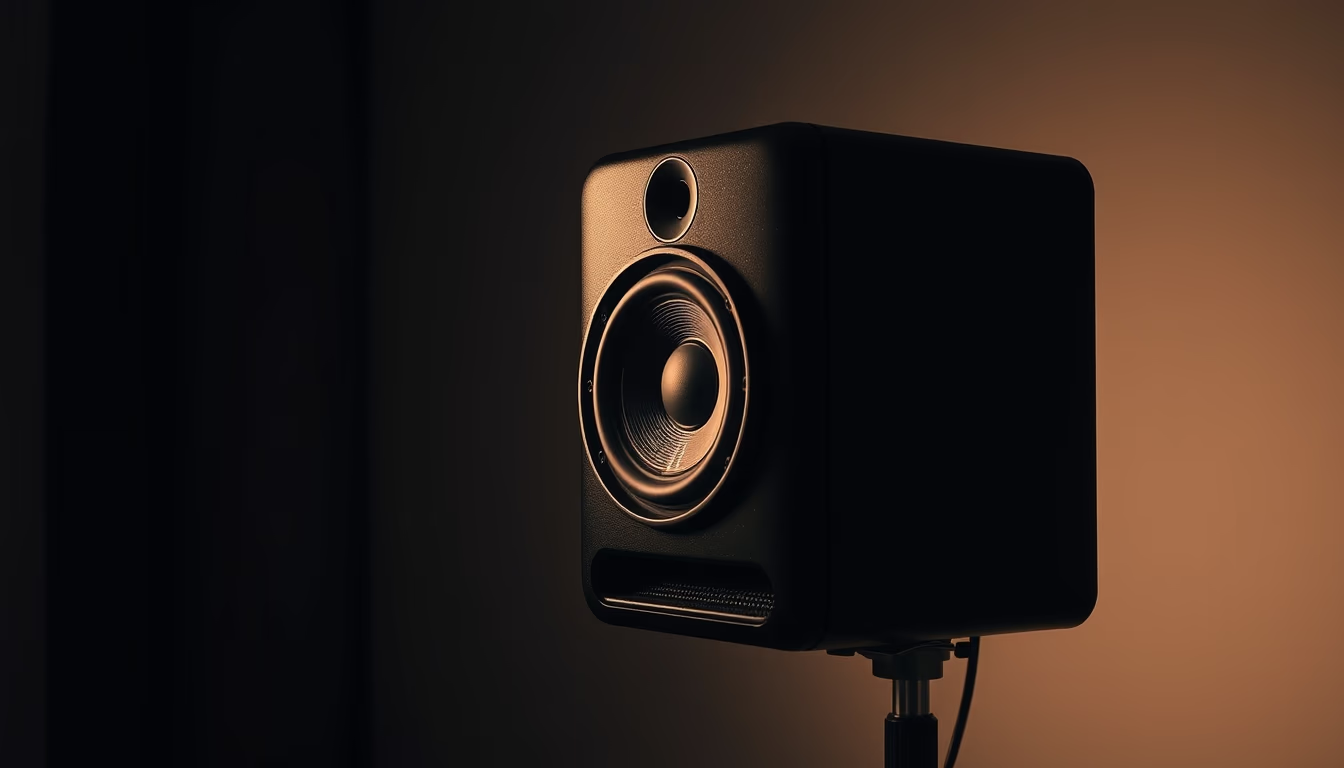
Audio interface knobs
1344×768 · AVIF · CC BY 4.0

Audio interface knobs control gain, equalization, and monitoring, essential for music production and professional recording.
About this subject
An audio interface is a device that converts analog signals to digital and vice versa, enabling audio recording and playback on computers. Its knobs are rotary controls that adjust parameters such as input gain, output volume, direct monitoring, and, in more advanced models, equalization or source selection. Each knob typically controls a specific channel or function, often numbered for easy identification during recording sessions.
Common knob types are rotary potentiometers, which change resistance and provide a tactile sensation of click or smooth rotation, and rotary encoders, which send digital pulses for incremental adjustments. Brands like Focusrite, Universal Audio, and Behringer use knobs of different diameters, materials, and textures to ensure durability and precision. Many recent models feature illuminated rings that indicate levels or status, aiding use in low-light environments.
In music production, especially in home studios, knobs are crucial for setting the correct recording level to avoid distortion. Fine gain adjustments can reduce background noise and unwanted saturation. Direct monitoring, controlled by a dedicated knob, lets musicians hear their voice or instrument without latency. The ergonomics of these controls vary by design, impacting user experience during long work sessions.
Historically, audio interfaces evolved from large racks with dozens of potentiometers to compact units with multifunctional knobs controlled via software. The rise of home studios in the 2000s popularized USB interfaces with sturdy knobs. Today, integration with tablets and smartphones continues, yet the tactile simplicity of physical knobs remains a key advantage over fully digital interfaces.
Frequently Asked Questions
What are audio interface knobs?
They are rotary controls on audio interfaces used to adjust parameters such as input gain, output volume, and direct monitoring. They are essential for setting proper recording and playback levels.
How to clean audio interface knobs?
Use a soft cloth slightly dampened with isopropyl alcohol (70% or higher) to wipe the knob surfaces. Avoid excess liquid that could seep into the device. For removable knobs, take them off and clean underneath carefully.
What is the difference between knobs and faders?
Knobs are rotary controls that adjust values continuously or incrementally, while faders are linear sliding controls. Knobs are common for gain and EQ adjustments; faders are typical on mixing consoles for channel level control.
Direct URL
https://pub-c7d6a6ea828543ac903a74a341ccb2e1.r2.dev/imagens/audio-interface-knobs-documentary-photography-fresh15.avifHow to credit
Include a visible link back to UtilizAí. Copy one of the snippets below:
<a href="https://xn--utiliza-eza.com/en/midia/imagens/audio-interface-knobs-documentary-photography-fresh15">Audio interface knobs</a> by <a href="https://xn--utiliza-eza.com">UtilizAí</a>, licensed under <a href="https://creativecommons.org/licenses/by/4.0/">CC BY 4.0</a>.
[Audio interface knobs](https://xn--utiliza-eza.com/en/midia/imagens/audio-interface-knobs-documentary-photography-fresh15) by [UtilizAí](https://xn--utiliza-eza.com), CC BY 4.0
License: CC-BY-4.0