Audio interface knobs
1344×768 · AVIF · CC BY 4.0
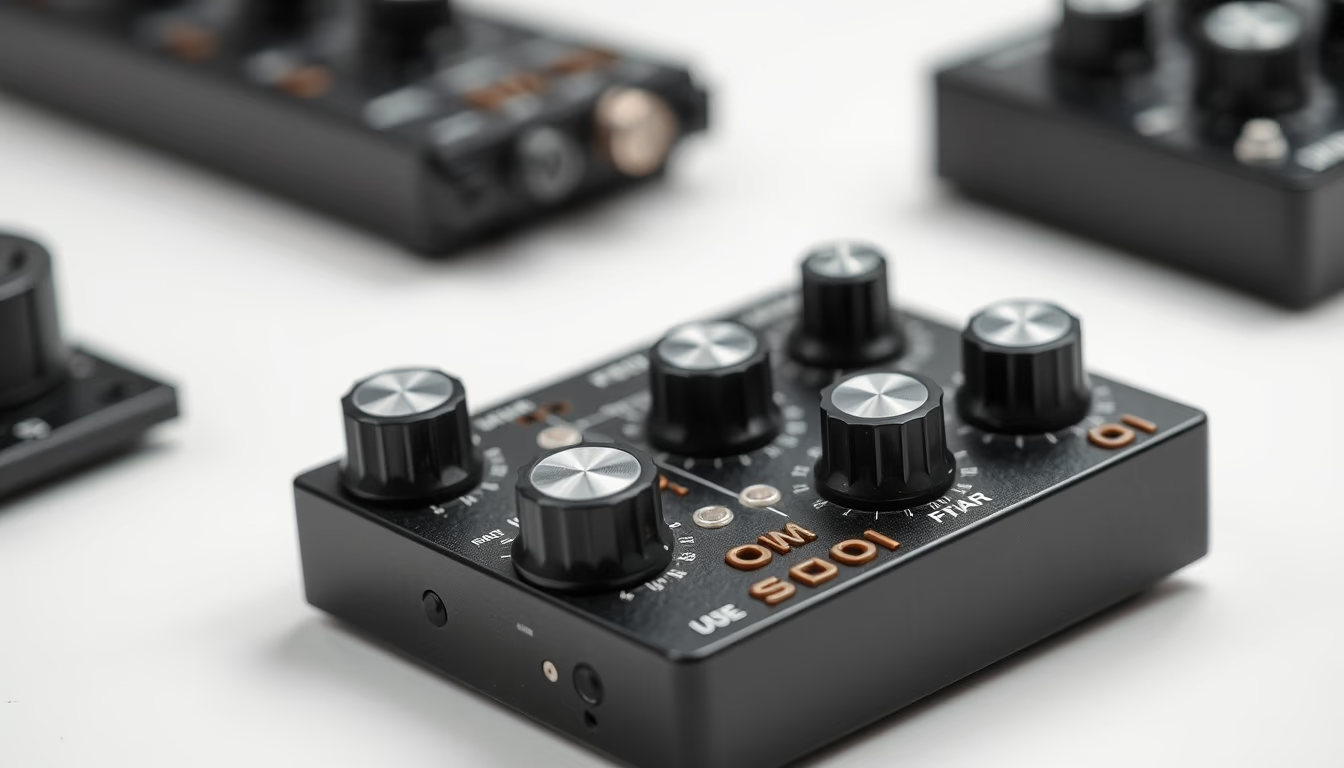
The knobs on an audio interface control gain, equalization, and monitoring, being essential for professional recording quality.
About this subject
Modern audio interfaces, used in home and professional studios, feature various knobs that adjust critical parameters for sound capture and reproduction. Each knob has a specific function: gain controls input signal strength to prevent distortion; equalization knobs adjust bass, mid, and treble frequencies; and monitoring knobs blend direct sound with computer-processed audio, reducing latency.
These controls use high-precision rotary potentiometers, often with detents (clicks) for repeatable settings. Knob layout follows ergonomic standards: frequently used ones like gain and master volume are larger and prominently placed. Multi-channel interfaces have independent sets per channel, allowing separate configurations for microphones, instruments, and line inputs.
Manufacturing involves materials such as anodized aluminum or ABS plastic with rubberized coating, ensuring durability and grip even after heavy use. Brands like Focusrite, Universal Audio, and Behringer invest in rugged designs that withstand tens of thousands of rotations without loss of accuracy. Tactile feedback is a differentiator: knobs with smooth or progressive resistance help sound engineers make fine adjustments during recording.
In the context of Brazilian music production, interfaces with intuitive knobs have democratized studio access. Independent musicians can now control parameters in real time, similar to large analog mixing consoles. Physical knobs, rather than software-only controls, speed up workflow and enhance reliability in live performances or quick recording sessions.
Frequently Asked Questions
What is the main function of knobs on an audio interface?
Knobs adjust parameters like input gain, equalization, output volume, and monitor mix, allowing precise control over the quality of captured and reproduced sound.
How to identify the gain knob on an audio interface?
The gain knob is usually labeled "Gain" or "Input," is often the largest, and sits near the microphone or instrument input.
Are physical knobs better than software controls?
Yes, physical knobs provide immediate tactile feedback and reliability, enabling quick adjustments without a screen, ideal for live recording and efficient workflows.
Direct URL
https://pub-c7d6a6ea828543ac903a74a341ccb2e1.r2.dev/imagens/audio-interface-knobs-commercial-product-photography-fresh3.avifHow to credit
Include a visible link back to UtilizAí. Copy one of the snippets below:
<a href="https://xn--utiliza-eza.com/en/midia/imagens/audio-interface-knobs-commercial-product-photography-fresh3">Audio interface knobs</a> by <a href="https://xn--utiliza-eza.com">UtilizAí</a>, licensed under <a href="https://creativecommons.org/licenses/by/4.0/">CC BY 4.0</a>.
[Audio interface knobs](https://xn--utiliza-eza.com/en/midia/imagens/audio-interface-knobs-commercial-product-photography-fresh3) by [UtilizAí](https://xn--utiliza-eza.com), CC BY 4.0
License: CC-BY-4.0