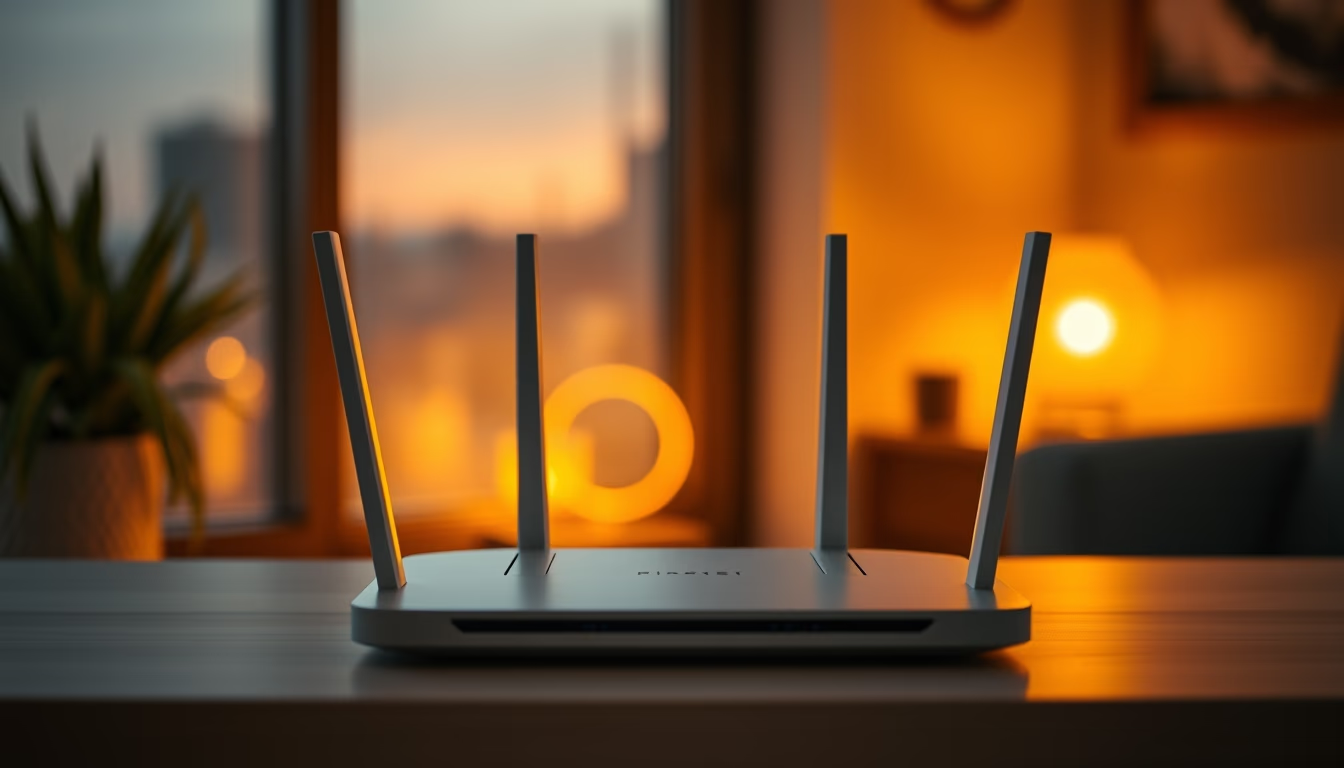
Wifi router modern
1344×768 · AVIF · CC BY 4.0
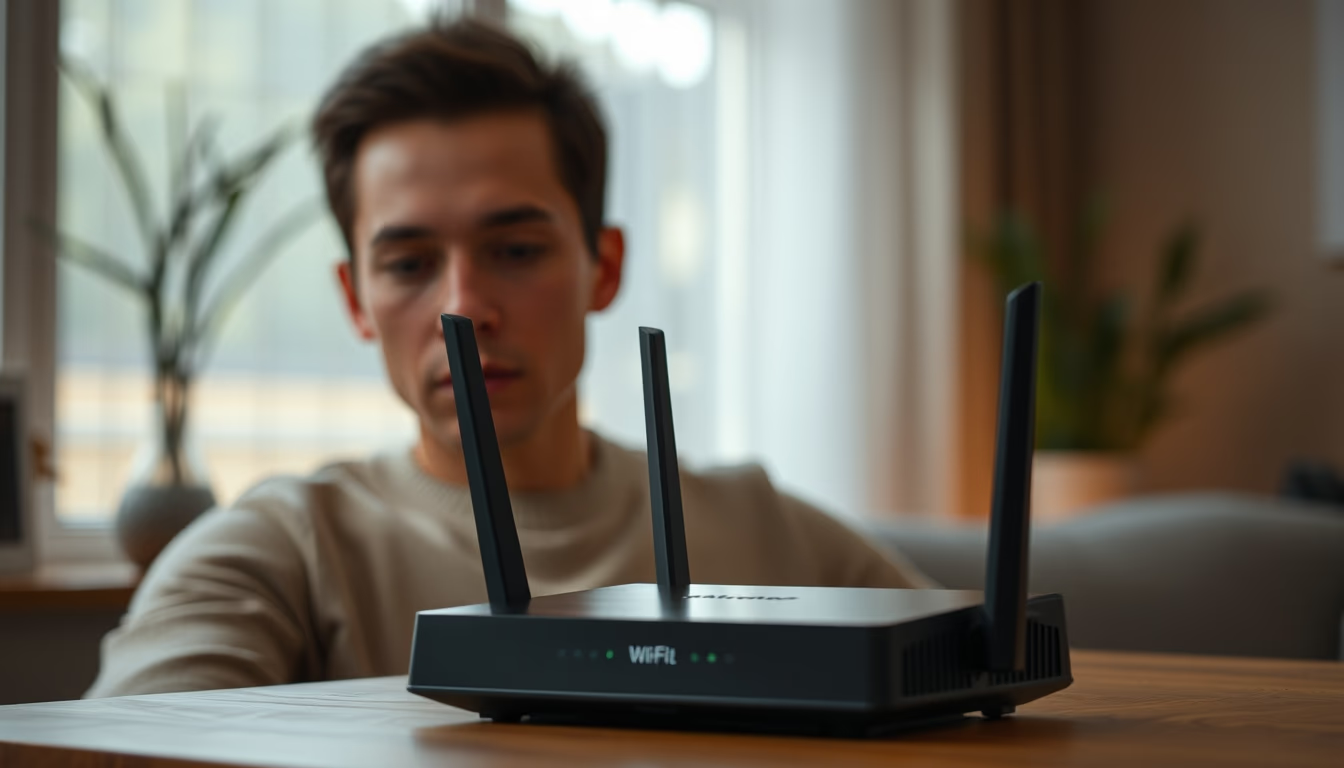
Modern Wi-Fi routers are the backbone of remote work, providing stable connections for video conferences and data transfers.
About this subject
A modern Wi-Fi router is a device that creates a local wireless network, allowing multiple devices to connect to the internet simultaneously. Unlike older models, current routers operate on the 5 GHz or 6 GHz band (Wi-Fi 6E), offering higher speed and lower latency. They utilize technologies such as MU-MIMO (Multi-User Multiple-Input Multiple-Output) and beamforming, which direct the signal to connected devices, improving efficiency in environments with many gadgets.
In the context of remote work, the router is essential. With the COVID-19 pandemic, millions of people worldwide shifted to working from home, driving demand for high-performance routers. According to the OECD, global fixed broadband subscriptions increased by 10% in 2020. Routers with Quality of Service (QoS) features prioritize traffic from applications like Zoom and Microsoft Teams, reducing lag and improving call quality.
The evolution of Wi-Fi began with the IEEE 802.11 standard in 1997. The latest generation, Wi-Fi 7 (802.11be), is already being rolled out, promising speeds up to 30 Gbps. In countries like the United States, the Federal Communications Commission (FCC) opened the 6 GHz band for unlicensed use, enabling Wi-Fi 6E. This is particularly beneficial for dense urban areas where interference is common.
Fun fact: the name "Wi-Fi" was coined by the branding agency Interbrand in 1999, and it does not stand for "Wireless Fidelity," contrary to popular belief. Leading manufacturers such as TP-Link, Netgear, and Asus offer models with advanced security protocols like WPA3. For remote workers, experts recommend routers with at least dual-band support and a minimum of four antennas to ensure robust coverage.
Frequently Asked Questions
What is the difference between Wi-Fi 5 and Wi-Fi 6?
Wi-Fi 6 (802.11ax) offers higher speed, lower latency, and better performance in dense environments. It uses 1024-QAM modulation and OFDMA, allowing more data to be transmitted simultaneously.
How to choose a router for remote work?
Prioritize models with Wi-Fi 6 support, dual-band (2.4 and 5 GHz), and QoS features. Check the number of LAN ports and compatibility with your ISP. Brands like TP-Link and Asus offer reliable options.
How many devices can a modern router handle?
Wi-Fi 6 routers can manage dozens of devices simultaneously, with a theoretical capacity of up to 256 connections. In practice, it's advisable to keep under 50 devices per router for optimal stability.
Direct URL
https://pub-c7d6a6ea828543ac903a74a341ccb2e1.r2.dev/imagens/wifi-router-modern-documentary-photography-p4.avifHow to credit
Include a visible link back to UtilizAí. Copy one of the snippets below:
<a href="https://xn--utiliza-eza.com/en/midia/imagens/wifi-router-modern-documentary-photography-p4">Wifi router modern</a> by <a href="https://xn--utiliza-eza.com">UtilizAí</a>, licensed under <a href="https://creativecommons.org/licenses/by/4.0/">CC BY 4.0</a>.
[Wifi router modern](https://xn--utiliza-eza.com/en/midia/imagens/wifi-router-modern-documentary-photography-p4) by [UtilizAí](https://xn--utiliza-eza.com), CC BY 4.0
License: CC-BY-4.0