Ssd nvme stick
1344×768 · AVIF · CC BY 4.0
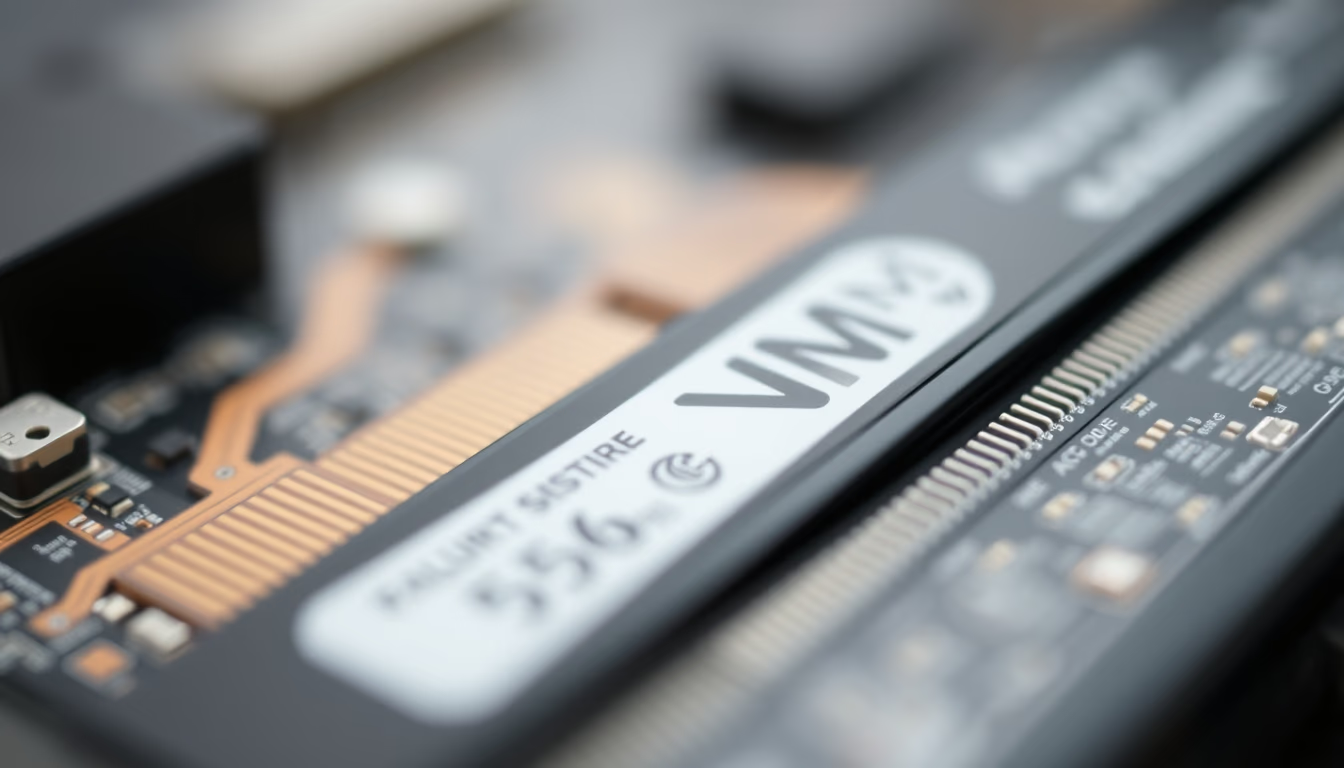
The M.2 NVMe SSD is the current standard for fast storage in computers, outperforming SATA SSDs in speed.
About this subject
NVMe (Non-Volatile Memory Express) SSDs revolutionized data storage by using the PCI Express bus directly, eliminating the bottleneck of the SATA protocol. The slim M.2 form factor is the most common for these devices, enabling read and write speeds that can exceed 5,000 MB/s on PCIe 4.0 models, while SATA SSDs are limited to around 550 MB/s.
Originally developed to leverage the low latency of NAND flash memory, NVMe supports parallel command queues (up to 65,535 queues with 65,535 commands each), whereas SATA's AHCI handles only a single queue of 32 commands. This makes NVMe ideal for high-throughput applications such as 4K video editing, AAA gaming, and data servers.
Installing an M.2 NVMe SSD is straightforward: plug it into a compatible motherboard slot and secure it with a screw. Most modern motherboards include at least one M.2 slot, and many ultra-thin laptops have abandoned hard drives and SATA SSDs in favor of NVMe. Typical capacities range from 256 GB to 2 TB, with 4 TB models now common.
A fun fact: "NVMe" refers to the protocol, not the physical connector. NVMe SSDs can also be found in U.2 and add-in card formats, but M.2 dominates the consumer market. Power consumption is low, typically between 3 and 6 watts during active use, contributing to laptop efficiency.
Frequently Asked Questions
What is the difference between NVMe SSD and SATA SSD?
NVMe SSDs use the PCIe bus, offering much higher speeds (up to 5,000 MB/s) compared to SATA (max 550 MB/s). NVMe also supports parallel command queues, reducing latency.
Do I need an adapter to use an M.2 NVMe SSD?
It depends on the motherboard. If it has an M.2 slot supporting NVMe (M key), the SSD fits directly. Otherwise, PCIe adapters are available, but boot support may be limited.
Do NVMe SSDs get very hot?
Yes, especially under heavy loads. High-performance models often include heatsinks. Many motherboards come with a pre-installed heatsink for the M.2 slot.
Direct URL
https://pub-c7d6a6ea828543ac903a74a341ccb2e1.r2.dev/imagens/ssd-nvme-stick-macro-closeup-p12.avifHow to credit
Include a visible link back to UtilizAí. Copy one of the snippets below:
<a href="https://xn--utiliza-eza.com/en/midia/imagens/ssd-nvme-stick-macro-closeup-p12">Ssd nvme stick</a> by <a href="https://xn--utiliza-eza.com">UtilizAí</a>, licensed under <a href="https://creativecommons.org/licenses/by/4.0/">CC BY 4.0</a>.
[Ssd nvme stick](https://xn--utiliza-eza.com/en/midia/imagens/ssd-nvme-stick-macro-closeup-p12) by [UtilizAí](https://xn--utiliza-eza.com), CC BY 4.0
License: CC-BY-4.0





