Pcie expansion slot
1344×768 · AVIF · CC BY 4.0
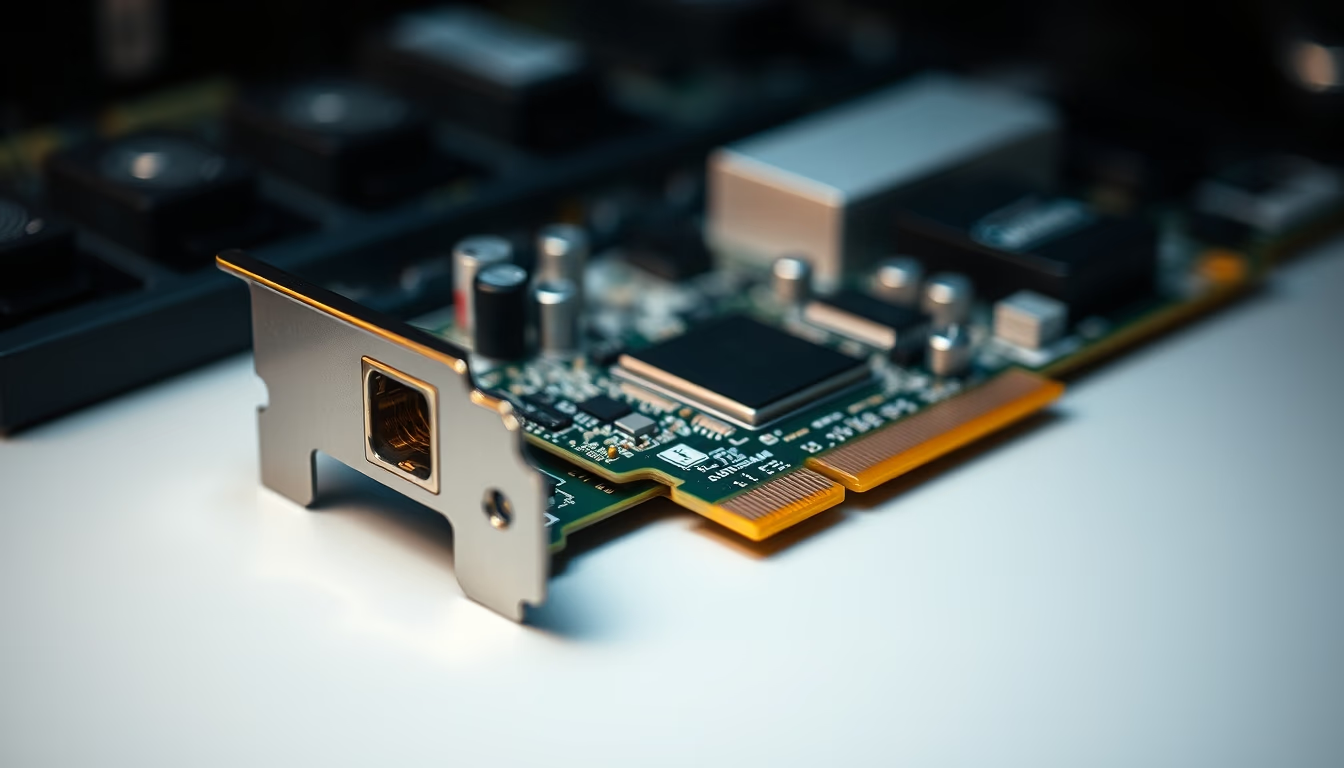
The PCI Express (PCIe) slot is a high-speed expansion bus standard used in computers for graphics cards, SSDs, network adapters, and more.
About this subject
The PCI Express (Peripheral Component Interconnect Express) bus, commonly known as PCIe, is the dominant standard for connecting expansion cards in modern computers. It replaced older PCI and AGP standards starting in 2004, offering point-to-point serial communication with much higher bandwidth. Each PCIe link consists of multiple lanes, which can be grouped in configurations such as x1, x4, x8, and x16, with x16 typical for graphics cards and x4 for NVMe SSDs.
PCIe generations have advanced significantly. PCIe 1.0 provided 250 MB/s per lane, while PCIe 4.0 (released in 2017) reaches 2 GB/s per lane, and PCIe 5.0 doubles that to 4 GB/s. The latest, PCIe 6.0, announced in 2022, achieves 8 GB/s per lane using PAM-4 modulation for greater efficiency. This scalability enables high-performance hardware like modern GPUs and cutting-edge SSDs to fully utilize available speed.
A key nuance is that physical slot size does not always match electrical configuration: a x16 slot may run at x8 or x4 electrically, depending on the chipset and CPU lane allocation. Devices are backward and forward compatible across generations, though maximum speed is limited by the older generation involved. For instance, a PCIe 4.0 card in a 3.0 slot operates at 3.0 speeds. This compatibility is crucial for component longevity.
Beyond internal use, PCIe is also the foundation for external connections via cables, such as Thunderbolt and certain eGPU adapters. In servers and workstations, PCIe enables RAID controllers, high-speed network cards, and AI accelerators. The versatility of the standard has made it indispensable in modern computing, from desktops to data centers.
Frequently Asked Questions
What is the difference between PCIe x16 and x8?
The difference is the number of lanes: x16 has 16 data lanes, offering higher bandwidth (up to 32 GB/s for PCIe 4.0), while x8 has half (8 lanes, up to 16 GB/s). Graphics cards typically use x16; network cards or controllers may use x8.
Can I use a PCIe 4.0 card in a PCIe 3.0 slot?
Yes, it is compatible. The card will work but limited to the maximum speed of the 3.0 slot (e.g., a 4.0 GPU will perform similarly to a 3.0 one). Backward compatibility is guaranteed by the standard.
How many PCIe slots does a typical motherboard have?
Consumer motherboards usually have 1 to 3 physical x16 slots (one connected to the CPU, others to the chipset) and a few x1 or x4 slots. Server or workstation models may have more configurable slots.
Direct URL
https://pub-c7d6a6ea828543ac903a74a341ccb2e1.r2.dev/imagens/pcie-expansion-slot-national-geographic-style-p9.avifHow to credit
Include a visible link back to UtilizAí. Copy one of the snippets below:
<a href="https://xn--utiliza-eza.com/en/midia/imagens/pcie-expansion-slot-national-geographic-style-p9">Pcie expansion slot</a> by <a href="https://xn--utiliza-eza.com">UtilizAí</a>, licensed under <a href="https://creativecommons.org/licenses/by/4.0/">CC BY 4.0</a>.
[Pcie expansion slot](https://xn--utiliza-eza.com/en/midia/imagens/pcie-expansion-slot-national-geographic-style-p9) by [UtilizAí](https://xn--utiliza-eza.com), CC BY 4.0
License: CC-BY-4.0





