Pcie expansion slot
1344×768 · AVIF · CC BY 4.0
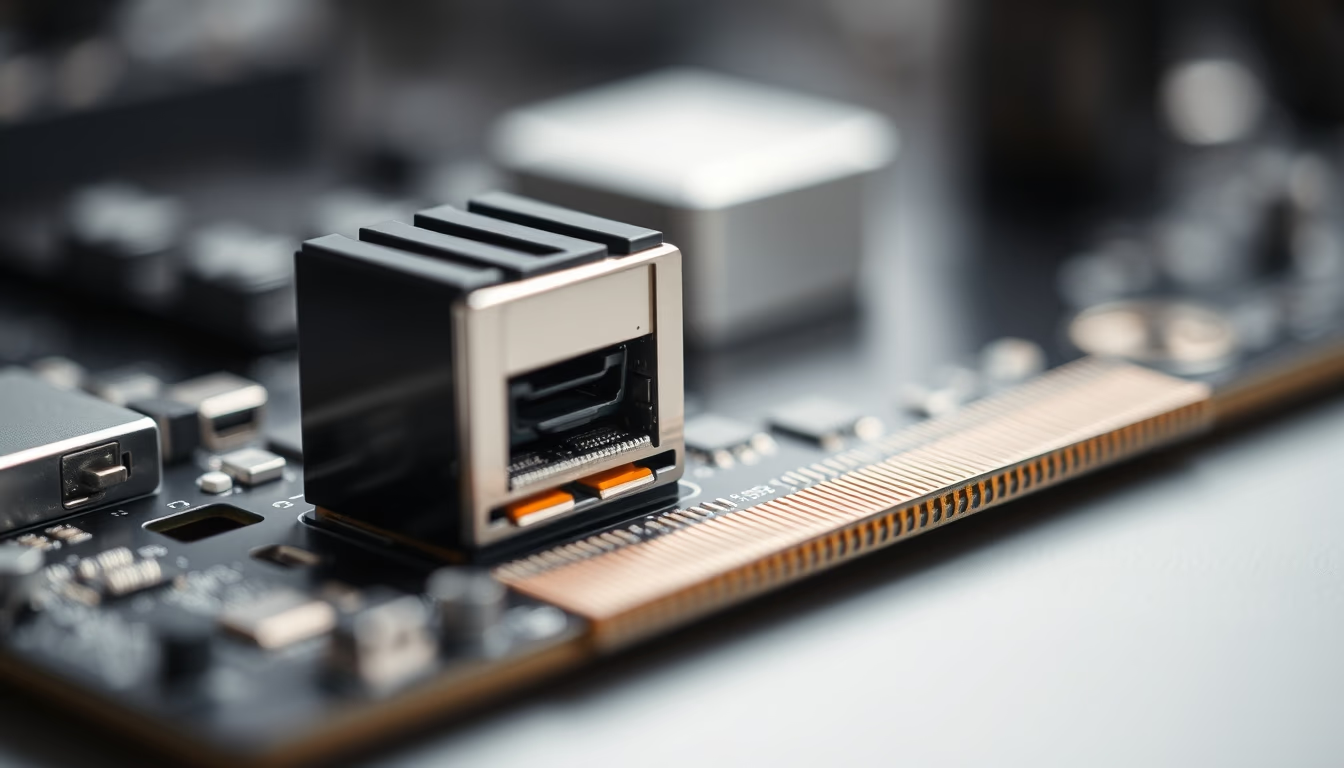
PCI Express (PCIe) expansion slot, standard connector for graphics cards, sound cards, network cards, and storage in modern computers.
About this subject
The PCI Express (PCIe) expansion slot is the current standard for connecting high-performance peripherals to a computer motherboard. Developed by Intel in 2003 as the successor to PCI and AGP, PCIe uses a point-to-point serial bus that provides higher bandwidth per lane. Each slot has a varying number of lanes: x1 (one lane), x4, x8, and x16, with x16 being the most common for graphics cards. For example, PCIe 4.0 x16 offers up to 32 GB/s per direction, while version 5.0 doubles that to 64 GB/s.
PCIe's versatility allows installation of different devices such as dedicated graphics cards (GPUs), video capture cards, NVMe M.2 controller adapters, high-speed Ethernet or Wi-Fi cards, and even AI accelerators. Mechanical and electrical compatibility is maintained across generations: a PCIe 3.0 card works in a 4.0 slot but is limited to the older generation's speed. Physical sizes vary: x1 and x4 slots are shorter, while x8 and x16 are longer, but larger cards can operate in smaller slots (e.g., x8 card in x16 slot).
Historically, PCIe replaced the parallel PCI bus, which suffered from shared bandwidth bottlenecks. PCIe 3.0 became standard around 2010, followed by 4.0 in 2017 and 5.0 in 2019. Currently, PCIe 6.0 is under development, promising up to 256 GB/s using PAM-4 modulation. In laptops, PCIe connections are integrated for mobile GPUs, M.2 SSDs, and Thunderbolt. Multiple slots on a motherboard enable multi-GPU setups (SLI/CrossFire, though declining) or NVMe storage via adapters.
A technical curiosity: lane availability depends on the chipset and CPU. Mainstream processors (e.g., Intel Core i9) provide 20 to 28 lanes directly, while chipsets like Z790 add more. In servers, PCIe 4.0/5.0 buses with up to 128 lanes are common for compute GPUs and RAID controllers. The physical connector has keying notches to prevent incorrect insertion, and contacts are gold-plated for better conductivity.
Frequently Asked Questions
What is the difference between PCIe x1, x4, x8, and x16?
The number after 'x' indicates the lane count. Each lane consists of two wire pairs for transmit and receive. More lanes provide higher total bandwidth. For example, PCIe 4.0 x1 offers about 2 GB/s, while x16 offers 32 GB/s.
Can I use a PCIe 4.0 card in a PCIe 3.0 slot?
Yes, it is backward compatible. The card will operate at PCIe 3.0 speed. The performance loss is minimal in most cases, except for high-end GPUs in bandwidth-intensive applications.
What is the notch in the PCIe slot for?
The notch is a mechanical key that prevents inserting incompatible cards. For instance, an x16 card has a notch that aligns with x16, x8, or x4 slots. x1 cards have a different notch. This avoids electrical damage from improper insertion.
Direct URL
https://pub-c7d6a6ea828543ac903a74a341ccb2e1.r2.dev/imagens/pcie-expansion-slot-macro-closeup-p3.avifHow to credit
Include a visible link back to UtilizAí. Copy one of the snippets below:
<a href="https://xn--utiliza-eza.com/en/midia/imagens/pcie-expansion-slot-macro-closeup-p3">Pcie expansion slot</a> by <a href="https://xn--utiliza-eza.com">UtilizAí</a>, licensed under <a href="https://creativecommons.org/licenses/by/4.0/">CC BY 4.0</a>.
[Pcie expansion slot](https://xn--utiliza-eza.com/en/midia/imagens/pcie-expansion-slot-macro-closeup-p3) by [UtilizAí](https://xn--utiliza-eza.com), CC BY 4.0
License: CC-BY-4.0





