Pcie expansion slot
1344×768 · AVIF · CC BY 4.0
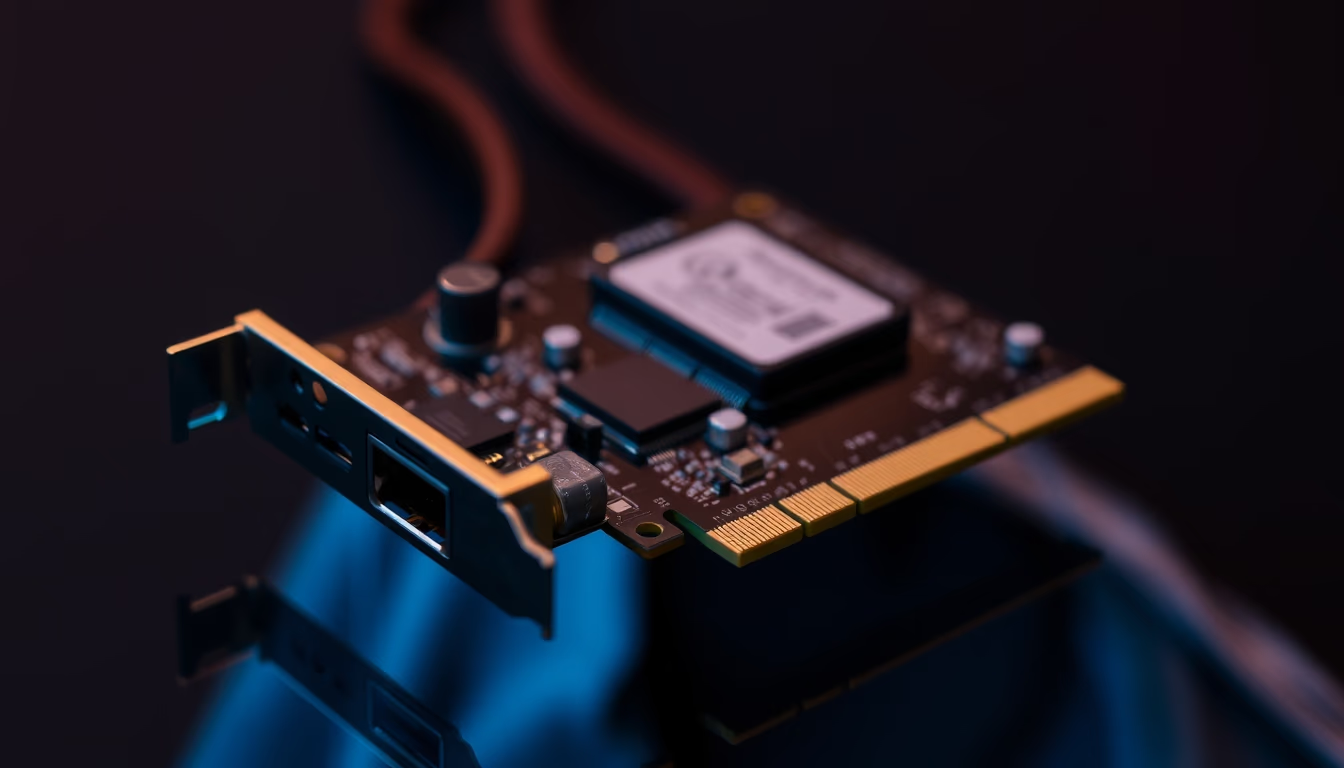
The PCI Express (PCIe) expansion slot is a high-speed interface on motherboards used to connect components such as graphics cards, SSDs, and network cards.
About this subject
PCI Express, short for Peripheral Component Interconnect Express, is a high-speed serial expansion bus standard developed by Intel in 2003. It replaced older parallel buses like PCI and AGP, offering greater bandwidth and scalability. Modern motherboards feature PCIe slots of different physical sizes: x1, x4, x8, and x16, where the number indicates the number of lanes available for data transmission. Each lane provides up to 1 GB/s of bidirectional bandwidth in version 4.0, and newer versions like 5.0 and 6.0 progressively double that rate.
PCIe slots are used to connect a variety of devices. The most common use is for dedicated graphics cards, which typically occupy an x16 slot. Other devices include NVMe SSDs (via adapters), video capture cards, sound cards, USB or Thunderbolt controllers, and high-speed network cards. In servers and workstations, PCIe slots also host RAID controllers, compute GPUs, and hardware acceleration cards.
The evolution of PCIe generations has brought significant improvements. PCIe 1.0, released in 2003, offered 2.5 GT/s per lane; PCIe 2.0 (2007) doubled to 5 GT/s; PCIe 3.0 (2010) reached 8 GT/s; PCIe 4.0 (2017) achieved 16 GT/s; and PCIe 5.0 (2019) hit 32 GT/s. Version 6.0, expected in 2022, doubles again to 64 GT/s using PAM-4 encoding for efficiency. Additionally, the standard includes features like hot-plug support, power management, and signal reversibility.
It is important to note that the total bandwidth of a slot depends on the version and number of lanes. An x16 PCIe 4.0 slot can provide up to 32 GB/s in each direction, sufficient for today's most powerful GPUs. However, motherboards with multiple slots may share lanes with other components like M.2 or SATA ports, affecting performance in multi-GPU setups.
Frequently Asked Questions
What is the difference between PCIe x16 and x8?
The difference is in the number of lanes. An x16 slot has 16 lanes, offering higher bandwidth. An x8 slot has half that, used for devices that do not require as much speed, such as some network cards or controllers.
Can I use a PCIe 4.0 graphics card in a PCIe 3.0 slot?
Yes, PCIe is backward compatible. The card will work but is limited to the slot's speed (3.0). The performance difference in games is usually small (about 2-5%).
What do PCIe version numbers (1.0, 2.0, 3.0, etc.) mean?
Each generation doubles the transfer rate per lane. For example, PCIe 1.0 offers 2.5 GT/s, 2.0 offers 5 GT/s, 3.0 offers 8 GT/s, 4.0 offers 16 GT/s, and so on. Higher generations provide more bandwidth.
Direct URL
https://pub-c7d6a6ea828543ac903a74a341ccb2e1.r2.dev/imagens/pcie-expansion-slot-fine-art-photography-p5.avifHow to credit
Include a visible link back to UtilizAí. Copy one of the snippets below:
<a href="https://xn--utiliza-eza.com/en/midia/imagens/pcie-expansion-slot-fine-art-photography-p5">Pcie expansion slot</a> by <a href="https://xn--utiliza-eza.com">UtilizAí</a>, licensed under <a href="https://creativecommons.org/licenses/by/4.0/">CC BY 4.0</a>.
[Pcie expansion slot](https://xn--utiliza-eza.com/en/midia/imagens/pcie-expansion-slot-fine-art-photography-p5) by [UtilizAí](https://xn--utiliza-eza.com), CC BY 4.0
License: CC-BY-4.0





