Pcie expansion slot
1344×768 · AVIF · CC BY 4.0
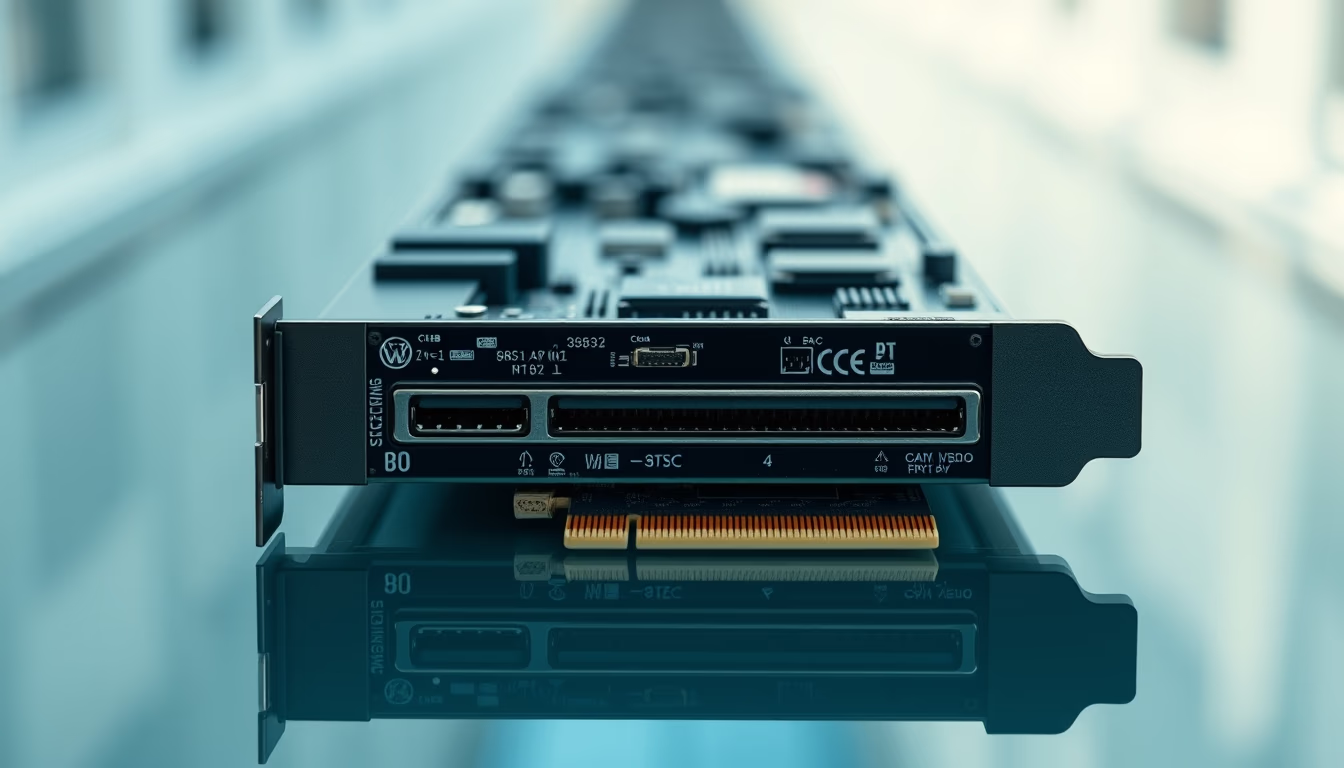
The PCIe (PCI Express) expansion slot is the primary connection standard on motherboards, enabling installation of graphics cards, NVMe SSDs, and other high-performance peripherals.
About this subject
Introduced by Intel in 2003, PCI Express gradually replaced legacy AGP and PCI buses, becoming the dominant standard for high-speed internal communication. Each slot features a variable number of lanes (x1, x4, x8, x16), with x16 being the most common for dedicated graphics cards. Bandwidth doubles every generation: PCIe 3.0 delivers about 1 GB/s per lane, PCIe 4.0 reaches 2 GB/s, and PCIe 5.0 achieves 4 GB/s. PCIe 6.0, announced in 2022, doubles again to 8 GB/s per lane, offering up to 128 GB/s in a x16 configuration.
The versatility of PCIe extends well beyond graphics. Smaller slots (x1 and x4) accommodate network interface cards, additional USB controllers, NVMe SSDs (via M.2 adapters), and AI accelerators. In servers, PCIe slots commonly host RAID storage boards, compute GPUs, and 100 Gbps network interfaces. Backward compatibility ensures older devices work in newer slots, albeit at the slower component's maximum speed.
Physically, PCIe slots come in standardized lengths: x1 at 25 mm, x4 around 39 mm, x8 approximately 56 mm, and x16 measuring 89 mm. Connectors are keyed to prevent improper insertion. The number of slots depends on motherboard form factor: typical ATX boards have one x16 slot plus several x1 or x4 slots, while server boards may offer multiple x16 slots. Slot placement is critical for airflow and cable routing within the case.
Frequently Asked Questions
What does PCIe stand for?
PCIe stands for Peripheral Component Interconnect Express, a serial bus standard for connecting high-speed peripherals to the motherboard.
How many generations of PCIe exist?
Currently there are six generations: PCIe 1.0 (2003), 2.0 (2007), 3.0 (2010), 4.0 (2017), 5.0 (2019), and 6.0 (2022). Each doubles the transfer rate per lane.
What is the difference between PCIe x1 and x16?
The main difference is the number of lanes: x1 has one lane, offering up to 2 GB/s (PCIe 5.0), while x16 has 16 lanes, reaching up to 32 GB/s in the same generation. More lanes mean higher bandwidth.
Direct URL
https://pub-c7d6a6ea828543ac903a74a341ccb2e1.r2.dev/imagens/pcie-expansion-slot-architectural-photography-p11.avifHow to credit
Include a visible link back to UtilizAí. Copy one of the snippets below:
<a href="https://xn--utiliza-eza.com/en/midia/imagens/pcie-expansion-slot-architectural-photography-p11">Pcie expansion slot</a> by <a href="https://xn--utiliza-eza.com">UtilizAí</a>, licensed under <a href="https://creativecommons.org/licenses/by/4.0/">CC BY 4.0</a>.
[Pcie expansion slot](https://xn--utiliza-eza.com/en/midia/imagens/pcie-expansion-slot-architectural-photography-p11) by [UtilizAí](https://xn--utiliza-eza.com), CC BY 4.0
License: CC-BY-4.0





