Pc fan rgb glowing
1344×768 · AVIF · CC BY 4.0
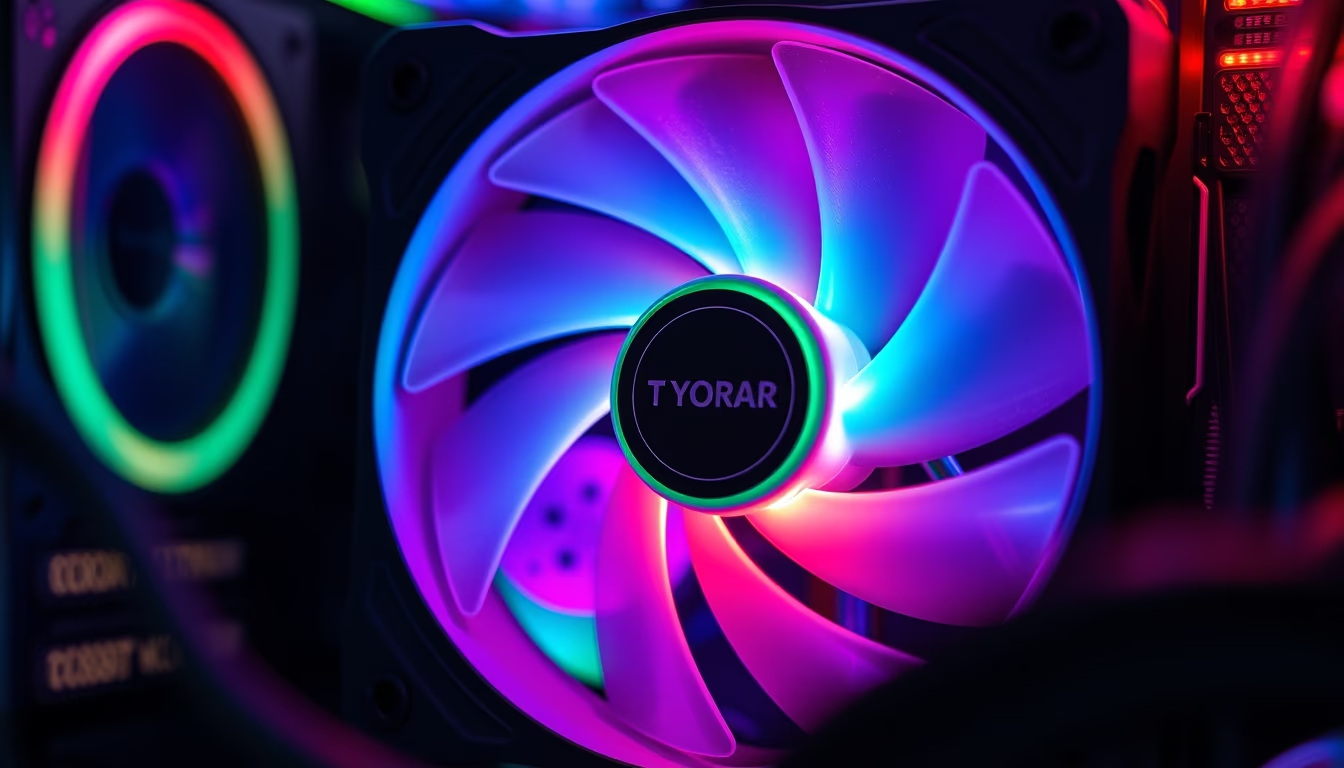
A PC fan with RGB lighting is an essential component for cooling and aesthetics in gaming computers and workstations.
About this subject
PC fans with RGB lighting have become popular not only for their cooling function but also for visual appeal. They use colored LEDs that can be controlled via software or a controller, allowing synchronization of colors and effects with other components. RGB (Red, Green, Blue) technology enables millions of color combinations, and many systems offer modes such as breathing, rainbow, or music reaction.
In terms of performance, these fans typically feature ball or hydraulic bearings for greater durability and lower noise. Models from Corsair, NZXT, and Cooler Master vary in size (120 mm, 140 mm) and airflow (CFM) or static pressure. Lighting can be addressable (individually controllable) or standard, affecting the complexity of effects.
Proper cooling is crucial to prevent overheating of CPUs and GPUs, especially during overclocking. RGB fans are often used in cases with tempered glass side panels to showcase the interior. Additionally, synchronization with compatible motherboards (e.g., ASUS Aura Sync, MSI Mystic Light) allows a unified lighting ecosystem.
Trivia: Some fans feature side or central RGB lighting, and even blades with embedded LEDs. The additional power consumption of the LEDs is minimal, typically under 1 watt. Average lifespan ranges from 30,000 to 100,000 hours, depending on bearing quality.
Frequently Asked Questions
What is the difference between addressable RGB and standard RGB in PC fans?
Addressable RGB (ARGB) allows individual control of each LED, enabling more complex effects like waves or gradients. Standard RGB controls all LEDs with the same color simultaneously.
Do RGB fans consume a lot of power?
No, LEDs use very little power, typically less than 1 watt per fan. The fan motor consumes the majority, usually between 1 to 3 watts.
Do I need a special motherboard to control RGB lighting?
Not necessarily. Many fans come with manual controllers or their own software. However, for synchronization with other components, a motherboard supporting standards like Aura Sync or Mystic Light is recommended.
Direct URL
https://pub-c7d6a6ea828543ac903a74a341ccb2e1.r2.dev/imagens/pc-fan-rgb-glowing-tilt-shift-miniature-p0.avifHow to credit
Include a visible link back to UtilizAí. Copy one of the snippets below:
<a href="https://xn--utiliza-eza.com/en/midia/imagens/pc-fan-rgb-glowing-tilt-shift-miniature-p0">Pc fan rgb glowing</a> by <a href="https://xn--utiliza-eza.com">UtilizAí</a>, licensed under <a href="https://creativecommons.org/licenses/by/4.0/">CC BY 4.0</a>.
[Pc fan rgb glowing](https://xn--utiliza-eza.com/en/midia/imagens/pc-fan-rgb-glowing-tilt-shift-miniature-p0) by [UtilizAí](https://xn--utiliza-eza.com), CC BY 4.0
License: CC-BY-4.0





