Pc fan rgb glowing
1344×768 · AVIF · CC BY 4.0
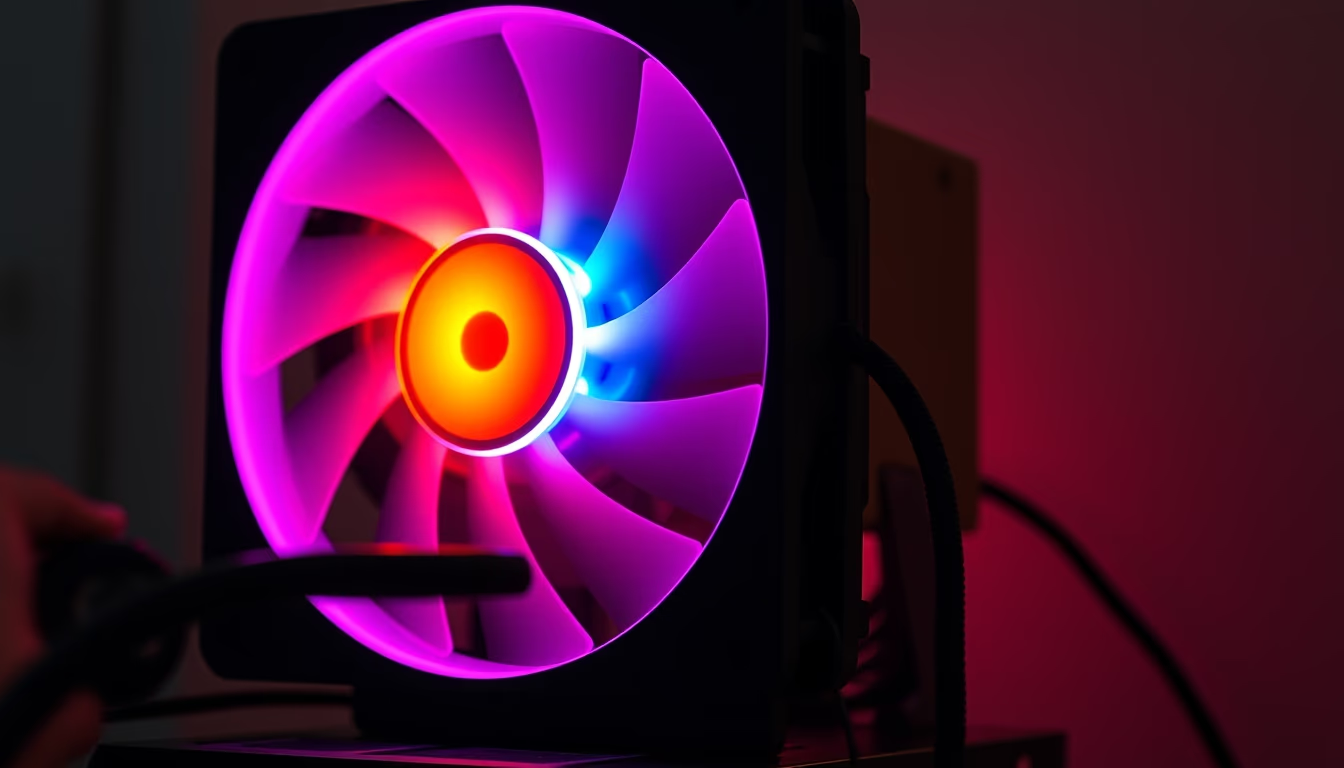
PC fans with RGB lighting combine thermal performance and aesthetic customization, common in gaming computers and workstations.
About this subject
PC fans with RGB lighting have become an essential component for hardware enthusiasts and gamers. Manufactured by brands like Corsair, NZXT, and Cooler Master, these fans not only cool critical components such as CPUs and GPUs but also offer visual customization through addressable LEDs. The term RGB stands for red, green, and blue, which can be combined to create millions of colors, controlled by software like iCUE or Aura Sync.
The history of PC fans dates back to the 1980s, when active cooling became necessary due to increasing clock speeds. Modern models use ball or hydrodynamic bearings to reduce noise and extend lifespan, often exceeding 50,000 hours. RGB fans typically come in standard sizes of 120 mm or 140 mm, with airflow ranging from 30 to 70 CFM (cubic feet per minute), depending on rotational speed.
RGB lighting is not merely decorative; it can serve as a system temperature indicator, for example, shifting from blue to red as load increases. Moreover, synchronization across multiple components (cooler, keyboard, mouse) creates an immersive experience. However, fans with many LEDs can generate additional heat, though negligible in practice. Connectivity uses 4-pin PWM cables for speed control and separate cables for RGB (3-pin 5V or 4-pin 12V), depending on the standard.
Interestingly, some manufacturers offer bladeless fans using pressurized airflow, but they remain niche. The global market for RGB fans exceeded $500 million in 2023, driven by e-sports growth and custom PC builds. For those seeking absolute silence, there are models with a zero-RPM mode that stops blades at low temperatures.
Frequently Asked Questions
What is the difference between addressable RGB and regular RGB?
Addressable RGB (aRGB) allows individual control of each LED, enabling dynamic effects like waves and rainbows. Regular RGB (4-pin 12V) lights all colors simultaneously without per-LED variation.
How do I control the RGB lighting on my fans?
You need an RGB controller (hub or compatible motherboard) and software such as Asus Aura Sync, MSI Mystic Light, or Corsair iCUE. Most modern motherboards have 3-pin 5V aRGB headers.
Do RGB fans consume more power than regular ones?
The extra power draw from LEDs is minimal, typically less than 2 watts per fan. Most power goes to the motor, which is similar to non-RGB models. The impact on your electricity bill is negligible.
Direct URL
https://pub-c7d6a6ea828543ac903a74a341ccb2e1.r2.dev/imagens/pc-fan-rgb-glowing-documentary-photography-p1.avifHow to credit
Include a visible link back to UtilizAí. Copy one of the snippets below:
<a href="https://xn--utiliza-eza.com/en/midia/imagens/pc-fan-rgb-glowing-documentary-photography-p1">Pc fan rgb glowing</a> by <a href="https://xn--utiliza-eza.com">UtilizAí</a>, licensed under <a href="https://creativecommons.org/licenses/by/4.0/">CC BY 4.0</a>.
[Pc fan rgb glowing](https://xn--utiliza-eza.com/en/midia/imagens/pc-fan-rgb-glowing-documentary-photography-p1) by [UtilizAí](https://xn--utiliza-eza.com), CC BY 4.0
License: CC-BY-4.0





