Password screen blurred
1344×768 · AVIF · CC BY 4.0
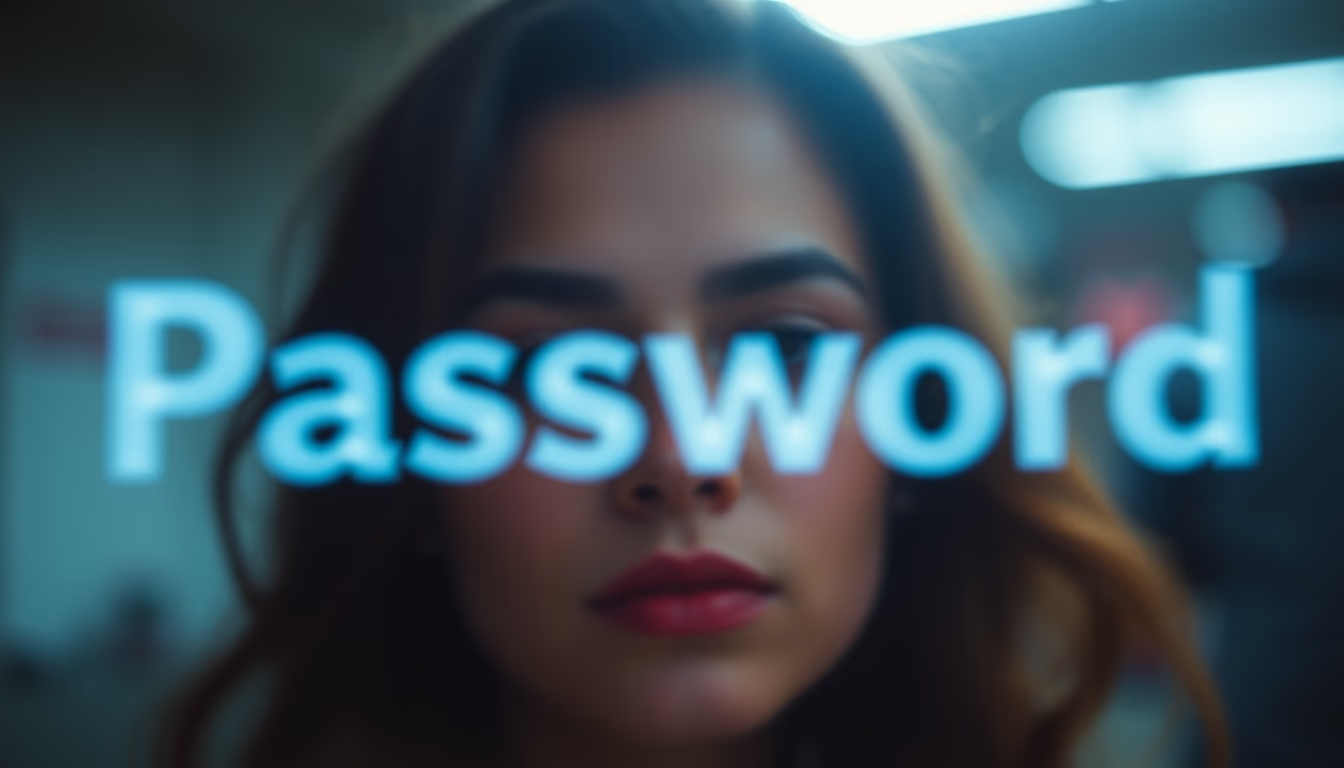
Blurred password screens are a common visual privacy measure, but are they enough to protect your data in public spaces?
About this subject
Blurring password screens in photos or videos has become common with the rise of screenshot sharing on social media and websites. The blur prevents viewers from seeing typed characters, but experts warn this does not guarantee full security. Machine learning techniques can reconstruct keystroke patterns from shadows or reflections, and blur noise can be reduced with super-resolution algorithms. Therefore, the recommendation is never to display passwords in images or, if necessary, to completely cover the fields with opaque elements.
Contemporary visual culture, influenced by aesthetics like lo-fi and disposable cameras, often uses blur as an artistic effect. In this context, a blurred login screen might be just a stylistic choice, but it carries a meaning of privacy and care. However, in real situations, blur can give a false sense of protection. Banks and financial services, for example, explicitly prohibit sharing authentication screens, even if blurred, due to the risk of information leakage.
Password security goes beyond the image: it is recommended to use two-factor authentication, password managers, and biometrics. Blurring the screen is a gesture of digital courtesy, but it does not replace robust protection habits. In public spaces, it is also important to pay attention to physical privacy, such as tilting the screen and using privacy filters. The lo-fi aesthetic may make blurring charming, but security must come first.
Frequently Asked Questions
Is blurring the password screen enough to protect my password in a photo?
Not completely. Blur can be reversed with advanced image processing techniques. The ideal is to completely cover the password fields or avoid displaying them.
Why do people share blurred password screens on social media?
Often out of carelessness or to showcase a visual feature, like an app or theme. The lo-fi and disposable camera aesthetic also popularized blur as an artistic element.
What are the best security practices when photographing a login screen?
Cover the password fields with a sticker or edit the image by adding an opaque box. Prefer not to share authentication screens and instead use textual descriptions or controlled demonstrations.
Direct URL
https://pub-c7d6a6ea828543ac903a74a341ccb2e1.r2.dev/imagens/password-screen-blurred-lo-fi-disposable-camera-p4.avifHow to credit
Include a visible link back to UtilizAí. Copy one of the snippets below:
<a href="https://xn--utiliza-eza.com/en/midia/imagens/password-screen-blurred-lo-fi-disposable-camera-p4">Password screen blurred</a> by <a href="https://xn--utiliza-eza.com">UtilizAí</a>, licensed under <a href="https://creativecommons.org/licenses/by/4.0/">CC BY 4.0</a>.
[Password screen blurred](https://xn--utiliza-eza.com/en/midia/imagens/password-screen-blurred-lo-fi-disposable-camera-p4) by [UtilizAí](https://xn--utiliza-eza.com), CC BY 4.0
License: CC-BY-4.0