Mechanical keyboard rgb
1344×768 · AVIF · CC BY 4.0
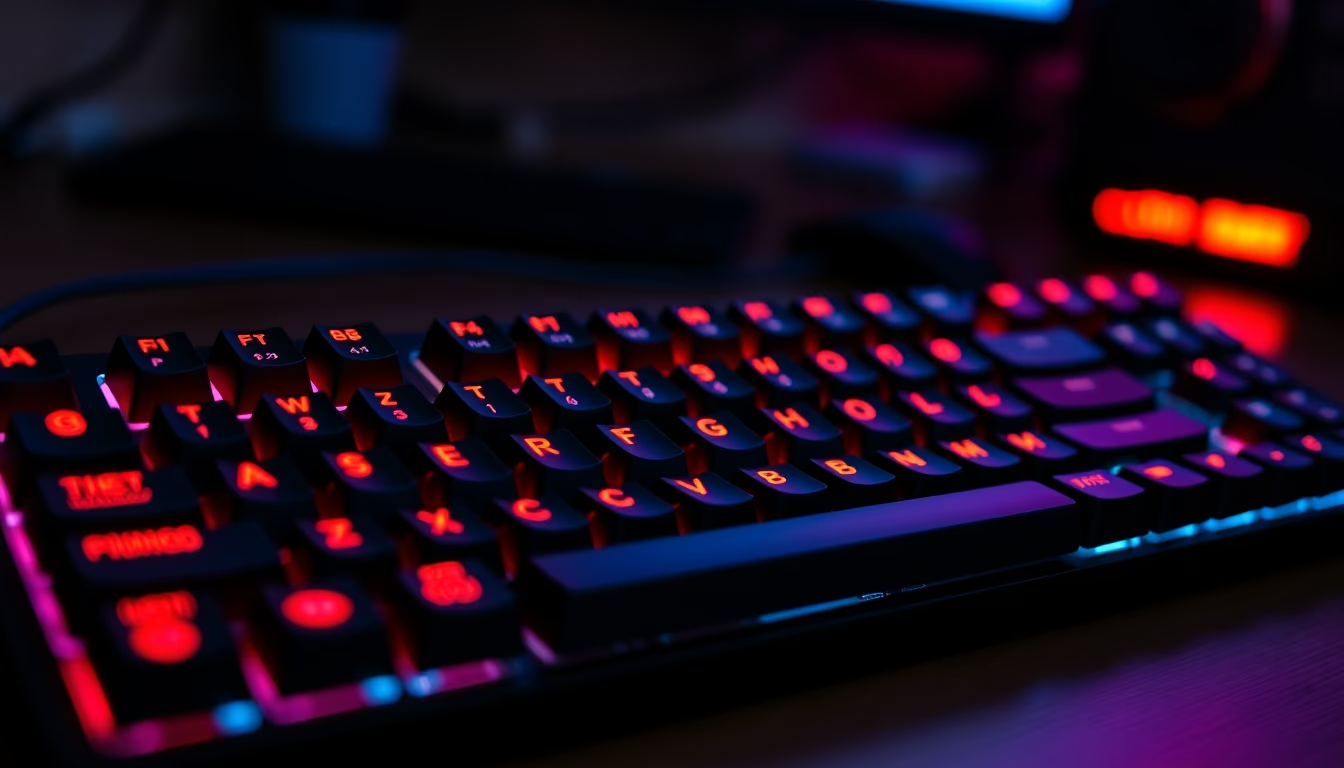
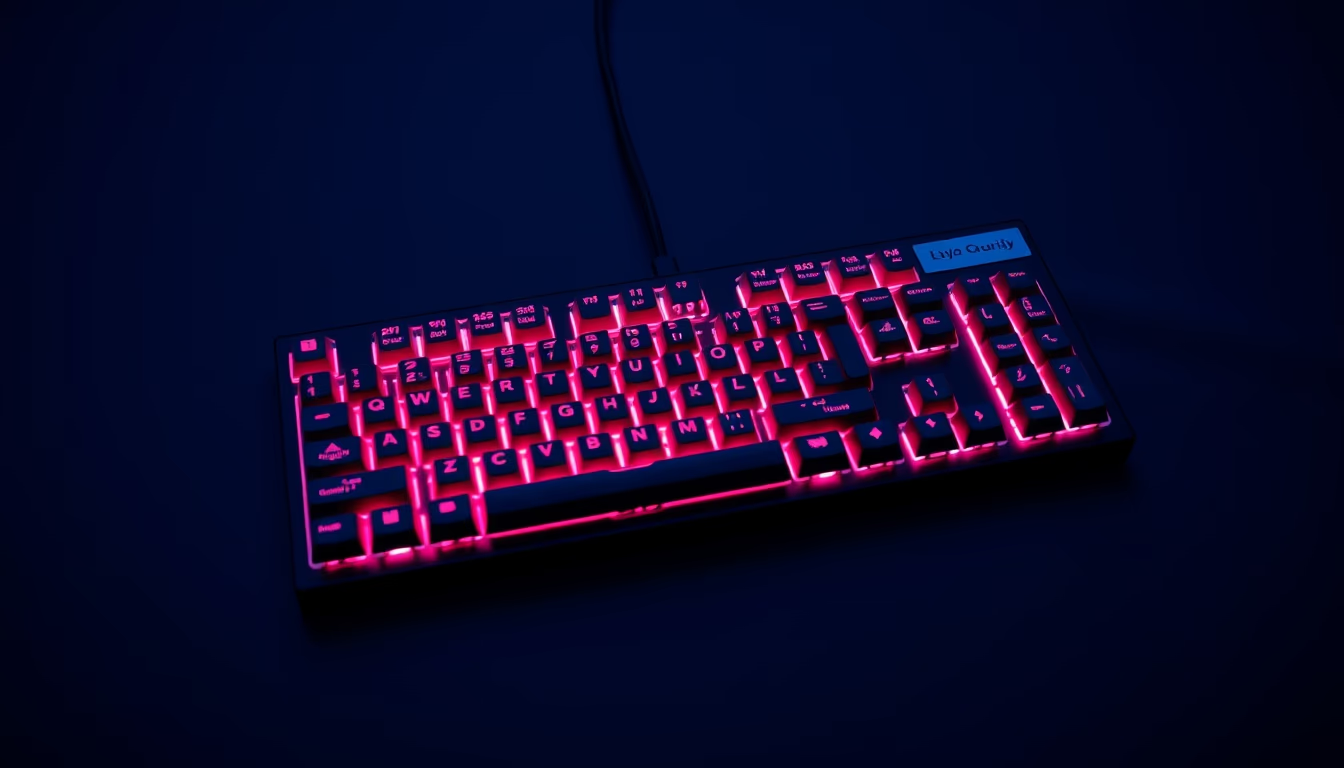
Mechanical keyboards with RGB lighting combine individual switches and programmable LEDs, popular among gamers and professionals seeking precision and customization in the workplace.
About this subject
Mechanical keyboards use individual switches for each key, unlike membrane keyboards that rely on a single rubber layer. This design offers greater durability, typically 50 to 100 million keystrokes, and variable tactile or audible feedback depending on the switch type. The most common switches are Cherry MX, categorized as linear (Red), tactile (Brown), and clicky (Blue), but there are hundreds of variations from brands like Gateron, Kailh, and Razer. The switch choice directly impacts typing experience and noise level.
RGB (Red, Green, Blue) lighting allows each key to display programmable colors and effects, synchronized with customization software such as Razer Synapse, Logitech G Hub, or QMK. The LEDs are chip-controlled and can create patterns like ripples, breathing, or game reactions. This technology has become a major aesthetic and functional differentiator, especially in the gaming market, where lighting can indicate shortcut keys or system status.
Although initially gaming-oriented, RGB mechanical keyboards have entered offices thanks to silent switches like Cherry MX Silent Red or lubricated switches. IT professionals, programmers, and video editors value the precision and ability to remap keys and create macros. The enthusiast community, known as the "mechanical keyboard community," drives customization with artisan keycaps, custom cases, and cables, turning the keyboard into a personal expression item.
Historically, the first popular mechanical keyboards were the IBM Model M with buckling spring switches, still collected today. RGB lighting only emerged in the late 2000s, driven by LED advances and demand for personalization. Today, the market offers everything from compact 60% layouts to full-size boards, with USB or Bluetooth connectivity. The 2026 trend includes aluminum frames, improved stabilizers, and lo-fi effects simulating disposable camera aesthetics, evoking a retro digital look.
Frequently Asked Questions
What are the most common switch types in mechanical keyboards?
The most common are Cherry MX switches, divided into linear (Red), tactile (Brown), and clicky (Blue). Alternatives include brands like Gateron, Kailh, and Razer.
Does RGB lighting consume a lot of power?
Yes, but most keyboards allow turning off or adjusting brightness. During normal use, consumption is low compared to the computer.
Is an RGB mechanical keyboard suitable for an office?
It depends. Silent switches (e.g., Cherry MX Silent Red) are recommended. Lighting can be useful in low-light settings, but avoid flashy colors in a serious professional environment.
Direct URL
https://pub-c7d6a6ea828543ac903a74a341ccb2e1.r2.dev/imagens/mechanical-keyboard-rgb-lo-fi-disposable-camera-p2.avifHow to credit
Include a visible link back to UtilizAí. Copy one of the snippets below:
<a href="https://xn--utiliza-eza.com/en/midia/imagens/mechanical-keyboard-rgb-lo-fi-disposable-camera-p2">Mechanical keyboard rgb</a> by <a href="https://xn--utiliza-eza.com">UtilizAí</a>, licensed under <a href="https://creativecommons.org/licenses/by/4.0/">CC BY 4.0</a>.
[Mechanical keyboard rgb](https://xn--utiliza-eza.com/en/midia/imagens/mechanical-keyboard-rgb-lo-fi-disposable-camera-p2) by [UtilizAí](https://xn--utiliza-eza.com), CC BY 4.0
License: CC-BY-4.0