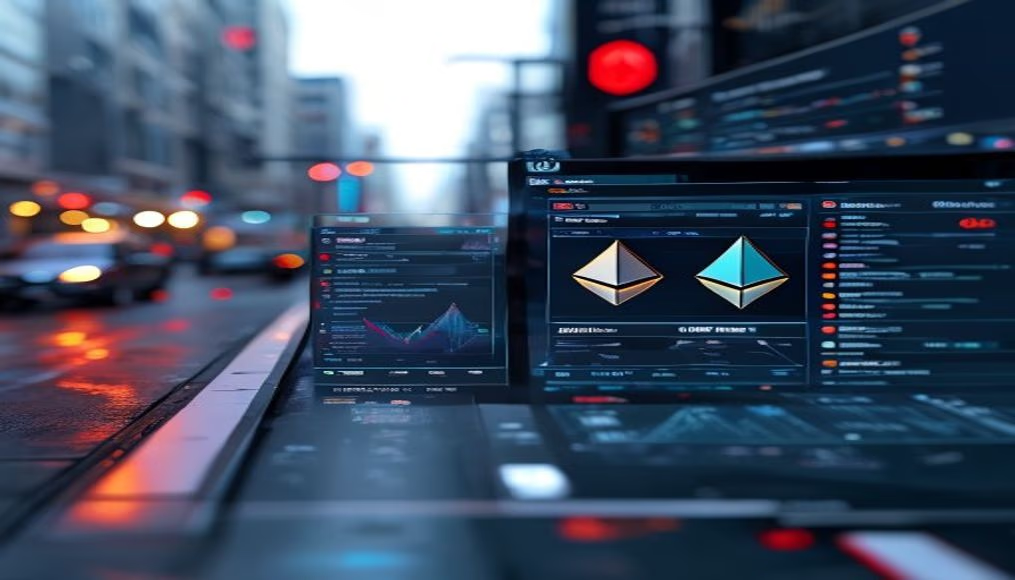
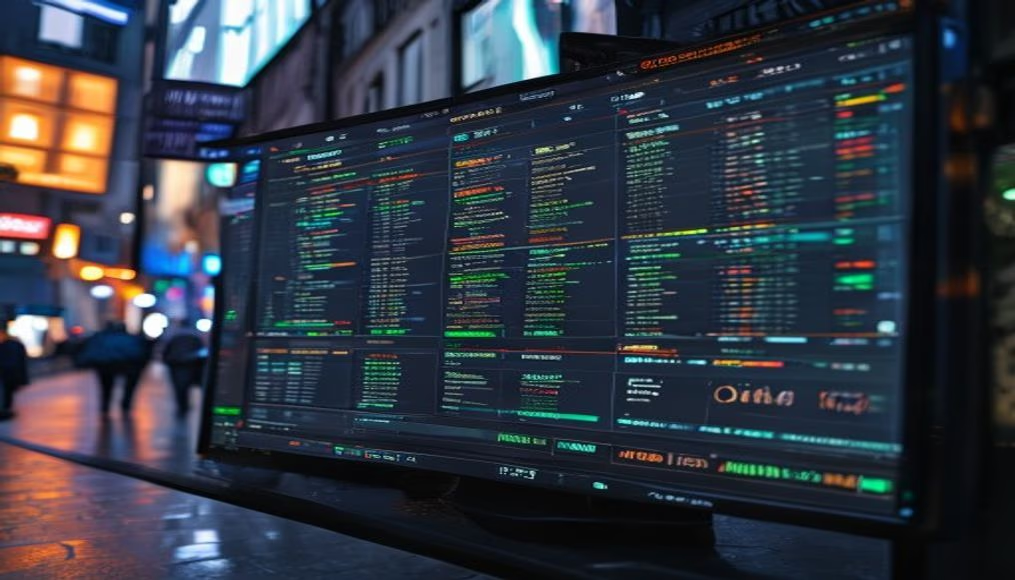
Crypto dashboard on multiple monitors
1344×768 · AVIF · CC BY 4.0

A crypto dashboard on multiple monitors displays real-time charts and market data.
About this subject
Monitoring cryptocurrencies requires tools that keep up with market volatility 24/7. A dashboard on multiple monitors allows traders and investors to simultaneously view price charts, order books, news, and portfolios. This setup is common in professional trading desks, where information latency can mean the difference between profit and loss.
Platforms like TradingView, Coinigy, and Binance offer customizable dashboards with dozens of technical indicators. Many traders use setups with 3 to 6 monitors to track currency pairs such as BTC/USD and ETH/BTC, as well as the Fear & Greed Index and market capitalization. Ergonomics are crucial: tilted monitors and proper lighting reduce eye strain during long sessions.
The use of multiple monitors also reflects the complexity of the crypto ecosystem, which includes decentralized exchanges (DEXs), DeFi, and NFTs. In 2021, the cryptocurrency market reached a capitalization of over $3 trillion, driving demand for advanced monitoring tools. The trend is for dashboards to integrate artificial intelligence for predictive analysis, but the foundation remains clear real-time data visualization.
Fun fact: the first cryptocurrency dashboard was created in 2013 by Bitcoin enthusiasts using public APIs from exchanges like Mt. Gox. Today, open-source solutions like Cryptowatch allow full customization.
Frequently Asked Questions
What are the best monitors for crypto trading?
Monitors with high resolution (at least 1440p) and a 60 Hz refresh rate are sufficient. Brands like Dell, LG, and Samsung offer models with good viewing angles and VESA support for multi-mount setups.
Is it possible to use a single monitor for professional trading?
Yes, but with limitations. A single monitor requires constant window switching, which can delay reactions. Multiple monitors increase efficiency by keeping critical information always visible.
What dashboard software is recommended for beginners?
TradingView is popular for its intuitive interface and free version with basic features. For more advanced data, Coinigy offers integration with multiple exchanges and customizable alerts.
Direct URL
https://pub-c7d6a6ea828543ac903a74a341ccb2e1.r2.dev/imagens/crypto-dashboard-on-multiple-monitors-studio-editorial-portrait-v3.avifHow to credit
Include a visible link back to UtilizAí. Copy one of the snippets below:
<a href="https://xn--utiliza-eza.com/en/midia/imagens/crypto-dashboard-on-multiple-monitors-studio-editorial-portrait-v3">Crypto dashboard on multiple monitors</a> by <a href="https://xn--utiliza-eza.com">UtilizAí</a>, licensed under <a href="https://creativecommons.org/licenses/by/4.0/">CC BY 4.0</a>.
[Crypto dashboard on multiple monitors](https://xn--utiliza-eza.com/en/midia/imagens/crypto-dashboard-on-multiple-monitors-studio-editorial-portrait-v3) by [UtilizAí](https://xn--utiliza-eza.com), CC BY 4.0
License: CC-BY-4.0