Cpu socket lga
1344×768 · AVIF · CC BY 4.0
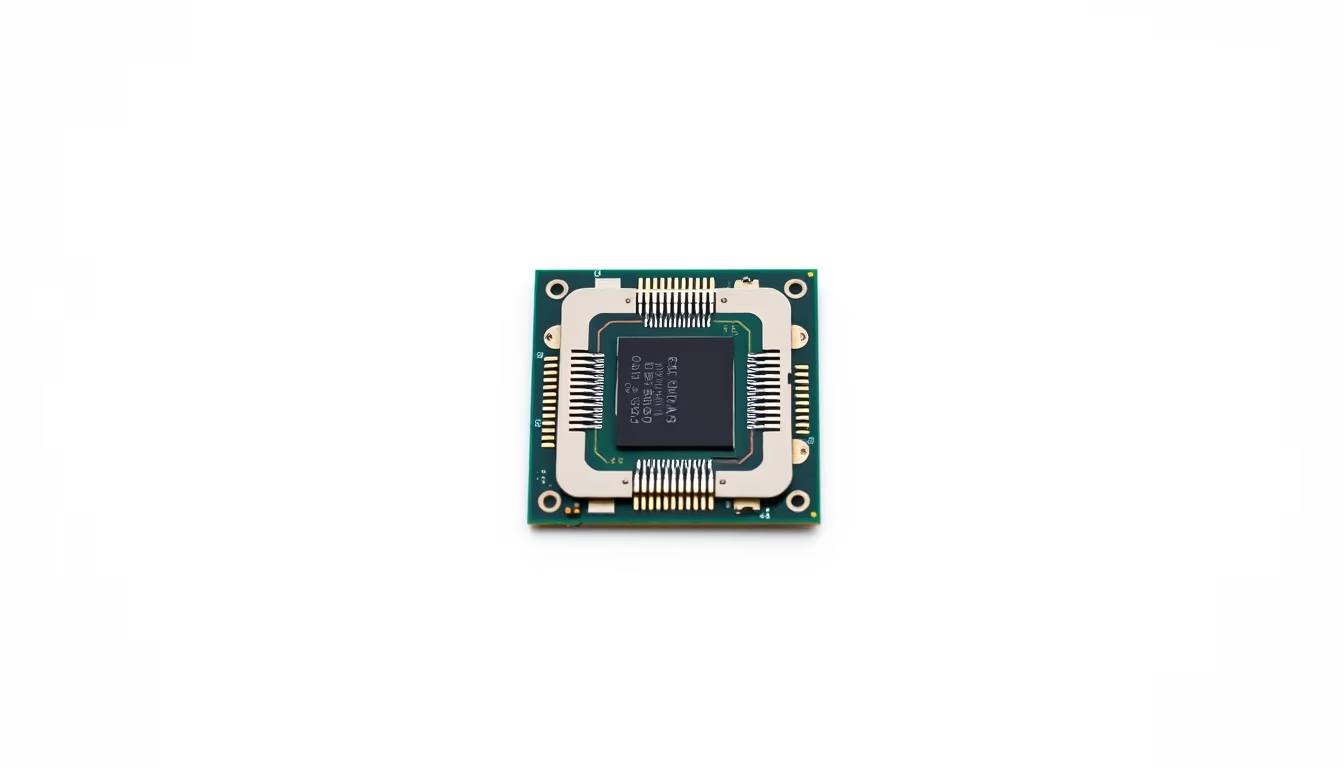
The LGA (Land Grid Array) socket is a type of CPU socket used by Intel processors, featuring gold contacts on the motherboard instead of pins on the CPU.
About this subject
The LGA socket, short for Land Grid Array, is a CPU socket standard introduced by Intel in 2004 with the LGA775 platform. Unlike the PGA (Pin Grid Array) system, LGA places pins on the motherboard while the processor has flat gold-plated contacts (lands). This design reduces the risk of bending pins on the CPU during installation, transferring the fragility to the motherboard socket instead.
Each Intel processor generation uses a specific socket identified by pin count: LGA1151, LGA1200, LGA1700, LGA2066, and others. For instance, the LGA1700 socket debuted with the 12th-gen Alder Lake processors, supporting both DDR4 and DDR5 memory and requiring new coolers due to its rectangular shape. AMD also adopted LGA for its Ryzen CPUs with the AM5 and sTRX4 sockets, unifying the market under the LGA standard.
Installing an LGA processor requires care: the CPU must be aligned with the socket markings and gently lowered without pressing. The retention lever then locks the processor, ensuring electrical contact with all pads. Misalignment can bend motherboard contacts, necessitating professional repair or board replacement.
LGA socket evolution reflects advances in bus speeds, memory support, and power efficiency. More contacts allow higher power delivery and bandwidth, critical for multi-core high-frequency processors. Choosing the correct socket is essential when building or upgrading a computer.
Frequently Asked Questions
What does LGA mean in CPU sockets?
LGA stands for Land Grid Array, a standard where the connecting pins are on the motherboard socket, and the CPU has flat gold contacts. It is commonly used by modern Intel processors.
What is the difference between LGA and PGA?
In PGA (Pin Grid Array), the pins are on the CPU; in LGA, the pins are on the motherboard socket. LGA reduces the risk of damaging CPU pins, but makes the motherboard socket more fragile.
How can I identify the LGA socket on my motherboard?
Check the motherboard model in the manual or on the manufacturer's website. Tools like CPU-Z (Windows) or dmidecode (Linux) also display the socket type. The physical appearance and pin count are visual clues.
Direct URL
https://pub-c7d6a6ea828543ac903a74a341ccb2e1.r2.dev/imagens/cpu-socket-lga-commercial-product-photography-p3.avifHow to credit
Include a visible link back to UtilizAí. Copy one of the snippets below:
<a href="https://xn--utiliza-eza.com/en/midia/imagens/cpu-socket-lga-commercial-product-photography-p3">Cpu socket lga</a> by <a href="https://xn--utiliza-eza.com">UtilizAí</a>, licensed under <a href="https://creativecommons.org/licenses/by/4.0/">CC BY 4.0</a>.
[Cpu socket lga](https://xn--utiliza-eza.com/en/midia/imagens/cpu-socket-lga-commercial-product-photography-p3) by [UtilizAí](https://xn--utiliza-eza.com), CC BY 4.0
License: CC-BY-4.0





