Usb-c connector macro
1344×768 · AVIF · CC BY 4.0
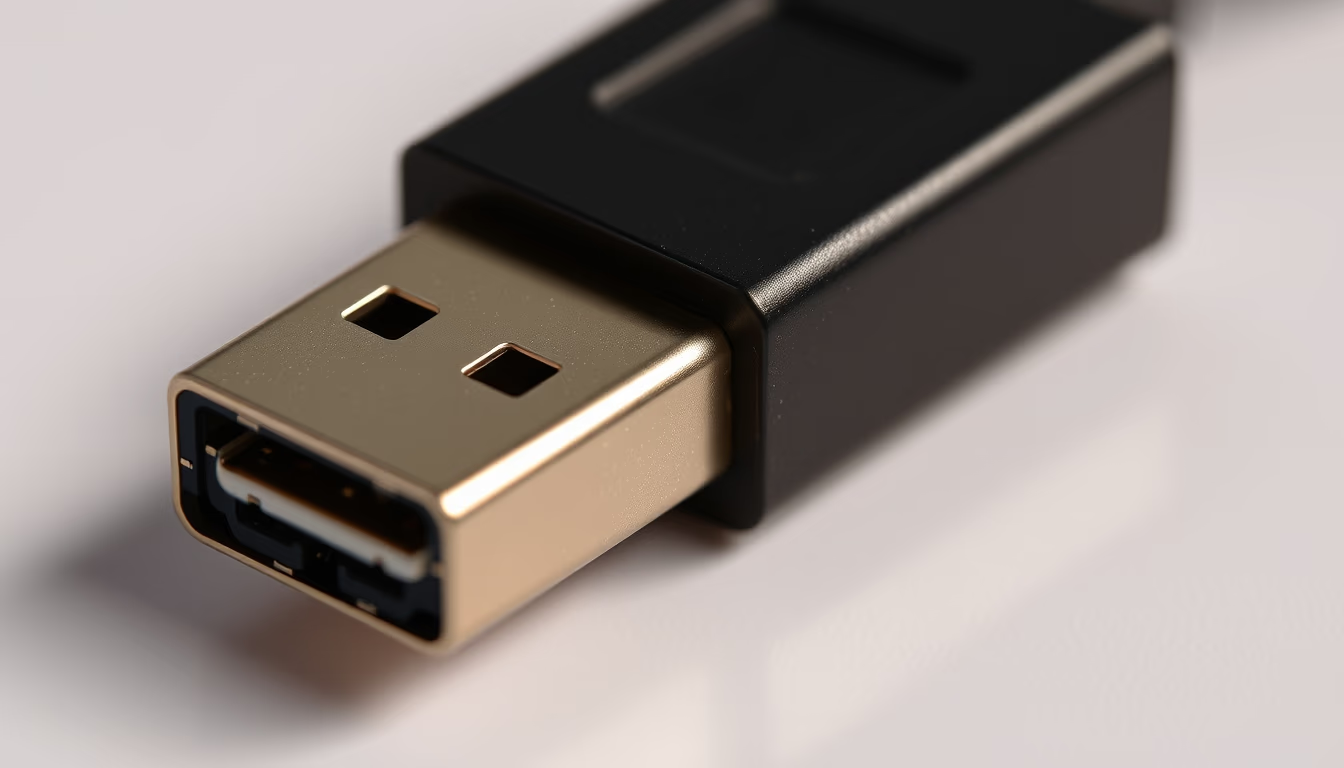
Macro of a USB-C connector reveals details of the reversible standard that unifies charging and data transfer in modern devices.
About this subject
The USB-C connector, officially known as USB Type-C, was introduced by the USB Implementers Forum (USB-IF) in 2014. Unlike previous connectors, it is symmetrical and reversible, allowing insertion in any orientation. Its 24-pin layout supports protocols such as USB 3.2, USB4, Thunderbolt 3 and 4, DisplayPort, and Power Delivery (PD), which delivers up to 240W with the new USB PD 3.1 standard.
Adoption of USB-C was driven by manufacturers of laptops, smartphones, and tablets, becoming the official connector in the European Union from 2024 for portable electronic devices. In Brazil, Anatel is following this trend, though mandatory adoption is still under discussion. The versatility of USB-C enabled the reduction of ports in ultra-thin devices like the MacBook Air and Dell XPS, but also created compatibility challenges with low-quality cables and chargers.
A technical curiosity: the USB-C connector has configuration channels (CC) that negotiate host and device roles, and support for alternate modes such as analog audio via adapter. The specification requires the connector to withstand at least 10,000 insertion cycles, ensuring durability for daily charging use.
The widespread use of USB-C has simplified the accessories market, but confusion about speeds and capabilities persists: not all USB-C cables are equal. Certified cables guarantee safe performance at high currents and transfer rates up to 40 Gbps in the USB4 standard. For the average user, USB-C represents the promise of a single connector for all connectivity needs.
Frequently Asked Questions
What does it mean that USB-C is reversible?
It means the connector can be inserted in any orientation, with no right or wrong side, unlike USB-A or micro-USB connectors that require specific alignment.
Do all USB-C cables support the same speed?
No. USB-C cables can have different data transfer capabilities (USB 2.0 up to USB4 40 Gbps) and charging power. It is important to check the cable's certification and specifications for proper use.
Will USB-C replace all other connectors?
Tending to yes, especially for charging and data in portable devices. However, specialized connectors like HDMI, DisplayPort, and Ethernet still have their uses, although they can be adapted via USB-C with alternate mode.
Direct URL
https://pub-c7d6a6ea828543ac903a74a341ccb2e1.r2.dev/imagens/usb-c-connector-macro-magazine-editorial-p5.avifHow to credit
Include a visible link back to UtilizAí. Copy one of the snippets below:
<a href="https://xn--utiliza-eza.com/en/midia/imagens/usb-c-connector-macro-magazine-editorial-p5">Usb-c connector macro</a> by <a href="https://xn--utiliza-eza.com">UtilizAí</a>, licensed under <a href="https://creativecommons.org/licenses/by/4.0/">CC BY 4.0</a>.
[Usb-c connector macro](https://xn--utiliza-eza.com/en/midia/imagens/usb-c-connector-macro-magazine-editorial-p5) by [UtilizAí](https://xn--utiliza-eza.com), CC BY 4.0
License: CC-BY-4.0





