Two factor authentication phone
1344×768 · AVIF · CC BY 4.0
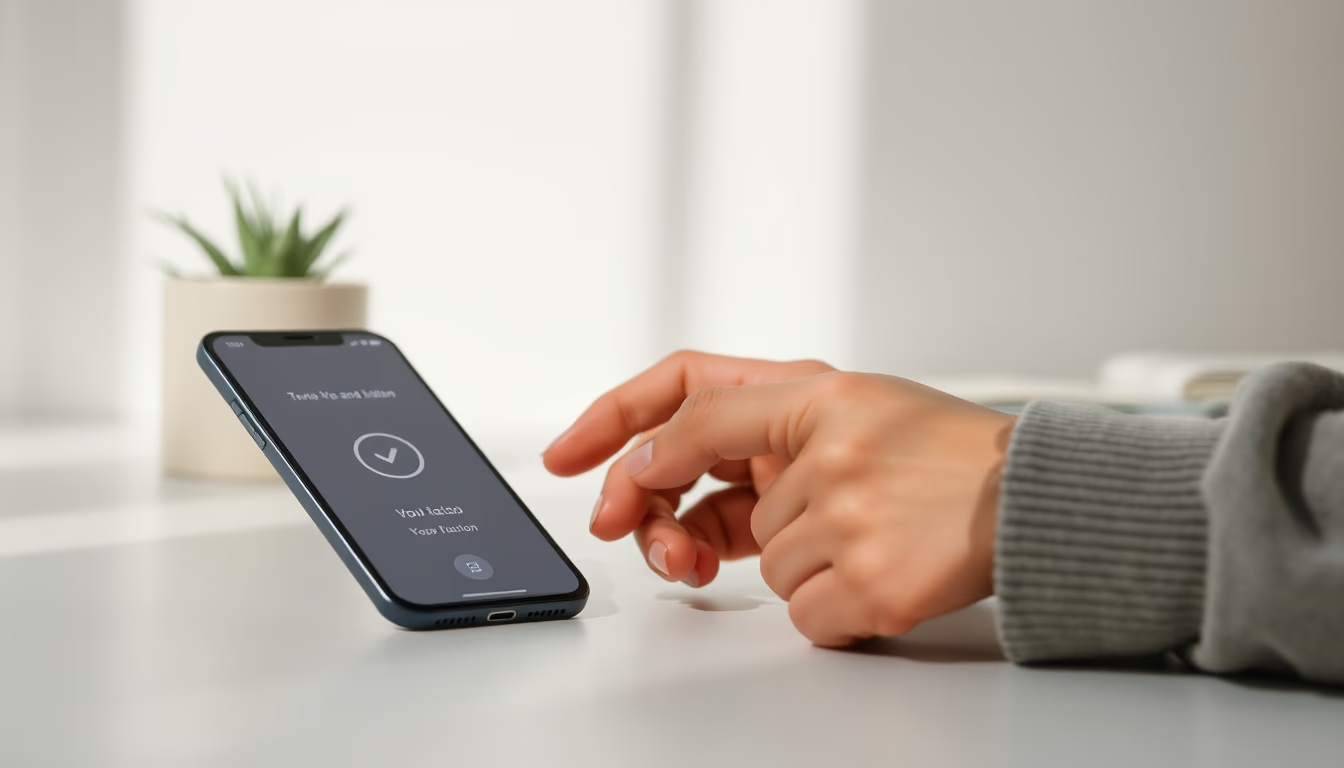
Two-factor authentication (2FA) on your phone: how it works, code types, and why it's essential to protect your online accounts.
About this subject
Two-factor authentication (2FA) is an extra security layer that requires two forms of verification before granting access to an account. On a phone, the second factor is typically a temporary code sent via SMS, generated by an authenticator app (like Google Authenticator or Authy), or received through a push notification. This method drastically reduces the risk of intrusions, because even if a hacker discovers your password, they would still need the code generated on your device.
There are different 2FA types based on possession: something you have (the phone) and something you know (the password). SMS codes are the most common but also the least secure due to SIM swapping attacks. Authenticator apps generate time-based one-time passwords (TOTP) that expire every 30 seconds, offering higher security. Another variant is push authentication, where you approve or deny a login directly on the phone without typing codes.
In Brazil, 2FA became widespread with the General Data Protection Law (LGPD) and the demand for stronger security in financial services and social networks. Banks like Nubank and Itaú adopted push notifications for transactions, while giants like Google and Facebook offer multiple 2FA options. Security experts recommend enabling two-factor authentication on any platform that supports it, especially for email, social media, and payment services.
A notable fact: using 2FA blocks over 99% of automated account takeover attacks, according to studies by Microsoft and Google. However, no system is foolproof. For maximum protection, avoid SMS codes when possible and prefer authenticator apps or physical security keys (like YubiKey). Also, keep your phone updated and with a screen lock enabled to prevent unauthorized physical access.
Frequently Asked Questions
What is the difference between two-factor authentication (2FA) and two-step verification?
Two-factor authentication requires two forms of verification from different categories (something you know, something you have, or something you are). Two-step verification can use two codes of the same type, like a password and an SMS code, both still relying on knowledge. In practice, the term 2FA is often used broadly for any process requiring two steps.
Are SMS 2FA codes secure?
Not entirely. Although common, SMS codes are vulnerable to SIM swapping attacks, where a hacker convinces the carrier to transfer your number to another SIM. Experts recommend authenticator apps or physical keys as more secure alternatives.
What should I do if I lose my phone with the authenticator app?
Most services provide backup codes or recovery codes when you set up 2FA. Store these codes in a safe place. You can also set up a second device or use an alternative method like a recovery email. Without backups, you may permanently lose access to your account.
Direct URL
https://pub-c7d6a6ea828543ac903a74a341ccb2e1.r2.dev/imagens/two-factor-authentication-phone-minimalist-composition-p3.avifHow to credit
Include a visible link back to UtilizAí. Copy one of the snippets below:
<a href="https://xn--utiliza-eza.com/en/midia/imagens/two-factor-authentication-phone-minimalist-composition-p3">Two factor authentication phone</a> by <a href="https://xn--utiliza-eza.com">UtilizAí</a>, licensed under <a href="https://creativecommons.org/licenses/by/4.0/">CC BY 4.0</a>.
[Two factor authentication phone](https://xn--utiliza-eza.com/en/midia/imagens/two-factor-authentication-phone-minimalist-composition-p3) by [UtilizAí](https://xn--utiliza-eza.com), CC BY 4.0
License: CC-BY-4.0