Two factor authentication phone
1344×768 · AVIF · CC BY 4.0
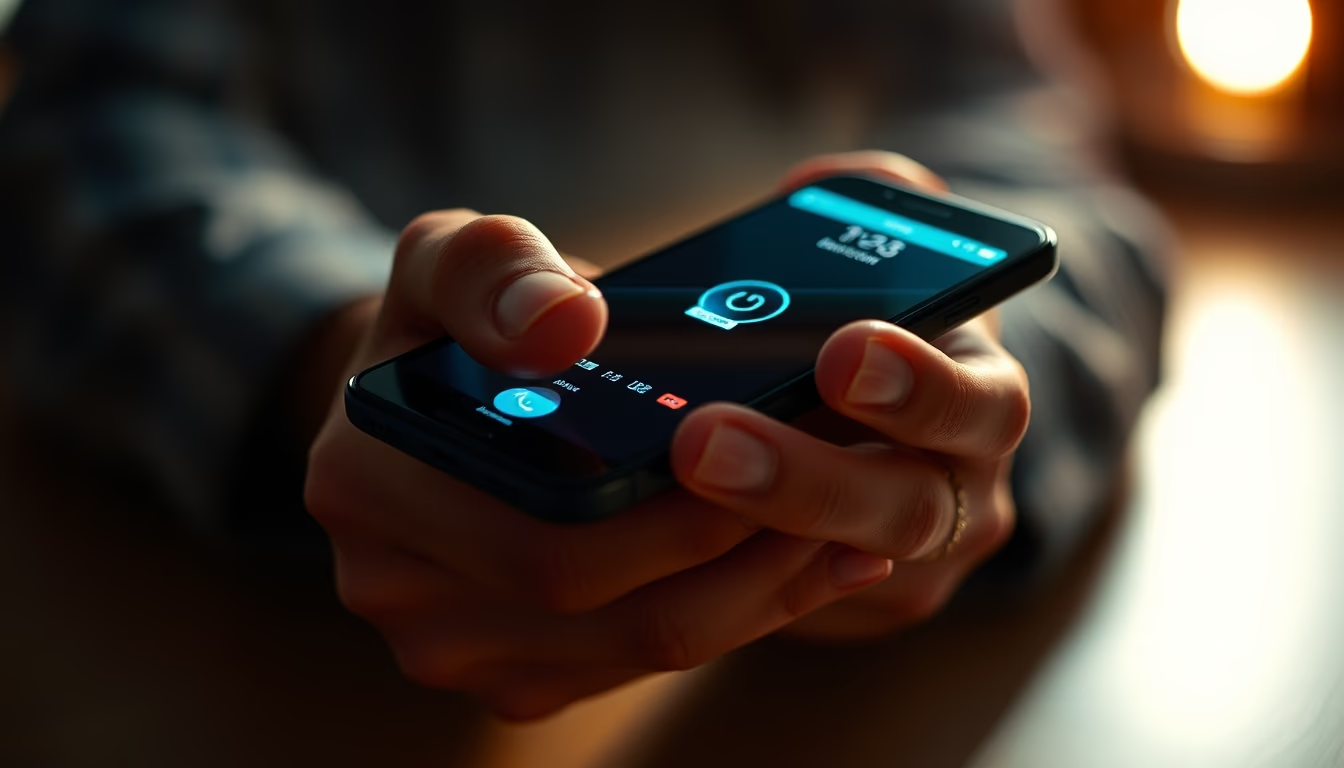
Two-factor authentication (2FA) on phones: how it works, why it's essential, and global cybersecurity trends for 2026.
About this subject
Two-factor authentication (2FA) is an extra security layer requiring two distinct verification methods before granting access to an account or service. On phones, the most common combination is something you know (password) with something you have (the device itself, receiving a code via SMS, authenticator app, or push notification). According to Google, 2FA can block 99.9% of automated credential theft attacks. In the United States, 2FA adoption rose sharply after high-profile data breaches and regulatory pushes like the Executive Order on Improving the Nation's Cybersecurity. By 2025, over 70% of American smartphone users had enabled 2FA on at least one account, though many still avoid it due to perceived inconvenience.
The main reason to adopt 2FA on mobile is that passwords alone are fragile. Studies indicate 81% of data breaches involve weak or stolen passwords. With 2FA, even if a hacker obtains your password, they cannot access the account without the second factor physically in your possession. SMS codes are convenient but vulnerable to SIM swapping. Authenticator apps such as Google Authenticator or Authy generate codes offline, offering a security boost. Push notifications allow one-tap approval or denial, minimizing friction.
Trends for 2026 point to widespread adoption of passkeys based on FIDO2/WebAuthn, which replace passwords with biometrics and asymmetric cryptography. The phone acts as a physical authenticator, eliminating code entry. Major tech firms like Apple, Google, and Microsoft already support this standard. Biometric 2FA (fingerprint, face recognition) will become more integrated into smartphones, speeding up verification. User education remains a hurdle, as many still skip 2FA activation. Cybersecurity frameworks from NIST and CISA increasingly mandate 2FA for sensitive systems, and global initiatives like the Cybersecurity and Infrastructure Security Agency's (CISA) 'Secure Our World' campaign emphasize its importance.
Frequently Asked Questions
What is two-factor authentication (2FA) on a phone?
It's a security method requiring two verification factors: typically your password plus a code sent to your phone, generated by an authenticator app, or delivered via SMS. This prevents attackers from accessing your accounts even if they obtain your password.
What's the difference between SMS 2FA and authenticator app 2FA?
SMS 2FA sends codes via text message but is vulnerable to SIM swapping. Authenticator apps generate offline codes on your device, offering higher security as they don't rely on the cellular network. Apps like Google Authenticator or Authy are recommended.
What are 2FA trends for 2026?
By 2026, passkeys based on FIDO2/WebAuthn are expected to rise, replacing passwords. The phone becomes a physical authenticator using biometrics. Integrated biometrics (fingerprint, face recognition) will make 2FA faster and more secure, while user education efforts continue to increase adoption.
Direct URL
https://pub-c7d6a6ea828543ac903a74a341ccb2e1.r2.dev/imagens/two-factor-authentication-phone-fine-art-photography-p4.avifHow to credit
Include a visible link back to UtilizAí. Copy one of the snippets below:
<a href="https://xn--utiliza-eza.com/en/midia/imagens/two-factor-authentication-phone-fine-art-photography-p4">Two factor authentication phone</a> by <a href="https://xn--utiliza-eza.com">UtilizAí</a>, licensed under <a href="https://creativecommons.org/licenses/by/4.0/">CC BY 4.0</a>.
[Two factor authentication phone](https://xn--utiliza-eza.com/en/midia/imagens/two-factor-authentication-phone-fine-art-photography-p4) by [UtilizAí](https://xn--utiliza-eza.com), CC BY 4.0
License: CC-BY-4.0