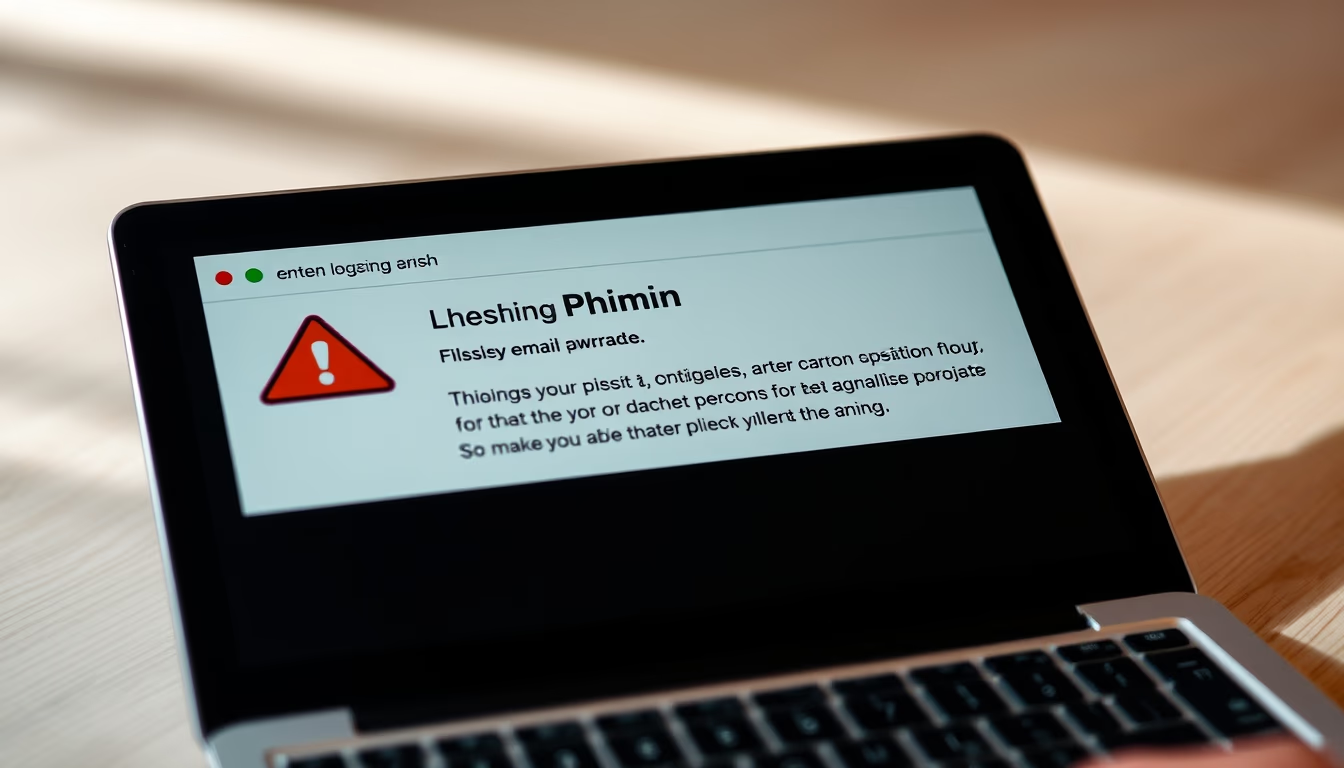
Ssl certificate browser
1344×768 · AVIF · CC BY 4.0

Learn how SSL certificates protect your connections and data when browsing travel websites.
About this subject
An SSL certificate, short for Secure Sockets Layer, is a security protocol that establishes an encrypted connection between a user's browser and the web server. When accessing a travel website, such as an online travel agency or hotel booking system, SSL ensures that sensitive information, like personal data and payment details, is transmitted securely, preventing interception by malicious third parties.
The presence of an SSL certificate is indicated by a padlock icon in the browser's address bar and the prefix "https" in the URL. For sites that handle financial transactions or personal data, like those for airline tickets and accommodation, the absence of this certificate poses a serious security risk. Travelers making online reservations should always verify the padlock before entering any information.
Beyond encryption, SSL authenticates the website's identity through a Certificate Authority, ensuring that the user is communicating with the legitimate server and not a phishing site. By 2026, SSL adoption is nearly universal for commercial websites, but it remains crucial for consumers to recognize signs of an insecure connection, especially on public Wi-Fi networks commonly used while traveling.
Frequently Asked Questions
What does it mean when a website does not have an SSL certificate?
It means the connection is not encrypted, and data such as passwords and credit card numbers can be intercepted. Avoid entering sensitive information on such sites.
How can I check if a travel website has an active SSL certificate?
Look for "https" at the beginning of the URL and a padlock icon in the address bar. Click the padlock to view certificate details.
Is SSL enough to ensure security on public Wi-Fi networks?
It encrypts communication with the website but does not protect against other risks like device malware. Consider using a VPN when traveling.
Direct URL
https://pub-c7d6a6ea828543ac903a74a341ccb2e1.r2.dev/imagens/ssl-certificate-browser-travel-photography-p1.avifHow to credit
Include a visible link back to UtilizAí. Copy one of the snippets below:
<a href="https://xn--utiliza-eza.com/en/midia/imagens/ssl-certificate-browser-travel-photography-p1">Ssl certificate browser</a> by <a href="https://xn--utiliza-eza.com">UtilizAí</a>, licensed under <a href="https://creativecommons.org/licenses/by/4.0/">CC BY 4.0</a>.
[Ssl certificate browser](https://xn--utiliza-eza.com/en/midia/imagens/ssl-certificate-browser-travel-photography-p1) by [UtilizAí](https://xn--utiliza-eza.com), CC BY 4.0
License: CC-BY-4.0