Ssd nvme stick
1344×768 · AVIF · CC BY 4.0
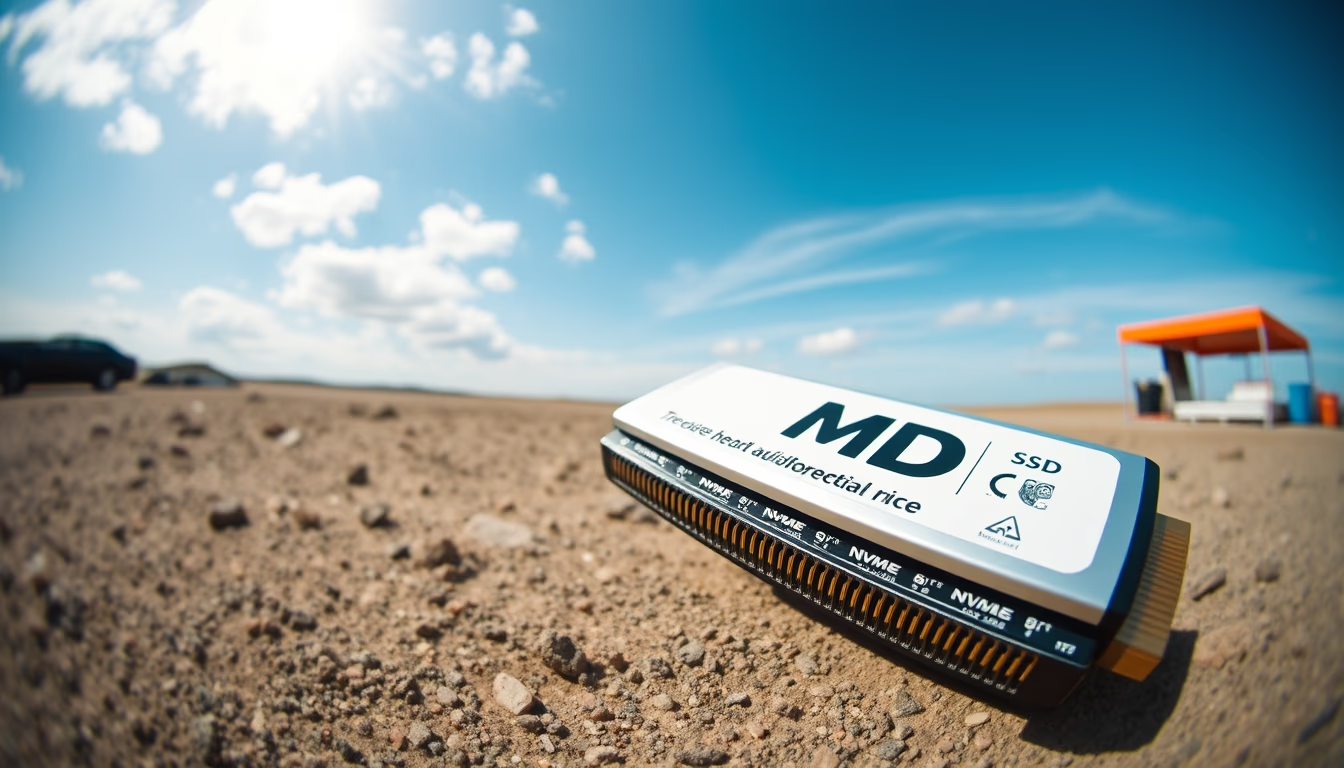
The NVMe SSD stick is a compact, high-speed storage device used in modern computers to accelerate system and application loading.
About this subject
The NVMe SSD stick is a solid-state drive in the M.2 form factor that uses the NVMe (Non-Volatile Memory Express) protocol to communicate directly with the CPU via the PCI Express bus. This incredibly compact format, resembling a small stick, replaces traditional 2.5-inch SATA SSDs in modern laptops and desktops. The main advantage of NVMe over SATA is speed: while a SATA SSD achieves about 550 MB/s sequential read, an NVMe drive can exceed 3,500 MB/s, depending on the model and PCIe generation.
These sticks are available in capacities from 128 GB to 2 TB or more and are widely used in ultrabooks, gaming notebooks, and workstations. Installation is straightforward: insert the stick into the M.2 slot on the motherboard and secure it with a screw. It's important to check slot compatibility (key B or key M) and support for PCIe 3.0, 4.0, or 5.0. Thermal dissipation is a concern because high-performance NVMe drives can heat up and throttle performance; many models come with integrated heatsinks or require aftermarket heatsinks.
In the global market, brands like Samsung, Kingston, WD, and Crucial offer popular NVMe SSD stick lines. The price gap with SATA SSDs has narrowed, making NVMe the standard choice for new computers. For users involved in video editing, gaming, or handling large data volumes, NVMe delivers noticeable productivity gains. Technology has also evolved into form factors like the common M.2 2280 (80 mm length) and the smaller 2230 (30 mm), used in consoles such as the Steam Deck.
Frequently Asked Questions
What makes the NVMe SSD stick faster than a SATA SSD?
NVMe uses the PCI Express bus, which offers much higher bandwidth than SATA. While SATA III reaches 6 Gbps, a PCIe 3.0 x4 connection achieves 32 Gbps, enabling sequential read speeds over 3,500 MB/s.
How do I know if my computer supports an NVMe SSD stick?
Check if your motherboard has an M.2 slot that supports NVMe, typically labeled as M.2 PCIe. Consult the manufacturer's manual or use tools like CPU-Z to confirm. Older models may only have an M.2 SATA slot.
Do I need to install a heatsink on an NVMe SSD?
It depends on usage. Under heavy workloads like large file transfers or gaming, heat can cause performance throttling. Many NVMe sticks come with a heatsink; if yours doesn't, consider adding one to maintain peak performance.
Direct URL
https://pub-c7d6a6ea828543ac903a74a341ccb2e1.r2.dev/imagens/ssd-nvme-stick-fish-eye-wide-angle-p6.avifHow to credit
Include a visible link back to UtilizAí. Copy one of the snippets below:
<a href="https://xn--utiliza-eza.com/en/midia/imagens/ssd-nvme-stick-fish-eye-wide-angle-p6">Ssd nvme stick</a> by <a href="https://xn--utiliza-eza.com">UtilizAí</a>, licensed under <a href="https://creativecommons.org/licenses/by/4.0/">CC BY 4.0</a>.
[Ssd nvme stick](https://xn--utiliza-eza.com/en/midia/imagens/ssd-nvme-stick-fish-eye-wide-angle-p6) by [UtilizAí](https://xn--utiliza-eza.com), CC BY 4.0
License: CC-BY-4.0





