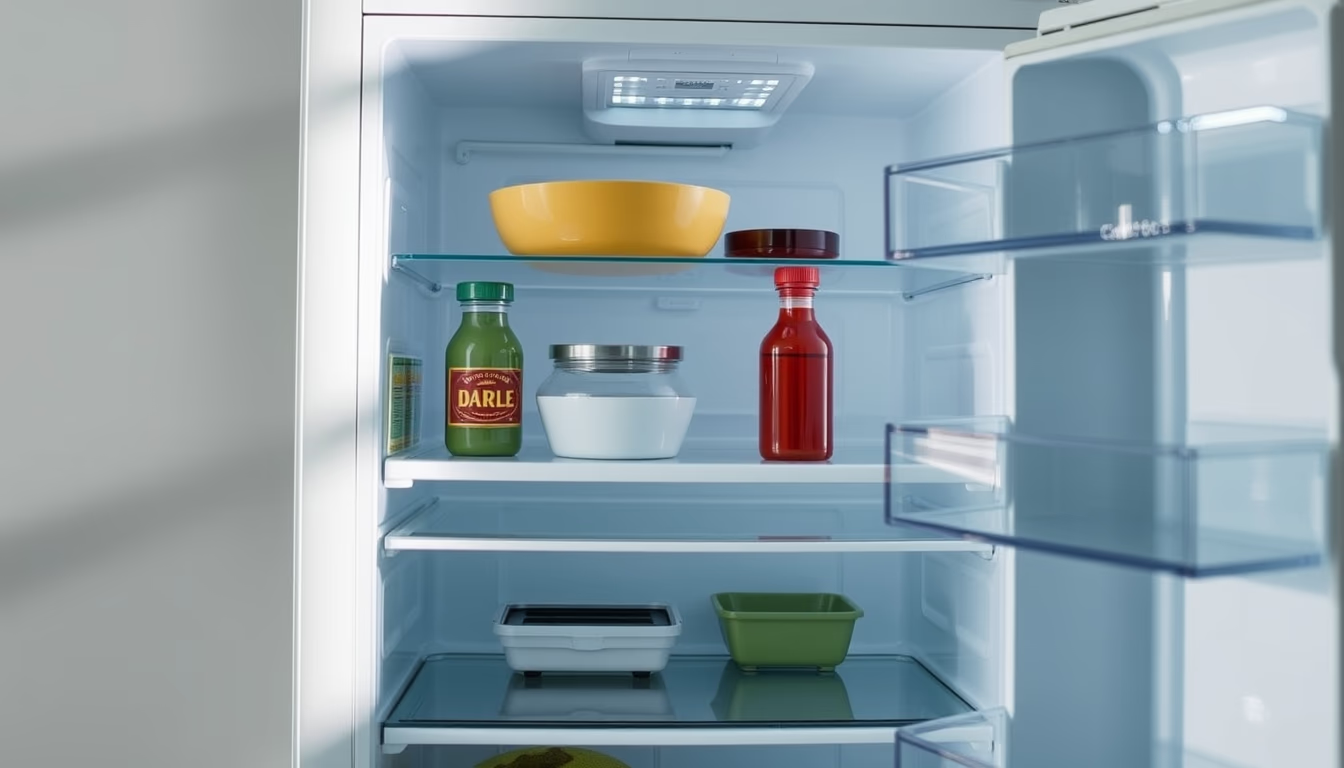
Smart fridge interface
1344×768 · AVIF · CC BY 4.0
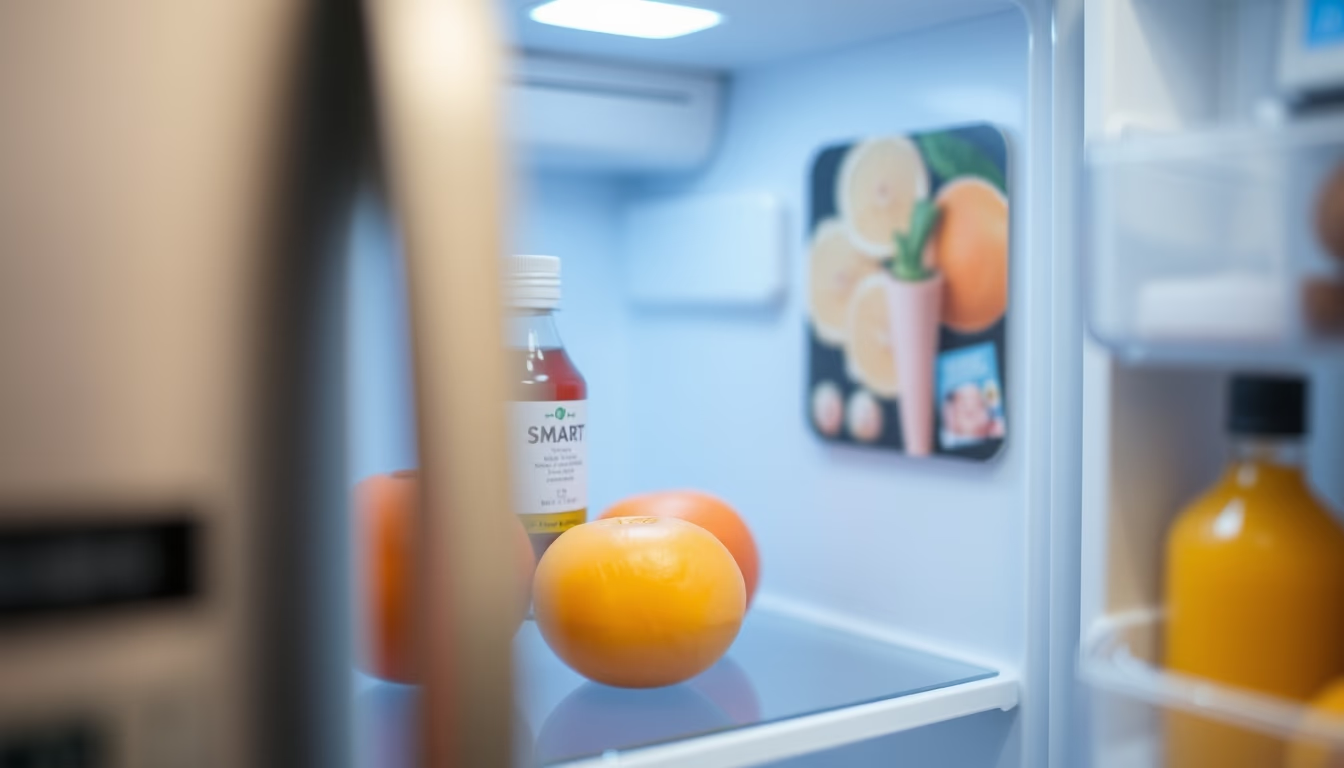
Smart fridge interface macro close-up showing temperature control, shopping list, and voice assistant integration.
About this subject
Smart fridges represent a major leap in modern kitchens, integrating touchscreen interfaces with IoT connectivity. The macro close-up of the interface shows features such as zone temperature control, humidity adjustment, and remote access via smartphone apps. Models like Samsung Family Hub and LG InstaView allow users to see inside without opening the door, reducing cold air loss and saving energy. The interface can sync with voice assistants like Alexa and Google Assistant to add items to a shopping list by voice command.
The concept of a smart fridge emerged in the early 2000s but gained traction as touchscreens and sensors became cheaper. Many models now include interior cameras that take a photo each time the door closes, enabling users to check stock remotely. The interface can also suggest recipes based on available ingredients, connecting to culinary databases. This feature helps reduce food waste, which globally amounts to about 1.3 billion tons per year according to the UN. In the United States, households waste an average of 30% of purchased food, and smart fridges aim to mitigate that.
Interface evolution includes AI for habit learning. For instance, the fridge can alert when a product is near expiration or suggest automated replenishment via online grocers. Some models integrate with wearables to monitor diet. Challenges remain, such as data privacy and compatibility with smart home standards. The trend for 2026 points to minimalist interfaces with flexible OLED screens and gesture control, eliminating physical buttons. Voice and facial recognition may become standard, allowing personalized settings per user.
In the global market, smart fridge adoption is rising, driven by convenience and energy efficiency. Brands like Whirlpool and Bosch offer Wi-Fi enabled models with dedicated apps. Interfaces are customizable, offering modes like vacation or eco-energy. Voice control also improves accessibility for elderly and visually impaired users. The macro close-up highlights the sleek, responsive touchscreen that has become the central hub of the connected kitchen.
Frequently Asked Questions
What are the key features of a smart fridge?
Zone temperature control, interior cameras for remote viewing, integrated shopping lists, recipe suggestions, voice assistant integration, and expiration alerts.
How does the smart fridge interface help reduce food waste?
It tracks inventory, notifies when items are near expiration, and suggests recipes using available ingredients, encouraging consumption before spoilage.
Does a smart fridge work without internet?
Most advanced features (remote access, voice assistant, updates) require internet, but basic temperature control and normal operation continue offline.
Direct URL
https://pub-c7d6a6ea828543ac903a74a341ccb2e1.r2.dev/imagens/smart-fridge-interface-macro-closeup-p3.avifHow to credit
Include a visible link back to UtilizAí. Copy one of the snippets below:
<a href="https://xn--utiliza-eza.com/en/midia/imagens/smart-fridge-interface-macro-closeup-p3">Smart fridge interface</a> by <a href="https://xn--utiliza-eza.com">UtilizAí</a>, licensed under <a href="https://creativecommons.org/licenses/by/4.0/">CC BY 4.0</a>.
[Smart fridge interface](https://xn--utiliza-eza.com/en/midia/imagens/smart-fridge-interface-macro-closeup-p3) by [UtilizAí](https://xn--utiliza-eza.com), CC BY 4.0
License: CC-BY-4.0