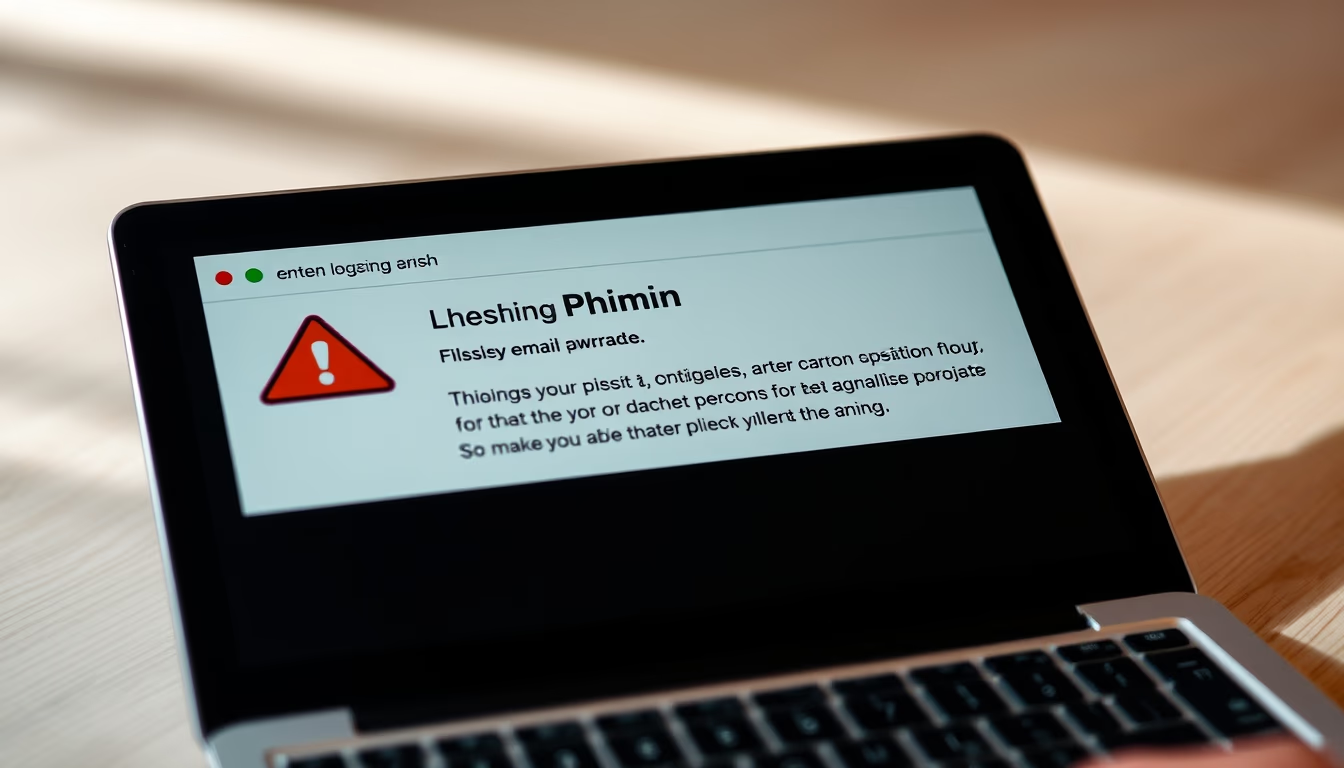
Phishing email warning
1344×768 · AVIF · CC BY 4.0

Phishing emails are fraudulent attempts to steal personal and financial data. Learn how to identify and protect yourself.
About this subject
Phishing is a social engineering technique used by cybercriminals to obtain sensitive information such as passwords, credit card numbers, and bank details. The attack typically occurs through electronic messages that mimic legitimate institutions like banks, technology companies, or government agencies. Globally, phishing remains one of the most prevalent cyber threats, with millions of attacks reported annually. In 2025, phishing accounted for over 90% of data breaches, according to industry reports.
Phishing emails often create a sense of urgency or fear, such as warnings about blocked accounts, overdue payments, or too-good-to-be-true offers. The link in the email directs to a fake website that captures the victim's credentials. With the rise of artificial intelligence, these messages have become more sophisticated, making it harder for users to distinguish between genuine and fraudulent communications.
To stay protected, users should verify the sender's address, be cautious of emails with grammatical errors or unusual requests, and never click on suspicious links. Security tools like anti-phishing filters and multi-factor authentication add extra layers of defense. Organizations such as the Anti-Phishing Working Group (APWG) track phishing trends and provide resources for reporting scams.
Awareness is key. Educational campaigns and cybersecurity training help build a security-conscious culture. Many companies now conduct simulated phishing exercises to test employee readiness. Understanding how phishing works and adopting safe online habits are critical steps to avoid financial loss and data theft.
Frequently Asked Questions
What should I do if I fall for a phishing scam?
Immediately change your passwords. Contact your bank or credit card provider to block any fraudulent transactions. Report the incident to relevant authorities, such as the FTC in the US or Action Fraud in the UK.
How can I spot a phishing email?
Look for suspicious sender addresses, generic greetings (e.g., 'Dear Customer'), spelling mistakes, and mismatched links. Hover over any link to see the actual URL before clicking. Emails that create urgency or request personal information are often phishing.
What is the difference between phishing and smishing?
Phishing is carried out via email, while smishing uses SMS text messages. Both employ social engineering to trick victims into revealing sensitive data, often through malicious links or fake websites.
Direct URL
https://pub-c7d6a6ea828543ac903a74a341ccb2e1.r2.dev/imagens/phishing-email-warning-aerial-drone-shot-p2.avifHow to credit
Include a visible link back to UtilizAí. Copy one of the snippets below:
<a href="https://xn--utiliza-eza.com/en/midia/imagens/phishing-email-warning-aerial-drone-shot-p2">Phishing email warning</a> by <a href="https://xn--utiliza-eza.com">UtilizAí</a>, licensed under <a href="https://creativecommons.org/licenses/by/4.0/">CC BY 4.0</a>.
[Phishing email warning](https://xn--utiliza-eza.com/en/midia/imagens/phishing-email-warning-aerial-drone-shot-p2) by [UtilizAí](https://xn--utiliza-eza.com), CC BY 4.0
License: CC-BY-4.0