Pc fan rgb glowing
1344×768 · AVIF · CC BY 4.0
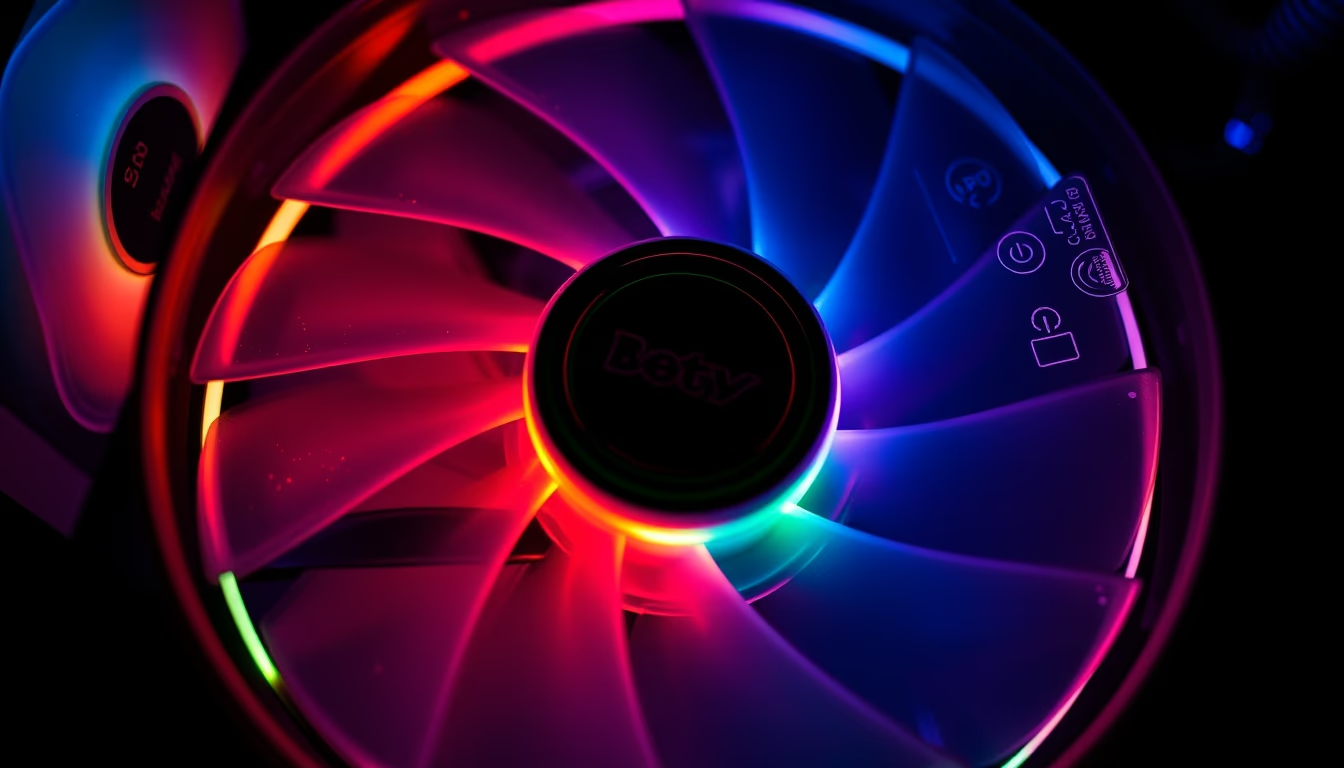
PC fans with RGB lighting combine efficient cooling and aesthetic customization, essential in modern gaming builds and workstations.
About this subject
PC fans, also known as coolers or case fans, are components that dissipate heat generated by CPUs, GPUs, and other internal parts. They work by moving air through blades, creating airflow that expels hot air out of the chassis. Common sizes are 120 mm and 140 mm, with performance measured by rotation speed (RPM), airflow (CFM), and static pressure (mmH2O). High-airflow models suit well-ventilated cases, while high static pressure is preferred for radiators and CPU coolers.
RGB (Red, Green, Blue) lighting has become a standard in PC customization, allowing each LED to be individually controlled for dynamic and synchronized effects. This technology uses addressable LEDs that can receive commands from software like ASUS Aura Sync, MSI Mystic Light, Corsair iCUE, or Gigabyte RGB Fusion. Controllers, often integrated into the motherboard or sold separately, manage communication between the system and LEDs. Some fans feature light rings or translucent blades that diffuse color evenly.
Historically, PC lighting began with single-color LEDs, evolving to RGB strips and later to addressable RGB components. The RGB boom coincided with the rise of the gaming market and demand for personalized aesthetics. Brands like Corsair, Cooler Master, Noctua (which recently adopted RGB), and Lian Li offer models that blend thermal performance with visual effects. RGB does not affect cooling performance, as LEDs produce negligible heat. Interestingly, some enthusiasts use external controllers to link lighting to temperature sensors, creating color profiles that indicate system load.
Frequently Asked Questions
What is the difference between addressable RGB and regular RGB fans?
Regular RGB fans control all LEDs as a group, displaying a single color or preset effect. Addressable RGB (aRGB) allows individual LED control, enabling effects like rainbows, waves, and synchronization with other components.
Do RGB fans affect cooling performance?
No, RGB lighting does not impact thermal performance. LEDs consume minimal power and produce negligible heat. Focus on blade design, RPM, and static pressure for cooling efficiency.
How do I control the RGB lighting on my fans?
Lighting can be controlled via motherboard software (e.g., ASUS Aura Sync or MSI Mystic Light) or dedicated controllers provided by the fan manufacturer. Some models offer physical button or remote control adjustments.
Direct URL
https://pub-c7d6a6ea828543ac903a74a341ccb2e1.r2.dev/imagens/pc-fan-rgb-glowing-macro-closeup-p5.avifHow to credit
Include a visible link back to UtilizAí. Copy one of the snippets below:
<a href="https://xn--utiliza-eza.com/en/midia/imagens/pc-fan-rgb-glowing-macro-closeup-p5">Pc fan rgb glowing</a> by <a href="https://xn--utiliza-eza.com">UtilizAí</a>, licensed under <a href="https://creativecommons.org/licenses/by/4.0/">CC BY 4.0</a>.
[Pc fan rgb glowing](https://xn--utiliza-eza.com/en/midia/imagens/pc-fan-rgb-glowing-macro-closeup-p5) by [UtilizAí](https://xn--utiliza-eza.com), CC BY 4.0
License: CC-BY-4.0





