Patch cable bundle
1344×768 · AVIF · CC BY 4.0
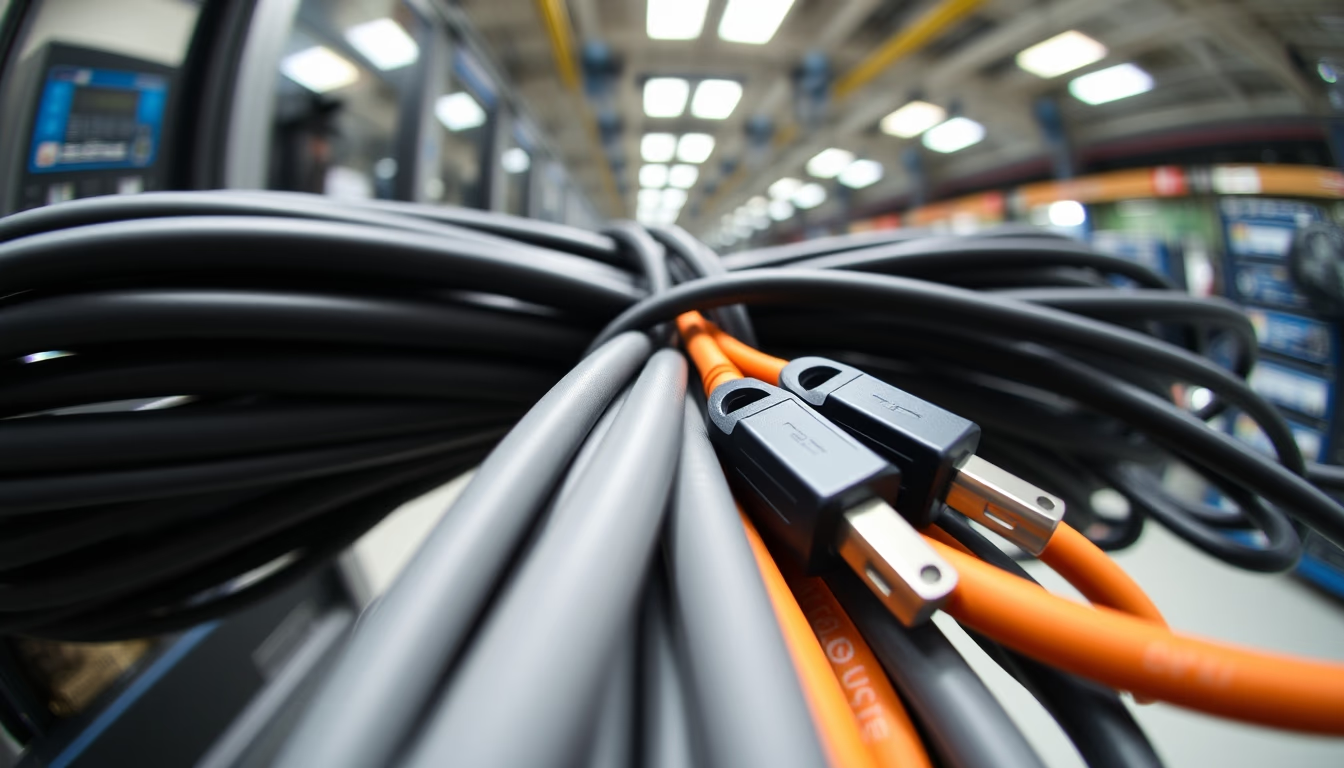
A bundle of Ethernet patch cables grouped together, essential in computer networks for connecting devices in racks and data centers.
About this subject
Patch cables are short network cables, typically with RJ45 connectors on both ends, used to connect active equipment such as switches, routers, and servers within a rack. Common categories include Cat5e (supports up to 1 Gbps), Cat6 (1 Gbps to 10 Gbps over short distances), and Cat6a (10 Gbps up to 100 meters). In data center environments, hundreds of these cables are bundled together to organize wiring and simplify maintenance. Bundling is done with Velcro straps, cable ties, or management trays, preventing tangles that impair airflow and identification.
The practice of grouping patch cables, as seen in the fisheye lens image, highlights the typical density of modern racks. Each cable follows a planned path, often using different colors to indicate functions or distinct networks. For example, blue cables may represent the corporate network, yellow for DMZ, and green for VoIP. This organization is critical to comply with standards like TIA-942, which defines best practices in data center infrastructure.
Interestingly, standard patch cable lengths range from 0.5 to 15 meters, with 1, 2, and 3 meters being most common. Unlike infrastructure cables (used in walls), patch cables are flexible and have stranded conductors to prevent damage. Selecting the right category depends on the desired speed: for home networks at 1 Gbps, Cat5e is sufficient, but for 10 Gbps over distances above 55 meters, Cat6a is recommended. This bundle, viewed in wide angle, symbolizes the managed complexity that keeps the internet and businesses running.
Frequently Asked Questions
What is the difference between a patch cable and a regular network cable?
A patch cable is a short, flexible cable used to connect equipment within a rack or server room. It has stranded conductors for flexibility. A regular network cable (infrastructure cable) is used for fixed installations in walls, has solid conductors, and is less flexible.
Which category of patch cable should I use for 1 Gbps internet?
For 1 Gbps internet, Cat5e is sufficient and cheaper. If you need headroom for future upgrades or for 10 Gbps over short distances, choose Cat6 or Cat6a.
How to organize a bundle of patch cables in a rack?
Use horizontal and vertical cable managers with rings or hooks. Bundle cables with Velcro straps (not tight nylon ties) and label each end. Keep the bundle aligned and avoid sharp bends to prevent signal degradation.
Direct URL
https://pub-c7d6a6ea828543ac903a74a341ccb2e1.r2.dev/imagens/patch-cable-bundle-fish-eye-wide-angle-fresh13.avifHow to credit
Include a visible link back to UtilizAí. Copy one of the snippets below:
<a href="https://xn--utiliza-eza.com/en/midia/imagens/patch-cable-bundle-fish-eye-wide-angle-fresh13">Patch cable bundle</a> by <a href="https://xn--utiliza-eza.com">UtilizAí</a>, licensed under <a href="https://creativecommons.org/licenses/by/4.0/">CC BY 4.0</a>.
[Patch cable bundle](https://xn--utiliza-eza.com/en/midia/imagens/patch-cable-bundle-fish-eye-wide-angle-fresh13) by [UtilizAí](https://xn--utiliza-eza.com), CC BY 4.0
License: CC-BY-4.0