Motherboard atx detail
1344×768 · AVIF · CC BY 4.0
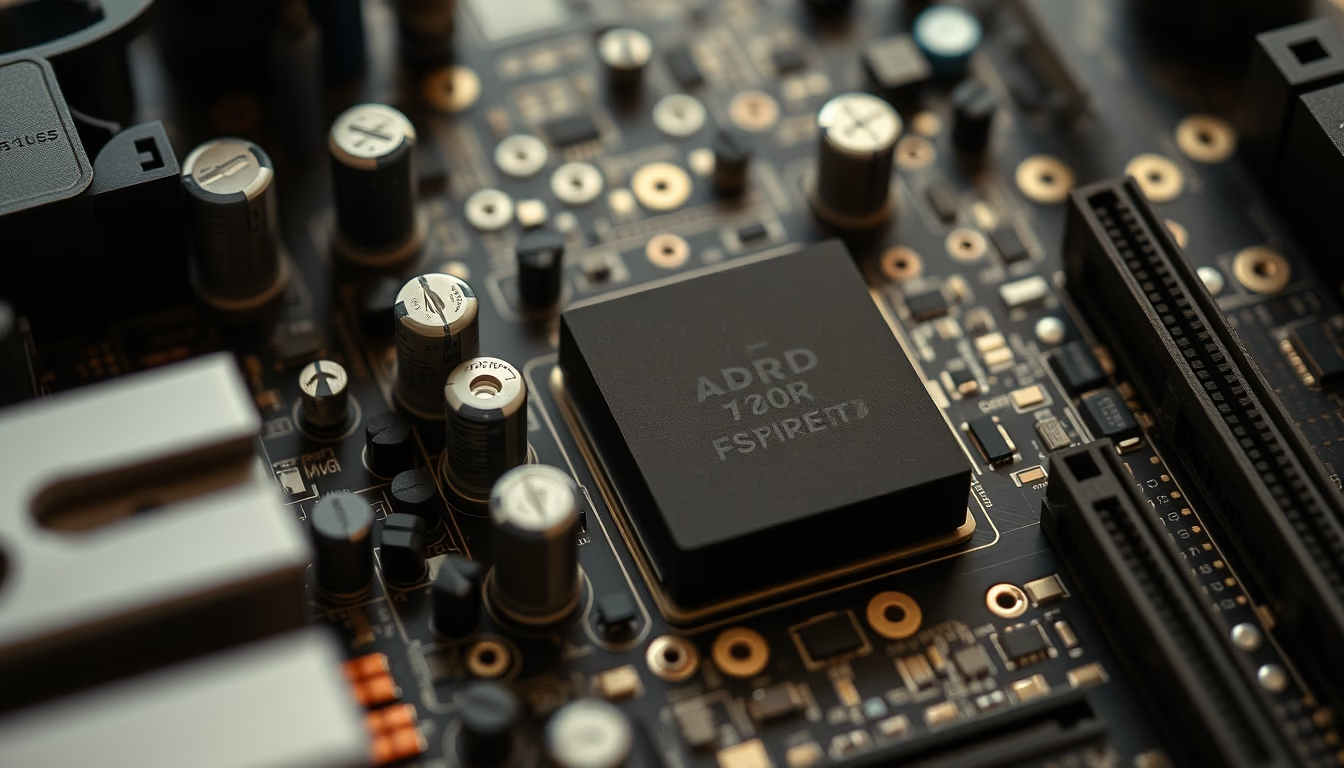
ATX motherboard: the standard defining modern desktop computer architecture, with organized expansion slots and connectors.
About this subject
The ATX (Advanced Technology Extended) motherboard form factor was introduced by Intel in 1995 to replace the older AT standard. It standardizes dimensions of 305 mm x 244 mm (12 x 9.6 inches) and defines the placement of the power connector, expansion slots (PCIe, PCI), and CPU socket. This layout improves airflow and heat dissipation while simplifying peripheral connections.
The main 24-pin power connector (formerly 20-pin) supplies power to the motherboard, while additional 4- or 8-pin cables power the CPU. PCI Express (PCIe) slots allow installation of graphics cards, NVMe SSDs, and other expansion cards. Multiple SATA ports and USB headers enable connection of hard drives, SSDs, and external devices.
ATX evolution includes variants such as Micro-ATX (smaller, fewer slots) and ATX12VO (only 12V), focusing on energy efficiency. Component placement directly affects thermal performance: the CPU sits near the power connector and RAM modules, while expansion slots align to accommodate full-length graphics cards.
Interestingly, the ATX standard also defined the rear I/O panel layout, which today includes integrated USB, HDMI, Ethernet, and audio ports. Compatibility between cases and ATX motherboards is a key reason for the format's longevity, adopted by manufacturers like ASUS, Gigabyte, MSI, and ASRock.
Frequently Asked Questions
What is the difference between ATX and Micro-ATX?
Micro-ATX is a smaller version of standard ATX, measuring 244 mm x 244 mm. It has fewer expansion slots (usually up to 4) and may have fewer SATA and RAM connectors, making it ideal for compact and budget builds.
What does the 24-pin connector on a motherboard do?
The 24-pin connector is the main power cable supplying electricity to the motherboard. It replaced the older 20-pin design to provide more current and support demanding components like modern CPUs and graphics cards.
Can an ATX motherboard fit in a Micro-ATX case?
No, Micro-ATX cases are smaller and cannot accommodate standard ATX motherboards. The reverse is possible: a Micro-ATX motherboard fits in an ATX case because mounting holes are compatible.
Direct URL
https://pub-c7d6a6ea828543ac903a74a341ccb2e1.r2.dev/imagens/motherboard-atx-detail-documentary-photography-p6.avifHow to credit
Include a visible link back to UtilizAí. Copy one of the snippets below:
<a href="https://xn--utiliza-eza.com/en/midia/imagens/motherboard-atx-detail-documentary-photography-p6">Motherboard atx detail</a> by <a href="https://xn--utiliza-eza.com">UtilizAí</a>, licensed under <a href="https://creativecommons.org/licenses/by/4.0/">CC BY 4.0</a>.
[Motherboard atx detail](https://xn--utiliza-eza.com/en/midia/imagens/motherboard-atx-detail-documentary-photography-p6) by [UtilizAí](https://xn--utiliza-eza.com), CC BY 4.0
License: CC-BY-4.0





