Metamask wallet UI on smartphone screen
1344×768 · AVIF · CC BY 4.0
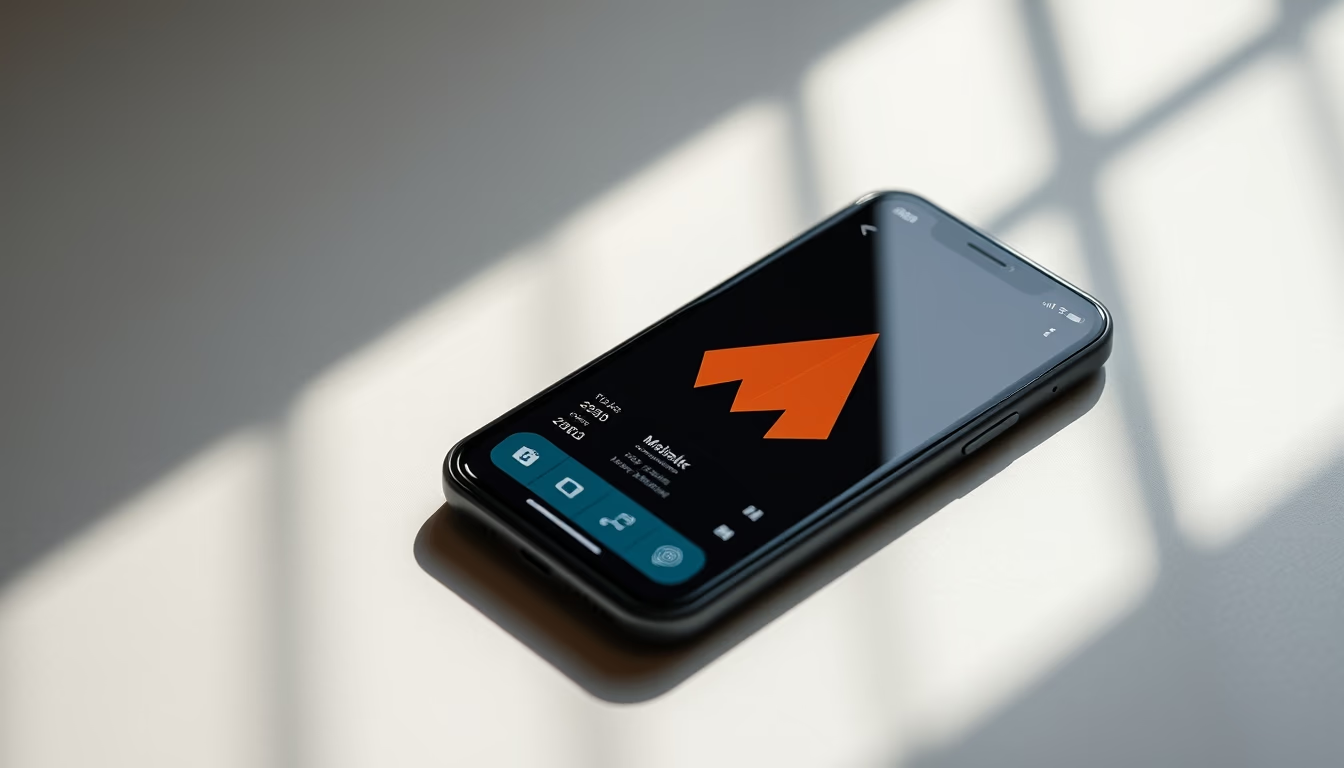
The Metamask wallet UI on smartphone screens offers intuitive and secure cryptocurrency management.
About this subject
The Metamask wallet is one of the most popular solutions for managing cryptocurrencies and interacting with decentralized applications (dApps). Initially developed in 2016 as a browser extension, its mobile version expanded accessibility for users needing on-the-go crypto access. The app's interface features balance displays, transaction history, and direct integration with blockchains like Ethereum, Binance, and Polygon, supporting over 50 networks. Its minimalist design, with large buttons and high contrast, optimizes usability in low-light environments, while biometric authentication and on-device encryption secure user data. By 2023, Metamask reached 30 million monthly active users (ConsenSys data), standing out for its open-source approach that allows continuous security review by global developers.
Frequently Asked Questions
Is the Metamask wallet secure for storing high-value cryptocurrencies?
Yes, Metamask uses advanced encryption and does not store private keys on centralized servers. All transactions are validated locally on the device and require manual confirmation, but users should always keep a physical backup of their recovery phrase.
Which blockchains does Metamask support besides Ethereum?
Besides Ethereum, Metamask supports blockchains like Binance Smart Chain, Polygon, Avalanche, Fantom, and Solana, among over 50 networks, allowing users to manage assets across different decentralized ecosystems.
How does Metamask's interface facilitate interaction with dApps?
Metamask's interface includes an integrated browser that automatically detects dApps in the default browser or within the wallet itself, offering quick connection options, gas fee control, and smart contract visualization.
Direct URL
https://pub-c7d6a6ea828543ac903a74a341ccb2e1.r2.dev/imagens/metamask-wallet-ui-on-smartphone-screen-magazine-editorial-v8.avifHow to credit
Include a visible link back to UtilizAí. Copy one of the snippets below:
<a href="https://xn--utiliza-eza.com/en/midia/imagens/metamask-wallet-ui-on-smartphone-screen-magazine-editorial-v8">Metamask wallet UI on smartphone screen</a> by <a href="https://xn--utiliza-eza.com">UtilizAí</a>, licensed under <a href="https://creativecommons.org/licenses/by/4.0/">CC BY 4.0</a>.
[Metamask wallet UI on smartphone screen](https://xn--utiliza-eza.com/en/midia/imagens/metamask-wallet-ui-on-smartphone-screen-magazine-editorial-v8) by [UtilizAí](https://xn--utiliza-eza.com), CC BY 4.0
License: CC-BY-4.0