Mechanical keyboard rgb
1344×768 · AVIF · CC BY 4.0

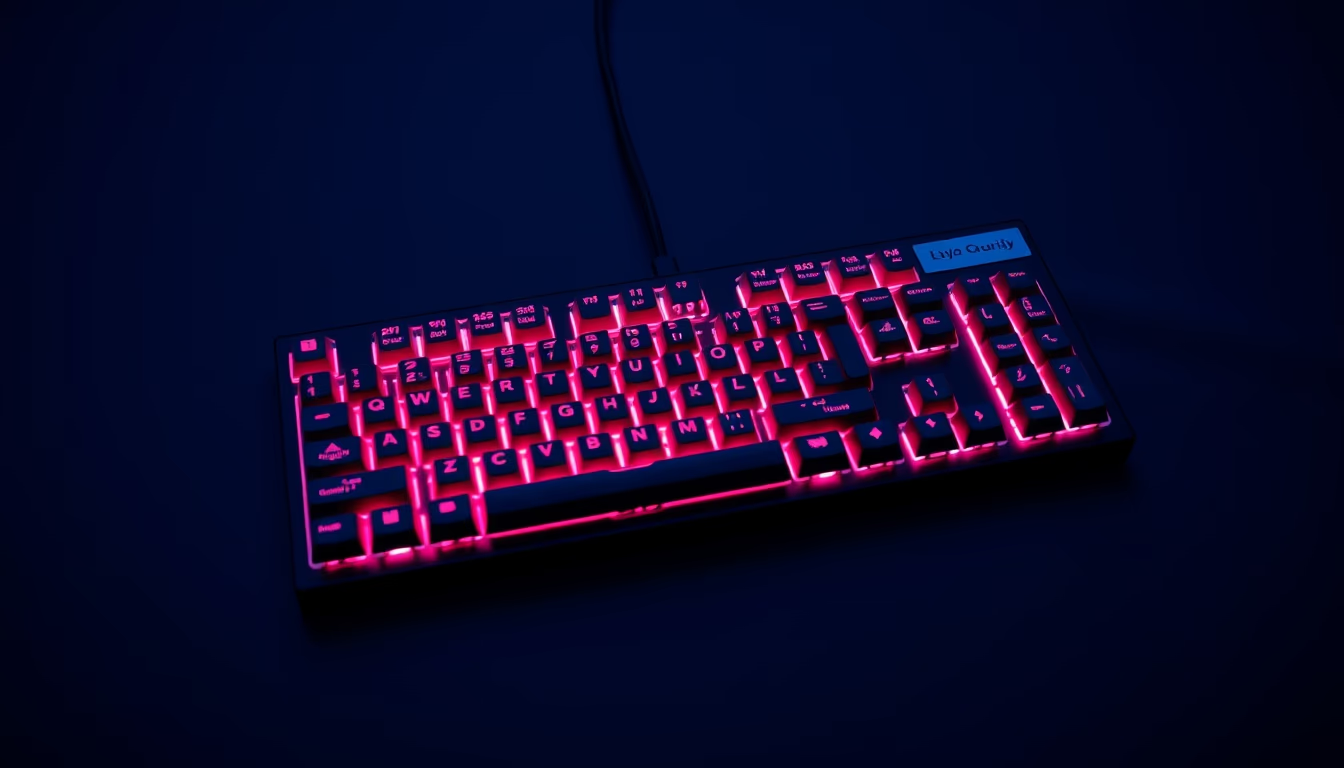
Mechanical RGB keyboards combine individual switches with customizable lighting, offering tactile feedback and aesthetics for gamers and typists.
About this subject
Mechanical RGB keyboards differ from membrane models by using individual switches for each key, offering greater durability and precision. Each switch consists of a spring and metal contacts that produce a characteristic click, varying by type: linear (smooth), tactile (with a slight bump) or clicky (with audible sound). RGB (Red, Green, Blue) lighting allows per-key color and effect customization, a feature that became popular among gamers and tech enthusiasts.
The mechanical keyboard market grew exponentially from the 2010s, driven by gaming communities and a culture of customization. Switches such as Cherry MX, Gateron and Kailh dominate the sector, with variants developed for different usage profiles. RGB lighting is not merely aesthetic: many software programs allow associating colors with specific commands, speeding up key identification in games or editing software.
Beyond visual appeal, mechanical keyboards offer ergonomic and performance advantages. The ability to replace keycaps and, in hot-swap models, the switches themselves, enables a tailored experience. This level of customization attracted not only gamers but also programmers and writers seeking prolonged comfort.
The DIY culture around these devices has spawned an ecosystem of forums, specialized stores and meetups. Enthusiasts share layouts, switch lubrication, and custom plate builds. The trend for 2026 points to integration with artificial intelligence and adaptive lighting profiles.
Frequently Asked Questions
What is the difference between mechanical and membrane keyboards?
Mechanical keyboards use individual switches for each key, offering greater durability (50 million clicks or more) and distinct tactile feedback. Membrane keyboards use a conductive rubber layer, resulting in a softer, less precise feel.
What does RGB mean in keyboards?
RGB stands for Red, Green, Blue, referring to the LED matrix that allows customizable lighting in millions of colors. On keyboards, effects like waves, breathing and key press reactions can be programmed.
What are the most common switch types?
The main types are linear (no tactile bump, ideal for gaming), tactile (with a noticeable bump, good for typing) and clicky (with bump and sound, preferred by those who like audible feedback). Brands like Cherry MX, Gateron and Kailh offer these variations.
Direct URL
https://pub-c7d6a6ea828543ac903a74a341ccb2e1.r2.dev/imagens/mechanical-keyboard-rgb-documentary-photography-p3.avifHow to credit
Include a visible link back to UtilizAí. Copy one of the snippets below:
<a href="https://xn--utiliza-eza.com/en/midia/imagens/mechanical-keyboard-rgb-documentary-photography-p3">Mechanical keyboard rgb</a> by <a href="https://xn--utiliza-eza.com">UtilizAí</a>, licensed under <a href="https://creativecommons.org/licenses/by/4.0/">CC BY 4.0</a>.
[Mechanical keyboard rgb](https://xn--utiliza-eza.com/en/midia/imagens/mechanical-keyboard-rgb-documentary-photography-p3) by [UtilizAí](https://xn--utiliza-eza.com), CC BY 4.0
License: CC-BY-4.0