Liquid cooling loop
1344×768 · AVIF · CC BY 4.0
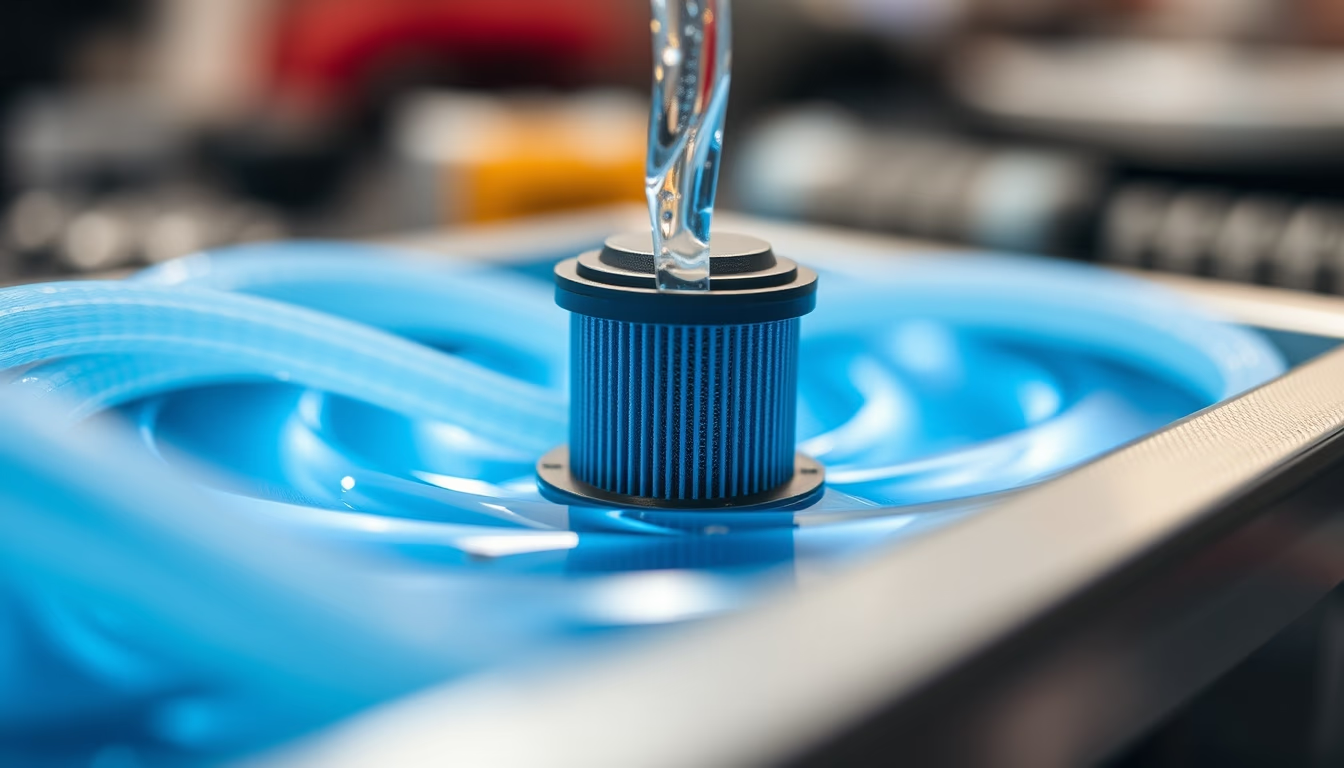
Coolant flows through tubes and water blocks in liquid cooling systems for computers, offering greater thermal efficiency than air coolers.
About this subject
A liquid cooling loop, also known as water cooling, is a system that uses a coolant fluid to dissipate heat generated by hardware components, mainly CPUs and GPUs. Unlike air coolers, which rely on heatsinks and fans, the liquid absorbs heat through a water block placed directly on the hot component. The fluid is then pumped to a radiator, where heat is transferred to the air via fins and fans, and the cooled liquid returns to the block, completing the cycle.
Key components of a custom loop include a pump, radiator, reservoir, water blocks for each component, tubing (rigid or flexible), fittings, and the coolant itself. Many enthusiasts choose custom loops for their aesthetics and superior performance, although there are also All-in-One (AIO) systems that come pre-assembled and sealed. An interesting fact: the coolant can be based on distilled water with anticorrosive and biocide additives, or non-conductive dielectric fluids such as propylene glycol, which reduce the risk of damage in case of a leak.
Maintaining a loop is essential for efficiency and longevity. The coolant should be replaced every 6 to 12 months, depending on component and fluid quality. Poorly maintained systems can suffer from algae growth, sediment buildup, or galvanic corrosion between different metals. Leaks are the primary concern, but quality fittings and pressure testing minimize this risk. Liquid cooling enables more aggressive overclocking, maintaining lower temperatures and often quieter operation than high-performance air coolers.
Frequently Asked Questions
What is the difference between liquid cooling and air cooling?
Liquid cooling uses a fluid to transfer heat to a radiator, while air cooling relies on metal heatsinks and fans. Liquid cooling generally offers better thermal efficiency, lower noise, and greater overclocking headroom, but it is more expensive and complex to install.
Is it safe to use liquid near electronic components?
Yes, if the system is correctly assembled with tight fittings and quality parts. Non-conductive (dielectric) fluids provide an extra safety layer. Leaks are rare in well-built loops, but pressure testing before powering on is advised.
How often should I change the coolant in a liquid cooling loop?
For custom loops, replace the coolant every 6 to 12 months to prevent algae, sediment buildup, and efficiency loss. For sealed AIO systems, replacement is not needed as the fluid has a long lifespan.
Direct URL
https://pub-c7d6a6ea828543ac903a74a341ccb2e1.r2.dev/imagens/liquid-cooling-loop-tilt-shift-miniature-p2.avifHow to credit
Include a visible link back to UtilizAí. Copy one of the snippets below:
<a href="https://xn--utiliza-eza.com/en/midia/imagens/liquid-cooling-loop-tilt-shift-miniature-p2">Liquid cooling loop</a> by <a href="https://xn--utiliza-eza.com">UtilizAí</a>, licensed under <a href="https://creativecommons.org/licenses/by/4.0/">CC BY 4.0</a>.
[Liquid cooling loop](https://xn--utiliza-eza.com/en/midia/imagens/liquid-cooling-loop-tilt-shift-miniature-p2) by [UtilizAí](https://xn--utiliza-eza.com), CC BY 4.0
License: CC-BY-4.0





