Liquid cooling loop
1344×768 · AVIF · CC BY 4.0
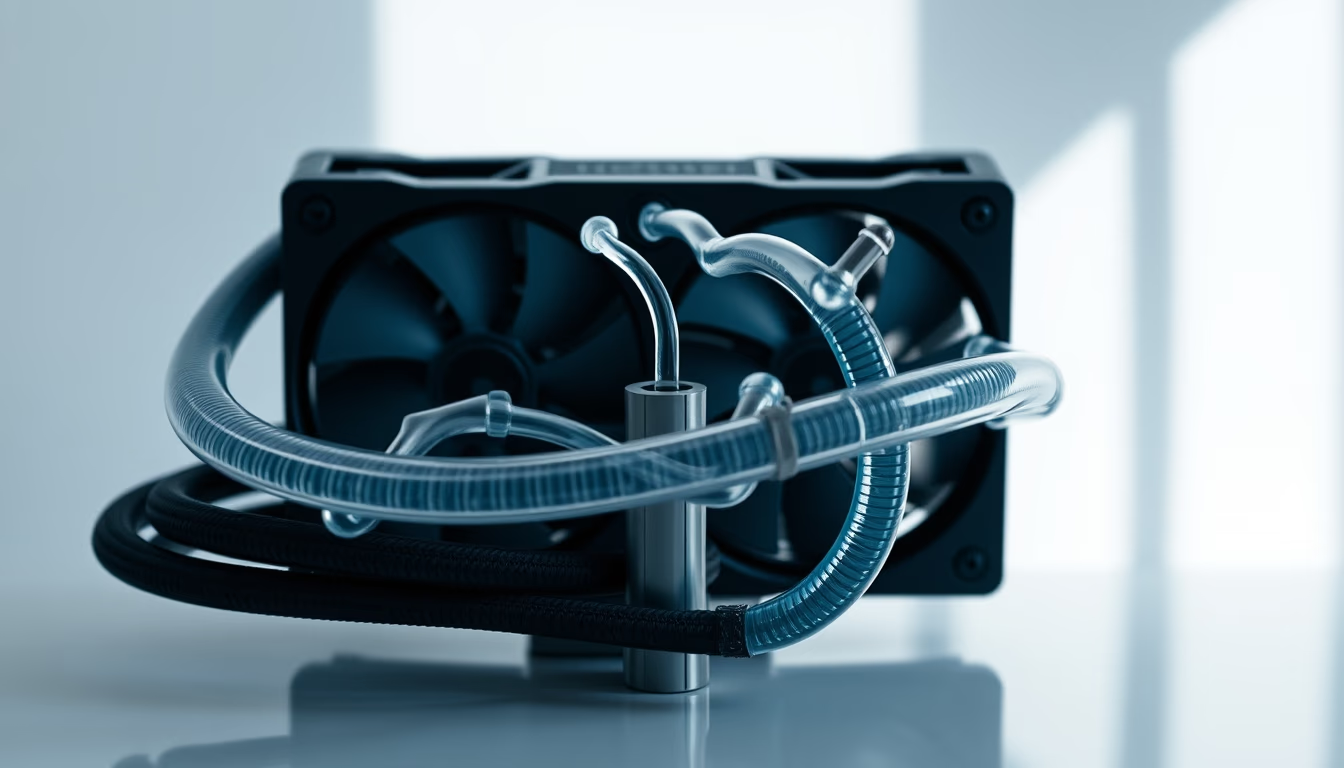
Liquid cooling loops for PCs, composed of pump, radiator, blocks, and tubes, efficiently and quietly dissipate heat from CPU/GPU.
About this subject
A liquid cooling loop, also known as a custom water cooling system, is a thermal management solution for computers that uses a liquid coolant to transfer heat from components such as the CPU and GPU. Unlike air coolers that rely on metal heatsinks and fans, the liquid circulates through water blocks mounted on hot components, absorbing heat and carrying it to a radiator, where it is dissipated into the ambient air. A pump maintains circulation, and a reservoir aids in maintenance and bleeding air bubbles.
This technology originally appeared in extreme overclocking and high-density server environments, where air cooling could not keep pace. Over time, it gained popularity among PC enthusiasts seeking not only superior thermal performance but also aesthetics, as loops can incorporate rigid acrylic or glass tubing, RGB lighting, and colored coolants. Major manufacturers like Corsair, EKWB, and Thermaltake offer modular components that enable highly customized builds.
An interesting fact is that the efficiency of a liquid loop heavily depends on radiator surface area and airflow. Larger radiators with higher fin density, paired with high static pressure fans, can extract more heat. Coolant selection also matters: distilled water with anti-corrosion and biocide additives is common, but dielectric fluids like Fluorinert are used in full immersion systems, though they are more expensive. Regular maintenance, including coolant replacement and block cleaning, is necessary to prevent clogging and performance degradation.
Culturally, custom water cooling is a hobby within the hardware community, with dedicated forums for build tips, project showcases, and overclocking competitions. In Brazil, the practice has grown as imported components become more accessible and specialized stores emerge. Despite the high cost, many users report significant temperature reductions, enabling aggressive overclocking stability and extending component lifespan.
Frequently Asked Questions
What is the difference between an AIO (All-In-One) and a custom loop?
An AIO is a sealed, pre-assembled unit that requires no maintenance. A custom loop is modular, allowing you to choose the pump, radiator, blocks, and tubing, and requires periodic maintenance such as coolant changes.
Is it safe to use tap water in a liquid cooling loop?
No. Tap water contains minerals and impurities that can cause corrosion and clogging. Distilled or deionized water with proper additives is recommended.
How many components can be cooled in a single loop?
You can cool CPU, GPU, VRMs, and even RAM in a single loop, provided the pump has sufficient pressure and the radiator has adequate thermal capacity. Each component adds resistance and thermal load.
Direct URL
https://pub-c7d6a6ea828543ac903a74a341ccb2e1.r2.dev/imagens/liquid-cooling-loop-minimalist-composition-p8.avifHow to credit
Include a visible link back to UtilizAí. Copy one of the snippets below:
<a href="https://xn--utiliza-eza.com/en/midia/imagens/liquid-cooling-loop-minimalist-composition-p8">Liquid cooling loop</a> by <a href="https://xn--utiliza-eza.com">UtilizAí</a>, licensed under <a href="https://creativecommons.org/licenses/by/4.0/">CC BY 4.0</a>.
[Liquid cooling loop](https://xn--utiliza-eza.com/en/midia/imagens/liquid-cooling-loop-minimalist-composition-p8) by [UtilizAí](https://xn--utiliza-eza.com), CC BY 4.0
License: CC-BY-4.0





